How to Save Money Automatically
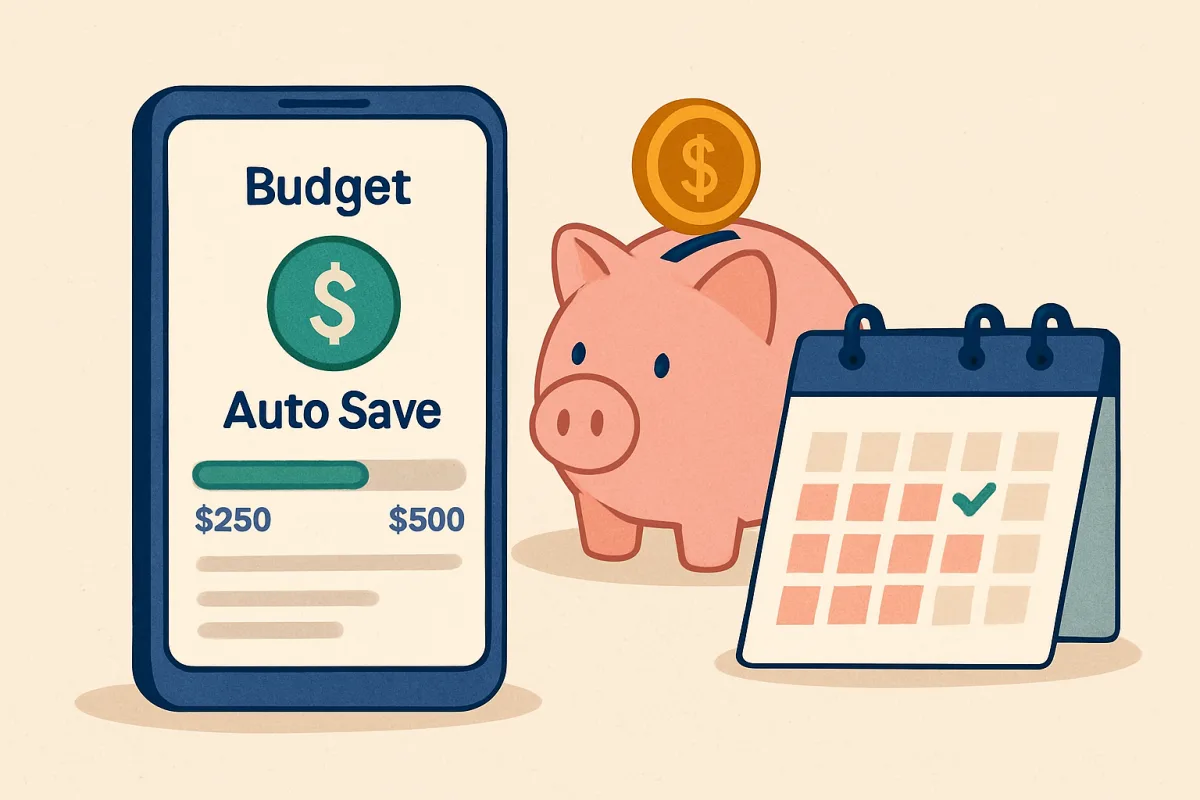
To save money automatically, consider setting up automatic transfers to a savings account, using budgeting apps, or enrolling in employer-sponsored savings programs. These methods help you save consistently without needing to think about it. For example, many banks allow you to schedule transfers from your checking to savings account, ensuring you save a set amount each month. Additionally, apps like Qapital or Digit analyze your spending habits and save small amounts for you, making it easier to build your savings effortlessly.
Quick Summary
Saving money automatically can simplify your financial management. By utilizing automatic transfers, budgeting apps, and employer savings programs, you can effortlessly grow your savings. These methods ensure that saving becomes a regular habit without requiring constant attention.
Curator Notes
Automating your savings is a smart strategy that can lead to significant financial benefits over time. One effective method is to set up automatic transfers from your checking account to a savings account. Most banks offer this feature, allowing you to choose the amount and frequency of transfers.
This way, you prioritize saving before spending, making it less likely that you'll dip into your savings for everyday expenses. Another option is to use budgeting apps like Qapital or Digit. These apps analyze your spending patterns and automatically save small amounts based on your habits.
For instance, Qapital allows you to set rules, such as rounding up your purchases to the nearest dollar and saving the difference. This method can make saving feel less burdensome and more integrated into your daily life. Finally, consider enrolling in employer-sponsored savings programs, such as direct deposit into a retirement account.
Many employers offer matching contributions, which can significantly boost your savings. By taking advantage of these programs, you not only save automatically but also benefit from additional contributions from your employer.
Recommended Options
- Qapital: Best for Individuals looking for a gamified savings experience Qapital allows users to set personalized savings goals and rules, making saving fun and engaging. Signal checked: Highly rated on app stores with positive user reviews highlighting its ease of use. Alternative to consider: Digit
- Digit: Best for People who want a hands-off approach to saving Signal checked: Widely used with a strong reputation for helping users save without effort. Alternative to consider: Acorns
- Acorns: Best for Investors looking to save and invest simultaneously Signal checked: Popular among millennials for its investment features and ease of use. Alternative to consider: Stash
Best Sources
Videos and Community Signals
Struggling to manage your money? I was too — until I found this budget app. It helped me track every euro, cut unnecessary ...
In this video I'll walk you through how (and why) I automate my finances, including bill payments and investments. Watch this ...
Comparison
| Decision Point | Good Starting Choice | When to Go Further |
|---|---|---|
| Method of Saving | Automatic bank transfers to savings account | Using a budgeting app like Qapital or Digit |
| User Engagement | Low engagement, set and forget | High engagement with gamified savings and personalized rules |
| Investment Options | Basic savings account with interest | Investment options available through apps like Acorns |
FAQ
You can start by setting up automatic transfers from your checking to savings account or using a budgeting app that automates savings.
Automatic savings help you save consistently without thinking about it, making it easier to reach your financial goals.
Some apps may charge a monthly fee, while others may offer free basic services. It's important to review the fee structure before committing.