YouTube Ads for Beginners
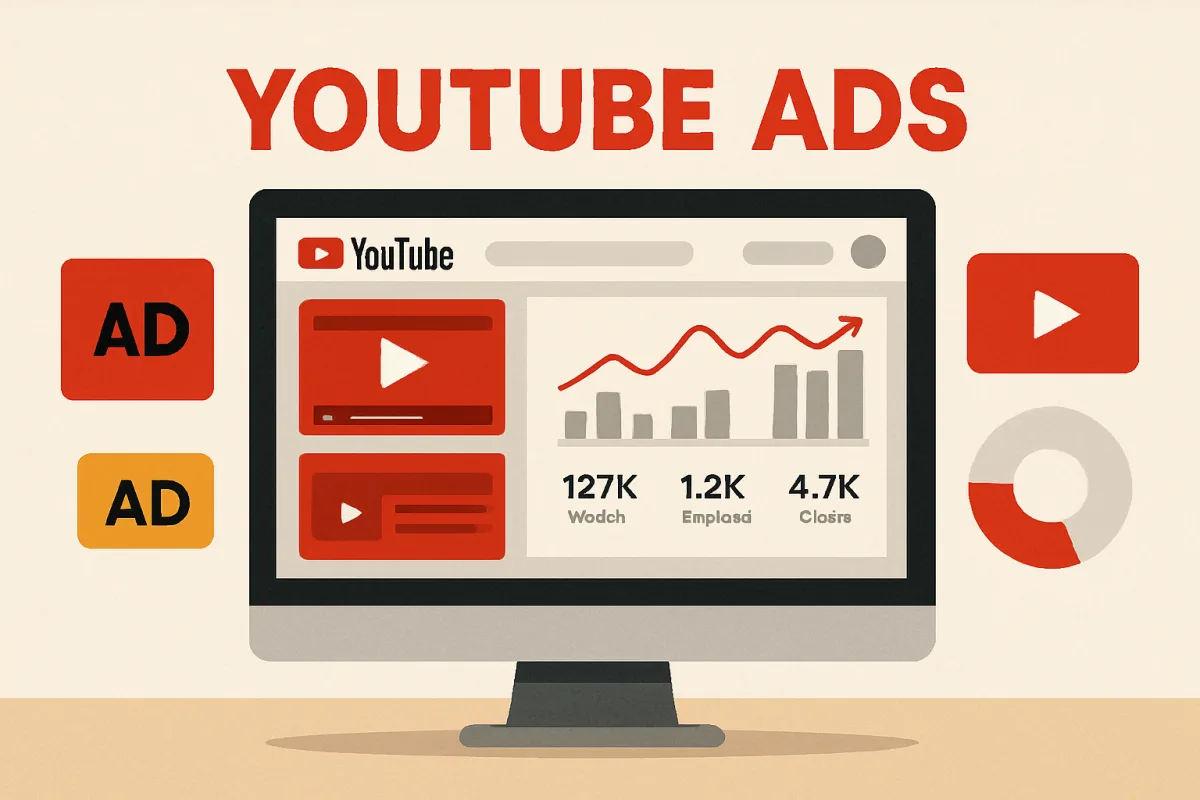
YouTube Ads are a powerful tool for marketers looking to reach a vast audience. They allow businesses to showcase their products or services through video content on one of the largest platforms globally. Beginners should start by understanding the different ad formats available, such as TrueView ads, bumper ads, and non-skippable ads, and how to set up a campaign using Google Ads. Familiarizing oneself with targeting options and budgeting strategies is essential for effective ad placement.
Quick Summary
This guide provides an overview of YouTube Ads for beginners, covering ad formats, campaign setup, targeting options, and budgeting strategies. Understanding these elements is crucial for effectively reaching your audience and maximizing your ad spend.
Curator Notes
YouTube Ads offer various formats to cater to different marketing objectives. TrueView ads, for instance, allow viewers to skip after five seconds, which can lead to cost savings if users choose not to watch. Bumper ads are short, six-second videos that cannot be skipped, making them ideal for brand awareness.
Non-skippable ads, while effective, may lead to viewer frustration if overused. Understanding these formats helps beginners choose the right approach based on their goals. Setting up a YouTube Ads campaign involves linking your YouTube channel to Google Ads, selecting your ad format, and defining your target audience.
Targeting options include demographics, interests, and behaviors, enabling advertisers to reach specific groups effectively. Budgeting is also crucial; beginners should start with a modest budget to test ad performance before scaling up. Monitoring analytics will provide insights into what works and what needs adjustment, ensuring continuous improvement in ad effectiveness.
Recommended Options
- Google Ads: Best for Businesses looking to create and manage YouTube Ads Google Ads integrates seamlessly with YouTube, providing detailed analytics and targeting options. Signal checked: Widely used by businesses of all sizes, with extensive resources available for learning. Alternative to consider: Facebook Ads for social media targeting.
- Canva: Best for Creating engaging video thumbnails and ad graphics User-friendly interface with templates specifically for YouTube. Signal checked: Popular among marketers for its ease of use and design capabilities. Alternative to consider: Adobe Spark for more advanced design features.
Best Sources
Videos and Community Signals
Want to start running ads on YouTube? Not sure how to get started? In this video, expert@AllieBloydprovides a complete ...
For Courses visit - https://learn.umartazkeer.com/ or connect at +919721410786. For Agency visit - https://utdigitalmedia.com/ or ...
Comparison
| Decision Point | Good Starting Choice | When to Go Further |
|---|---|---|
| Ad Format | TrueView Ads for flexibility and cost-effectiveness. | Non-skippable Ads for guaranteed viewer engagement. |
| Targeting Options | Demographic targeting for basic audience reach. | Behavioral targeting for more precise audience engagement. |
| Budgeting | Daily budget for controlled spending. | Campaign budget for broader reach and flexibility. |
FAQ
You can start with a daily budget as low as $1, but it's recommended to allocate more for effective reach.
Use Google Ads analytics to track views, click-through rates, and conversions.