Video Editing Apps For Phone
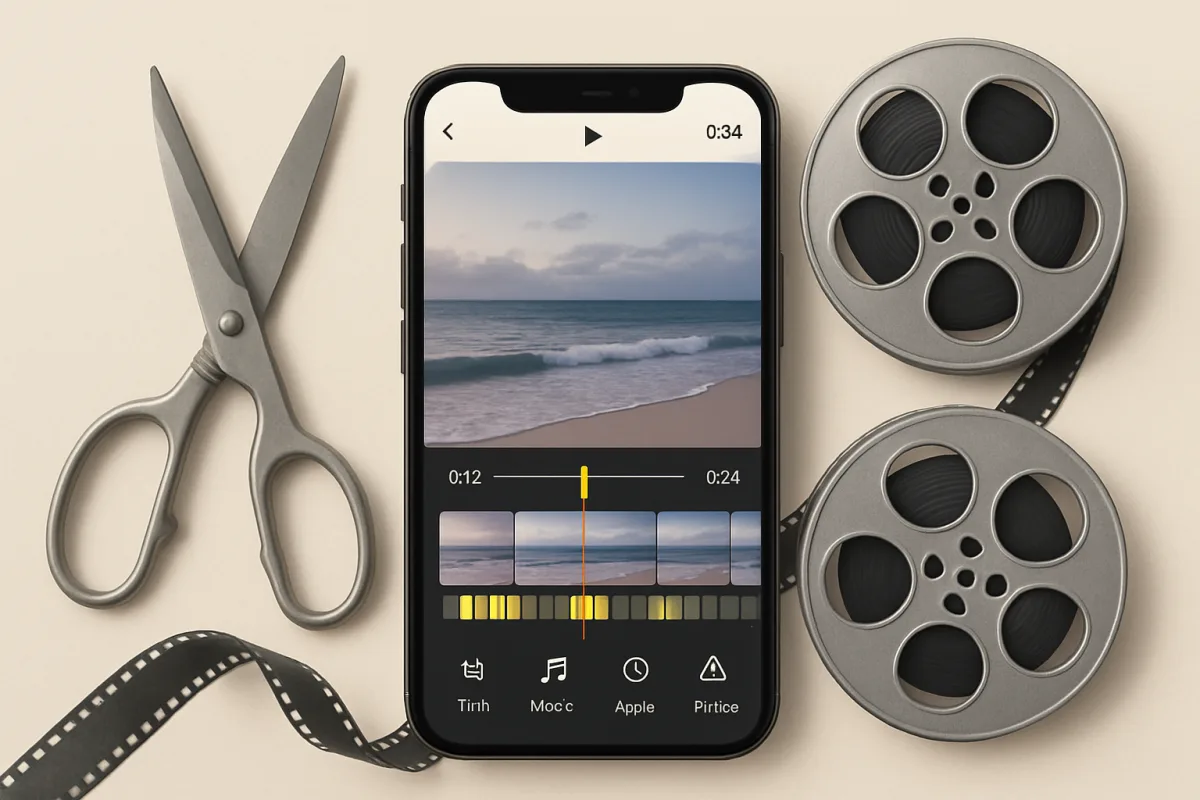
For mobile video editing, several standout apps cater to different needs. Adobe Premiere Rush is ideal for those seeking professional-grade features with a user-friendly interface. InShot offers a great balance of simplicity and functionality, perfect for social media content creators. CapCut is gaining popularity for its robust features and free access, making it a favorite among TikTok users. Each app has unique strengths, so your choice should align with your editing style and project requirements.
Quick Summary
Mobile video editing has evolved significantly, with numerous apps available that cater to various skill levels and needs. Adobe Premiere Rush stands out for its professional features, while InShot is favored for its ease of use and social media optimization. CapCut is a strong contender, especially for those looking for a free option with extensive capabilities. Understanding the strengths and weaknesses of these apps can help you choose the right one for your video projects.
Curator Notes
Video editing on mobile devices has become increasingly accessible, thanks to a variety of apps that cater to different user needs. For professionals or those seeking high-quality output, Adobe Premiere Rush is a top choice. It offers advanced features like multi-track editing and customizable motion graphics, making it suitable for more complex projects.
However, it does come with a learning curve, which might be daunting for beginners. InShot is another popular app that strikes a balance between functionality and user-friendliness. It is particularly well-suited for social media content creators, offering features like easy trimming, filters, and text overlays.
The app's intuitive interface allows users to create engaging videos quickly, although it may lack some advanced features found in more professional software. CapCut has gained traction recently, especially among younger audiences and TikTok users. Its robust feature set is available for free, making it an attractive option for those who want to experiment without financial commitment.
However, users should be aware that while it offers many features, the interface can sometimes feel cluttered, which may hinder the editing experience. When choosing a video editing app, consider your specific needs. If you're focused on social media, InShot or CapCut may be more suitable.
Conversely, if you're looking to produce high-quality videos for professional use, Adobe Premiere Rush is worth the investment. Additionally, keep in mind that some apps may have in-app purchases or subscription models that could affect your budget. Another factor to consider is the community and support available for each app.
Adobe Premiere Rush benefits from extensive online tutorials and a large user community, which can be helpful for troubleshooting. InShot and CapCut also have active communities, but the resources may not be as comprehensive as those for Adobe. Lastly, always check for updates and new features.
Video editing apps frequently evolve, and staying informed about the latest developments can enhance your editing experience. Each app has its unique strengths and weaknesses, so take the time to explore them before making a decision. Your choice should reflect your editing style, the type of content you create, and your comfort level with technology.
Recommended Options
- Adobe Premiere Rush: Best for Professional video editing on mobile Offers advanced features like multi-track editing and motion graphics. Signal checked: Widely used by professionals and praised for its quality. Alternative to consider: Final Cut Pro for desktop users.
- InShot: Best for Social media content creators User-friendly interface with essential editing tools. Signal checked: Highly rated on app stores for ease of use. Alternative to consider: Canva Video for design-focused editing.
- CapCut: Best for Casual users and TikTok creators Robust features available for free. Signal checked: Rapidly growing user base among younger audiences. Alternative to consider: KineMaster for more advanced features.
Best Sources
Videos and Community Signals
In this video, I break down the top apps creators are using to film, edit, organize, and optimize content for social media growth ...
Most beginner creators think they need expensive equipment to start editing videos. But modern creators are building entire ...
Comparison
| Decision Point | Good Starting Choice | When to Go Further |
|---|---|---|
| User Interface | InShot for its simplicity. | Adobe Premiere Rush for detailed control. |
| Cost | CapCut as a free option. | Adobe Premiere Rush for professional features. |
| Feature Set | InShot for basic editing needs. | Adobe Premiere Rush for comprehensive editing tools. |
FAQ
CapCut is one of the best free video editing apps, offering extensive features without any cost.
If you're serious about video editing and need professional features, Adobe Premiere Rush is worth the investment.
Yes, all these apps are suitable for creating content for YouTube, depending on your editing needs.