Ultrawide vs Dual Monitor Setup
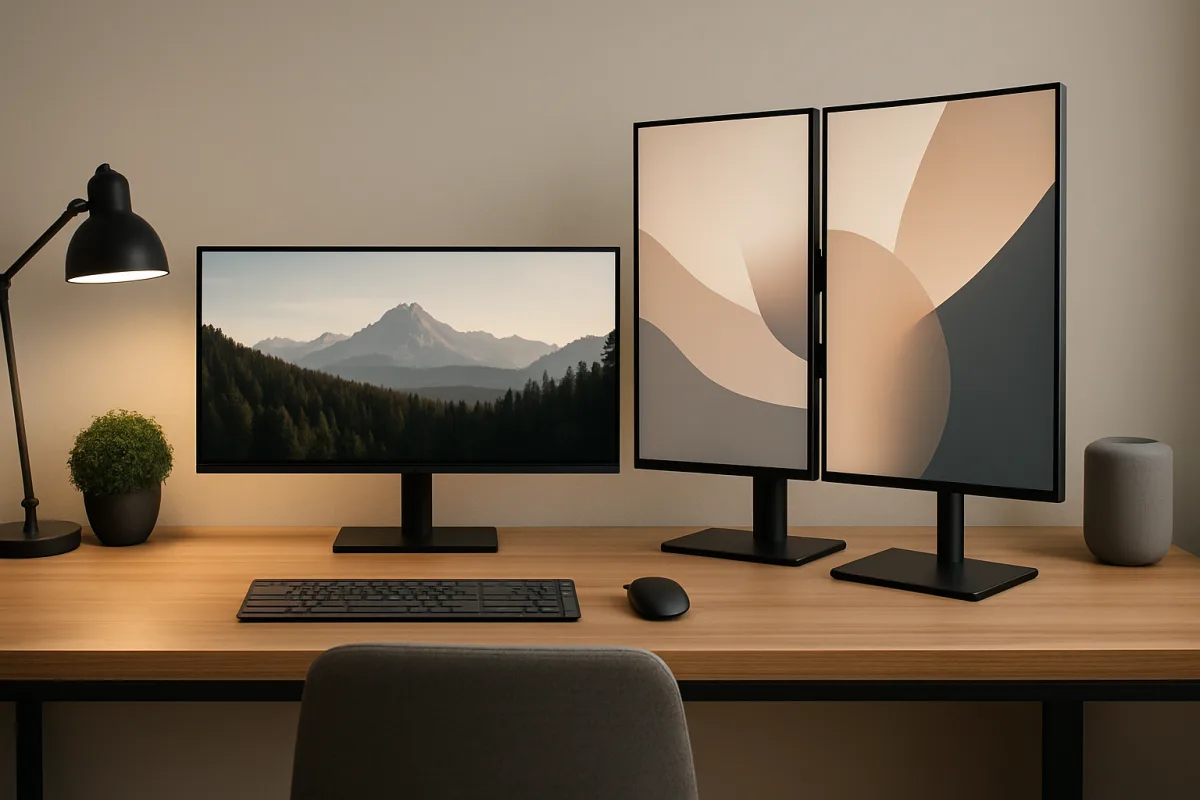
Choosing between an ultrawide monitor and a dual monitor setup depends on your specific needs. Ultrawide monitors provide a seamless experience with a single screen, ideal for multitasking and immersive gaming. In contrast, dual monitors offer flexibility in arrangement and can be more cost-effective, especially for users who need distinct workspaces. Each option has its advantages, so consider your workspace, budget, and usage patterns before deciding.
Quick Summary
When deciding between an ultrawide monitor and a dual monitor setup, consider factors like workspace, budget, and specific use cases. Ultrawide monitors offer a unified display, while dual monitors provide flexibility and distinct work areas. Both setups have unique advantages that cater to different user needs.
Curator Notes
Ultrawide monitors typically feature a 21:9 aspect ratio, providing a wider field of view without the bezels that come with dual monitors. This makes them particularly appealing for gamers and creative professionals who benefit from a continuous workspace. They also require less desk space and can reduce cable clutter, making for a cleaner setup.
However, ultrawide monitors can be more expensive and may not fit all desks, especially smaller ones. On the other hand, dual monitor setups allow for greater customization. Users can choose different sizes and resolutions for each monitor, tailoring their workspace to specific tasks.
This setup can be more cost-effective, as you can start with two smaller monitors rather than investing in a single large ultrawide. However, dual monitors can lead to distractions due to bezels and may require more desk space. Ultimately, the choice depends on your workflow and personal preferences.
Recommended Options
- LG 34WN80C-B: Best for Creative professionals and gamers Offers a 34-inch curved display with excellent color accuracy and a wide viewing angle. Signal checked: Highly rated for its immersive experience and productivity features. Alternative to consider: Dell UltraSharp U3415W
- Dell P2720DC: Best for Office workers and multitaskers Signal checked: Well-reviewed for its versatility and ergonomic design. Alternative to consider: HP Z27
- ASUS ROG Strix XG49VQ: Best for Gamers seeking an immersive experience Signal checked: Popular among gamers for its smooth performance and large screen real estate. Alternative to consider: Samsung Odyssey G9
Best Sources
Videos and Community Signals
Samsung Super Ultrawide Monitor compared to a dual monitor setup. Lots of games tested, and software tools tested. If you're ...
microcenter #monitor #productivity Sometimes you just need more space! Screenwise anyway. So do you do dual screens or get ...
Comparison
| Decision Point | Good Starting Choice | When to Go Further |
|---|---|---|
| Aspect Ratio | 16:9 (standard monitors) | 21:9 (ultrawide monitors) |
| Desk Space | Requires more space for dual monitors | Less space needed for a single ultrawide monitor |
| Cost | Generally lower for dual monitors | Higher initial investment for ultrawide monitors |
| Flexibility | Can mix and match different monitor sizes | Single cohesive display without bezels |
FAQ
Ultrawide monitors are generally better for gaming due to their immersive experience and wider field of view.
Yes, ultrawide monitors are excellent for productivity, allowing multiple windows to be open side by side without distractions.
Typically, dual monitors can be more cost-effective, especially if you opt for smaller, less expensive models.