Tools Every Content Creator Needs
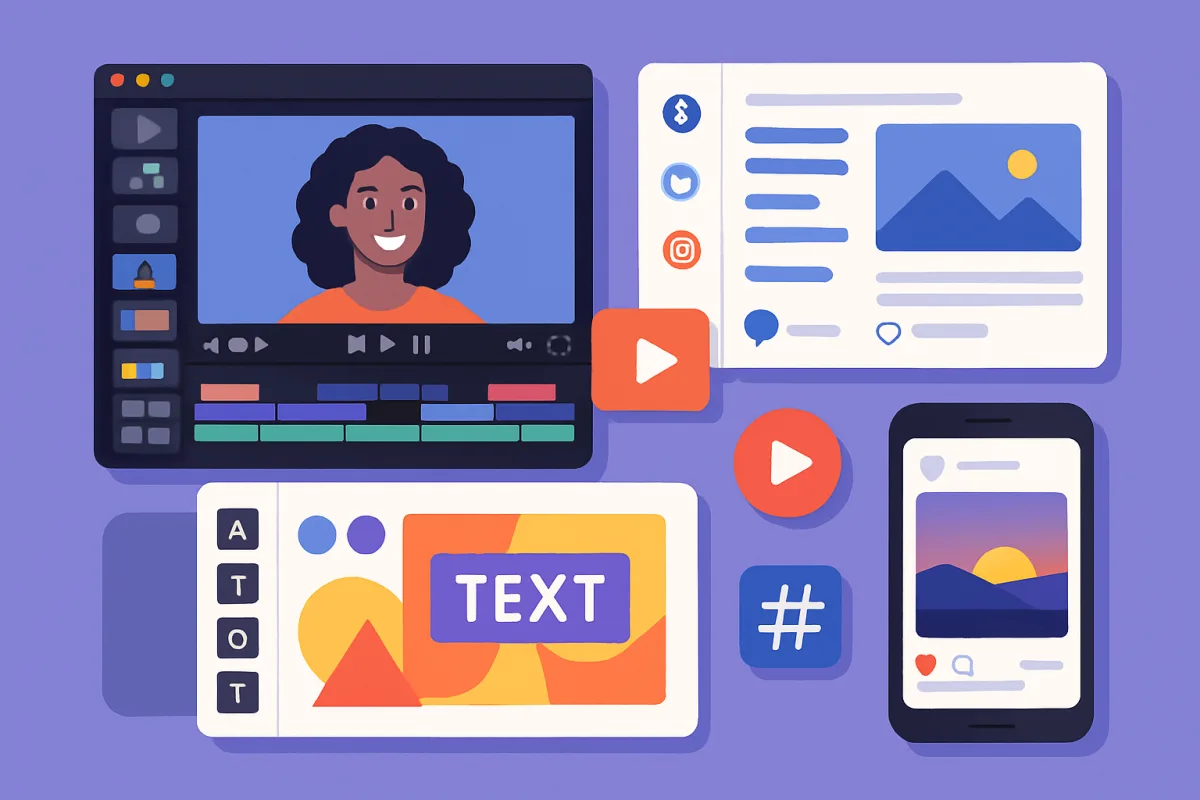
Content creators need a variety of tools to enhance their workflow and output quality. Essential tools include video editing software like Adobe Premiere Pro, graphic design platforms such as Canva, and social media management tools like Hootsuite. Each of these tools offers unique features that cater to different aspects of content creation, from video production to visual design and audience engagement.
Quick Summary
This guide covers essential tools for content creators, including software for video editing, graphic design, and social media management. Each tool is selected based on its features, usability, and popularity among creators, ensuring that you have the right resources to enhance your content production process.
Curator Notes
Content creation encompasses a range of activities, from video production to graphic design and social media management. To streamline these processes, creators often rely on specialized tools. For instance, Adobe Premiere Pro is a leading video editing software that offers advanced features for professional editing, making it ideal for those producing high-quality video content.
Its extensive capabilities allow for intricate edits, color grading, and audio adjustments, which are crucial for polished final products. On the graphic design front, Canva stands out as a user-friendly platform that enables creators to design stunning visuals without needing extensive design skills. Its drag-and-drop interface, coupled with a vast library of templates and assets, makes it accessible for beginners while still offering enough depth for more experienced designers.
Additionally, social media management tools like Hootsuite help creators schedule posts, analyze performance, and engage with their audience across multiple platforms, saving time and improving outreach. Ultimately, the right tools can significantly enhance a content creator's efficiency and output quality. By selecting tools that align with specific needs—whether it's video editing, graphic design, or social media management—creators can focus more on their craft and less on the logistics of content production.
Recommended Options
- Adobe Premiere Pro: Best for Professional video editing Industry-standard software with advanced editing features. Signal checked: Widely used by professionals and praised in reviews. Alternative to consider: Final Cut Pro for Mac users.
- Canva: Best for Graphic design for beginners and pros User-friendly interface with a vast template library. Signal checked: High user ratings and extensive online tutorials. Alternative to consider: Adobe Spark for more advanced features.
- Hootsuite: Best for Social media management Comprehensive scheduling and analytics tools. Signal checked: Popular among marketers and content creators. Alternative to consider: Buffer for simpler social media scheduling.
Best Sources
Videos and Community Signals
In this video, I looked at all the tools that we as content creators need. ☆ About me ☆ My name is Jean Wandimi. I love creating ...
Platforms and Culture aka "PAC" will change your social media game in 2023. Whether you're a business owner marketing a ...
Comparison
| Decision Point | Good Starting Choice | When to Go Further |
|---|---|---|
| Type of content | Basic video editing | Professional video production with advanced features |
| User experience | Simple, intuitive design tools | Complex design capabilities for experienced users |
| Social media integration | Basic scheduling tools | Comprehensive analytics and engagement features |
FAQ
Start with user-friendly tools like Canva for design, and basic video editing software like iMovie or Windows Movie Maker.
Yes, tools like DaVinci Resolve for video editing and GIMP for graphic design offer free options with robust features.