Todoist vs Things vs OmniFocus
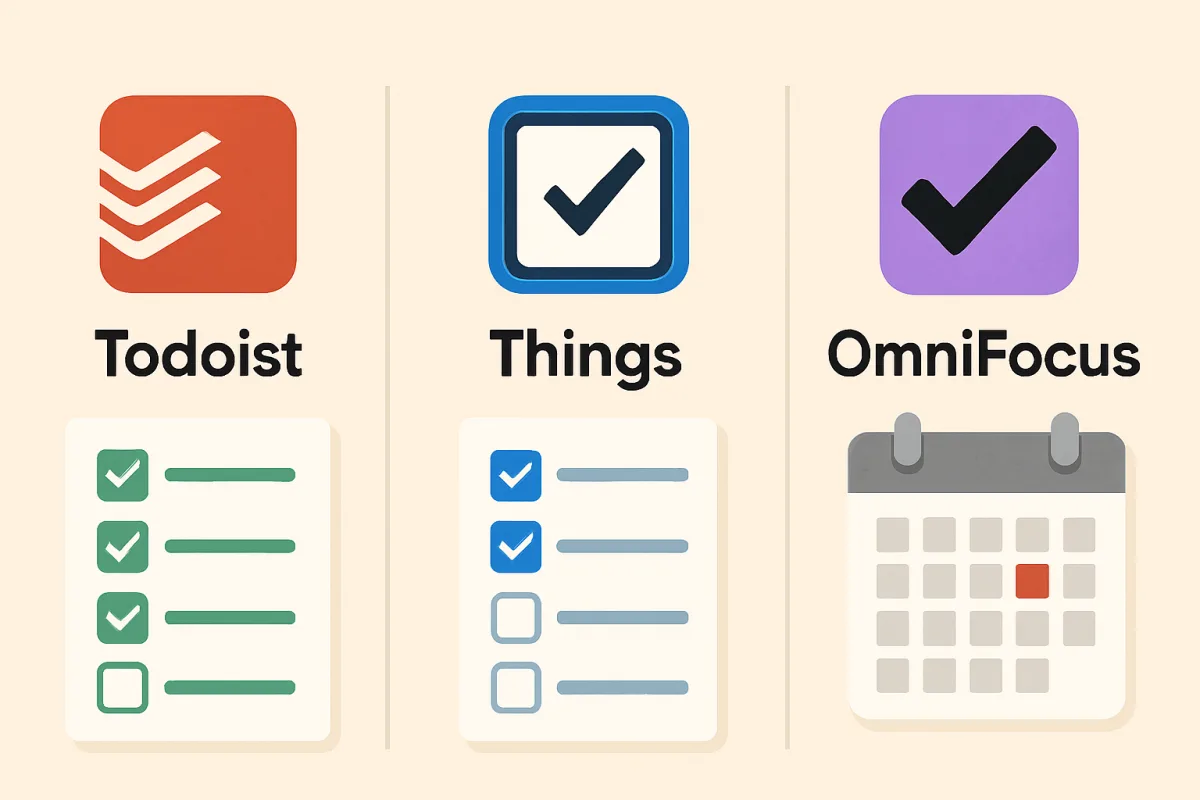
Todoist, Things, and OmniFocus are three popular task management tools, each catering to different user needs. Todoist is best for flexibility and collaboration, Things excels in simplicity and design, while OmniFocus is ideal for advanced users needing robust features. Choosing the right tool depends on your workflow preferences and specific task management needs.
Quick Summary
This guide compares Todoist, Things, and OmniFocus, three leading task management applications. Each offers unique features tailored to different user requirements, from basic task tracking to advanced project management. Understanding their strengths and weaknesses will help you select the best tool for your productivity needs.
Curator Notes
Todoist is known for its flexibility and collaborative features, making it suitable for teams and individuals who need to manage tasks across various projects. It offers integrations with numerous apps, allowing users to customize their workflow. The user interface is straightforward, which helps in quickly adding and organizing tasks.
However, some users may find its advanced features overwhelming at first. Things, on the other hand, is designed with simplicity and aesthetics in mind. It is particularly favored by Apple users due to its seamless integration with macOS and iOS.
The app provides a clean and intuitive interface, allowing users to focus on their tasks without distractions. However, it lacks some advanced features that power users might expect, such as extensive project management tools. OmniFocus is tailored for advanced users who require robust task management capabilities.
It offers features like custom perspectives and advanced filtering, making it ideal for complex project management. However, its steep learning curve and higher price point may deter casual users. Ultimately, the choice among these tools depends on your specific needs, whether you prioritize collaboration, simplicity, or advanced features.
Recommended Options
- Todoist: Best for Individuals and teams needing flexibility Offers extensive integrations and collaboration features. Signal checked: Highly rated on productivity forums and app stores. Alternative to consider: Microsoft To Do for a free alternative.
- Cultured Code Things: Best for Apple users seeking simplicity and design Intuitive interface and seamless Apple ecosystem integration. Signal checked: Popular among Mac and iOS users with strong user reviews. Alternative to consider: Apple Reminders for basic task management.
- The Omni Group OmniFocus: Best for Advanced users needing robust project management Powerful features for detailed task management. Signal checked: Recommended by productivity experts and enthusiasts. Alternative to consider: Asana for team project management.
Best Sources
Videos and Community Signals
Choosing a to-do list app can be overwhelming! We're here to help you choose. Download Bento: https://dub.sh/bento-app ...
Sponsor: 3i P10 Ultra Link: https://amzn.to/3YnuRtX 5% Off Discount Code: P10USAVE5 Let's talk about how I do task and project ...
Comparison
| Decision Point | Good Starting Choice | When to Go Further |
|---|---|---|
| User Interface | Todoist - Simple and straightforward. | Things - Clean and aesthetically pleasing. |
| Collaboration Features | Todoist - Strong collaboration tools. | OmniFocus - Limited collaboration but powerful for individual use. |
| Advanced Features | Things - Basic task management. | OmniFocus - Extensive project management capabilities. |
| Platform Availability | Todoist - Cross-platform support. | Things - Limited to Apple devices. |
FAQ
Todoist is often recommended for beginners due to its user-friendly interface and flexibility.
Todoist and Things offer offline capabilities, while OmniFocus also allows offline access but requires initial setup.
Todoist has a free tier, while Things and OmniFocus are paid-only options.