Start A YouTube Channel Guide
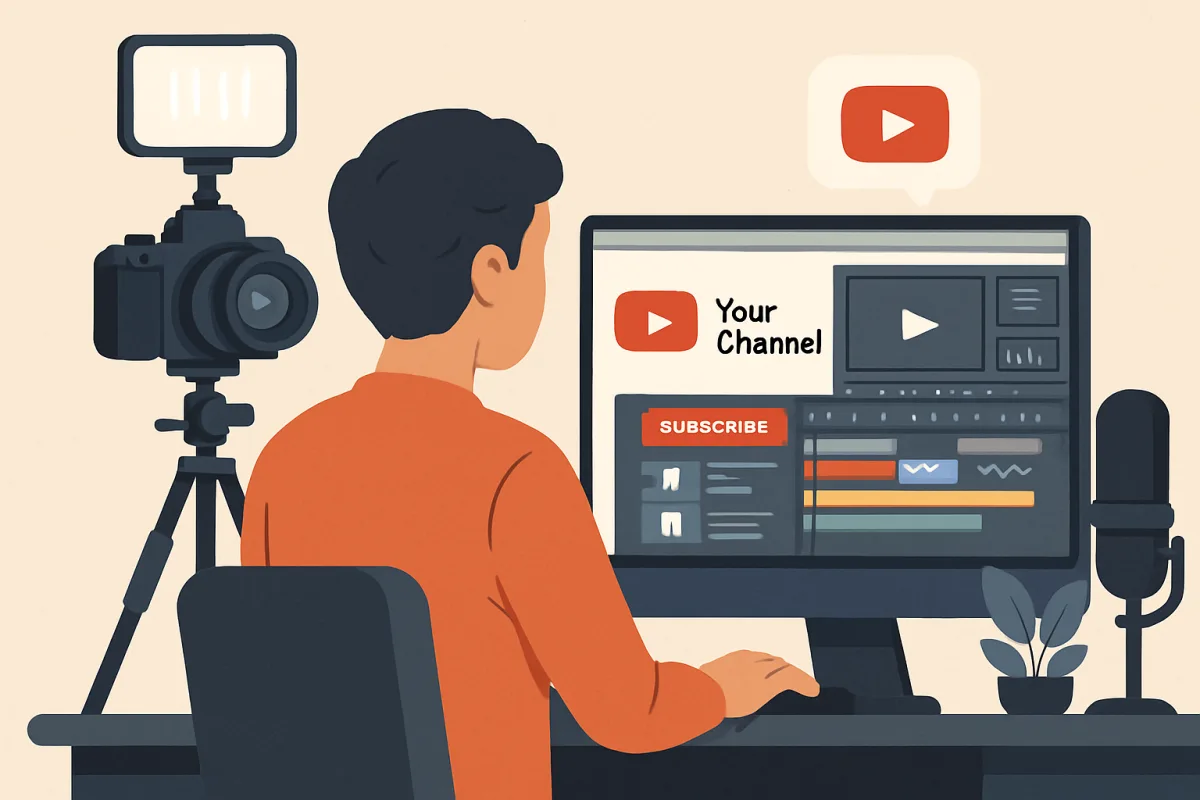
Starting a YouTube channel involves several key steps: defining your niche, creating quality content, optimizing for SEO, and engaging with your audience. Begin by identifying what topics you are passionate about and what audience you want to reach. Invest in good equipment for video and audio quality, and learn basic editing skills. Optimize your video titles, descriptions, and tags with relevant keywords to improve discoverability. Finally, engage with your viewers through comments and social media to build a community around your channel.
Quick Summary
Launching a YouTube channel requires careful planning and execution. Focus on your niche, invest in quality content creation, and optimize your videos for search engines. Engaging with your audience is crucial for building a loyal following. This guide outlines the essential steps to get started effectively, from content creation to community engagement, ensuring you have a solid foundation for your channel's growth.
Curator Notes
Choosing a niche is the first and perhaps most critical step in starting a YouTube channel. Your niche should reflect your interests and expertise while also considering audience demand. Research trending topics within your area of interest to find a balance between passion and potential viewership.
This will help you create content that resonates with your audience and keeps them coming back for more. Investing in quality equipment is essential for producing professional-looking videos. While you don’t need the most expensive gear, a decent camera and microphone can significantly enhance your video quality.
Consider starting with a smartphone camera and an affordable external microphone, then upgrade as your channel grows. Good lighting is also crucial; natural light works well, but softbox lights can provide consistency. Editing your videos is another vital aspect.
Familiarize yourself with editing software that suits your skill level. Programs like Adobe Premiere Pro and Final Cut Pro offer advanced features, while simpler options like iMovie or DaVinci Resolve can be great for beginners. Good editing can make your content more engaging and polished, helping to retain viewer attention.
Search Engine Optimization (SEO) is key to making your videos discoverable. Use relevant keywords in your video titles, descriptions, and tags. Tools like TubeBuddy or VidIQ can help you identify effective keywords and optimize your content.
Creating eye-catching thumbnails can also improve click-through rates, so invest time in designing appealing visuals that accurately represent your video content. Engagement is crucial for building a community around your channel. Respond to comments, ask for feedback, and encourage viewers to subscribe.
Consider creating social media accounts to interact with your audience outside of YouTube. This can help you build a loyal following and increase your channel's visibility. Consistency is another important factor.
Establish a regular upload schedule that you can realistically maintain. Whether it’s weekly or bi-weekly, consistency helps set viewer expectations and keeps your audience engaged. Over time, you can analyze your performance metrics to see what works best and adjust your strategy accordingly.
Finally, be patient and persistent. Growing a YouTube channel takes time and effort. Focus on improving your content and engaging with your audience rather than obsessing over subscriber counts.
Celebrate small milestones and learn from your experiences to continue evolving your channel over time.
Recommended Options
- Adobe Premiere Pro: Best for Advanced video editing Industry-standard software with powerful features. Signal checked: Widely used by professionals and offers extensive tutorials. Alternative to consider: Final Cut Pro for Mac users.
- TubeBuddy: Best for SEO optimization Provides keyword research and optimization tools. Signal checked: Highly rated by YouTube creators for its effectiveness. Alternative to consider: VidIQ for similar features.
- Logitech C920 Webcam: Best for Quality video recording Offers excellent video quality at an affordable price. Signal checked: Popular among YouTubers for its reliability. Alternative to consider: Razer Kiyo for built-in lighting.
Best Sources
Videos and Community Signals
Check out our FREE CLASS on 3 Secrets for Growing Your YouTube Channel in 2026 here!: http://ThinkMasterclass.com This ...
My Tiktok- malxikaaa Instagram- Artcoaster_ My shop ⇩✨ https://linktr.ee/Malxikaaa Business email: malxikaaa@gmail.com ...
Comparison
| Decision Point | Good Starting Choice | When to Go Further |
|---|---|---|
| Content Creation Tools | Free editing software like iMovie for beginners. | Adobe Premiere Pro for advanced editing capabilities. |
| SEO Tools | Free keyword research tools for initial optimization. | TubeBuddy for comprehensive SEO insights. |
| Camera Quality | Smartphone camera for budget-friendly options. | Logitech C920 for professional-quality recording. |
FAQ
Starting a YouTube channel can be free, but investing in quality equipment and software can range from a few hundred to several thousand dollars, depending on your needs.
While you need at least 1,000 subscribers to monetize through the YouTube Partner Program, building a loyal audience is more important for long-term success.
Focus on topics you are passionate about and that have an audience demand. Research trends and audience interests to find your niche.