Solo Indie Game Dev: Where to Start
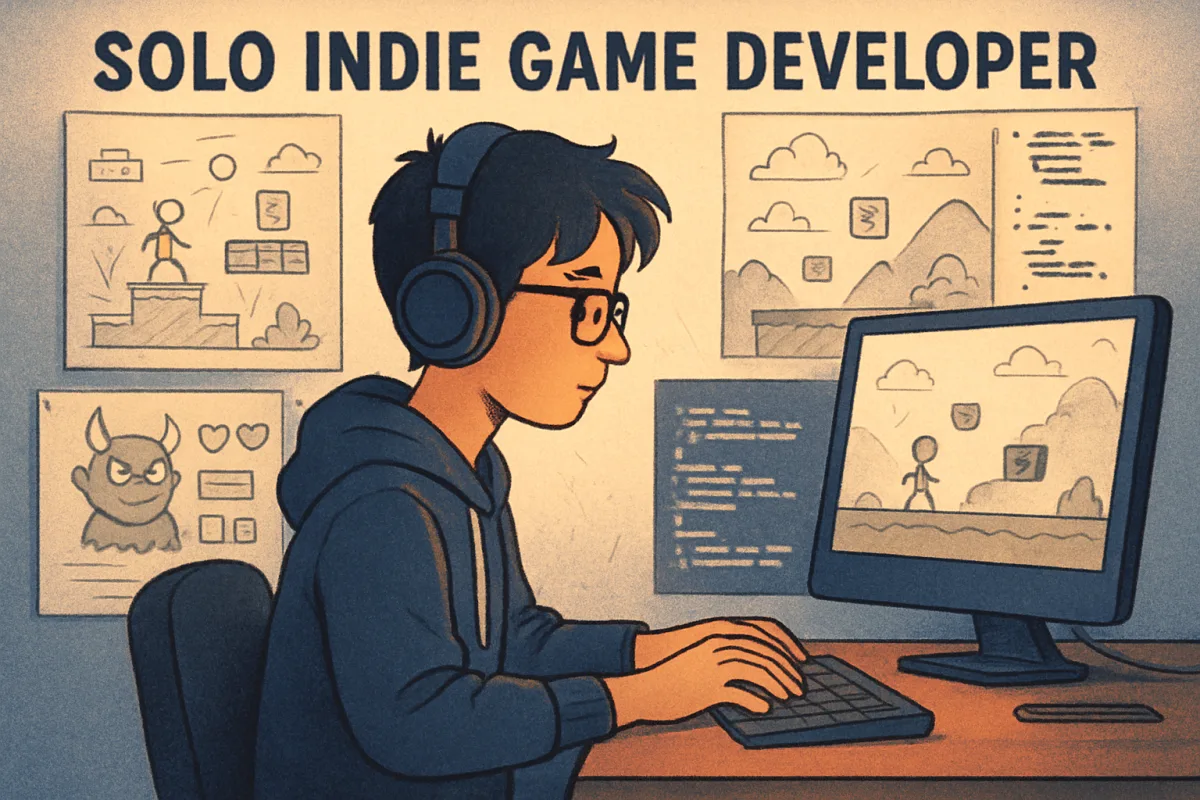
Starting as a solo indie game developer involves several key steps: defining your game concept, choosing the right tools, learning essential skills, and engaging with the community. Begin by brainstorming unique game ideas and identifying your target audience. Next, select a game engine that fits your needs, such as Unity for 3D games or Godot for 2D projects. Learning programming languages like C# or GDScript will be crucial. Finally, connect with other developers through forums and social media to gain insights and feedback. This structured approach will help you navigate the complexities of indie game development effectively.
Quick Summary
Embarking on a solo indie game development journey requires careful planning and resource selection. Start by defining your game idea and understanding your audience. Choose a suitable game engine like Unity or Godot, and invest time in learning relevant programming skills. Engaging with the indie game community can provide valuable feedback and support. This roadmap will guide you through the initial stages of game development, helping you transform your ideas into playable experiences.
Curator Notes
Defining your game concept is the first crucial step in your indie game development journey. Think about what makes your idea unique and how it can stand out in a crowded market. Consider your target audience and what they might enjoy.
This foundational work will guide your development process and help you stay focused on your vision. Choosing the right tools is equally important. Game engines like Unity and Godot offer different features tailored to various types of games.
Unity is widely used for 3D games and has a vast resource library, while Godot is praised for its simplicity and flexibility in 2D game development. Assess your project requirements and select a tool that aligns with your goals. Learning essential programming skills is a must for any indie developer.
Familiarize yourself with languages such as C# for Unity or GDScript for Godot. Online platforms like Codecademy and Udemy offer courses tailored to game development, making it easier to acquire these skills at your own pace. Don't underestimate the value of understanding game design principles, as they will inform your development decisions.
Engaging with the indie game community can provide invaluable support and feedback. Platforms like Reddit, Discord, and specialized forums allow you to connect with other developers, share your progress, and receive constructive criticism. Networking can also lead to collaborations and opportunities that you might not encounter on your own.
Consider the importance of prototyping. Before diving into full-scale development, create a simple prototype of your game. This will help you test your ideas and mechanics without committing to a lengthy development cycle.
Iteration is key; be prepared to refine your concept based on feedback and playtesting. Lastly, don't overlook the marketing aspect of game development. Building an online presence through social media and a dedicated website can help you attract an audience even before your game is released.
Share your development journey, engage with potential players, and create buzz around your project. This proactive approach can significantly impact your game's success upon launch.
Recommended Options
- Unity: Best for 3D game development Unity offers a robust set of tools and a large community for support. Signal checked: Widely used in the industry with extensive learning resources available. Alternative to consider: Unreal Engine for high-fidelity graphics.
- Godot: Best for 2D game development Godot is open-source and user-friendly, making it ideal for beginners. Signal checked: Growing popularity among indie developers for its flexibility. Alternative to consider: Construct for simpler 2D projects.
- GameMaker Studio 2: Best for 2D games with less coding Intuitive drag-and-drop interface allows for quick prototyping. Signal checked: Strong community support and educational resources. Alternative to consider: RPG Maker for narrative-driven games.
Best Sources
Videos and Community Signals
I chat with Thomas Vandenberg, who sold over a million copies of his game, about his #1 piece of advice for Indies. ▻ Learn how ...
The fastest and best crash course on how to make a commercially successful indie game for PC (on Steam). 0:00 - Intro 0:09 ...
Comparison
| Decision Point | Good Starting Choice | When to Go Further |
|---|---|---|
| Game Engine | Godot for simple 2D projects. | Unity for complex 3D games. |
| Learning Curve | GameMaker for beginners with minimal coding. | Unity for those willing to invest time in programming. |
| Community Support | Godot for a growing community. | Unity for extensive resources and forums. |
FAQ
Basic programming skills, game design principles, and familiarity with game engines are essential.
Yes, tools like GameMaker Studio and RPG Maker allow for game development with minimal coding.
Build an online presence through social media, share your development process, and engage with potential players.