Smart Home Hubs Compared
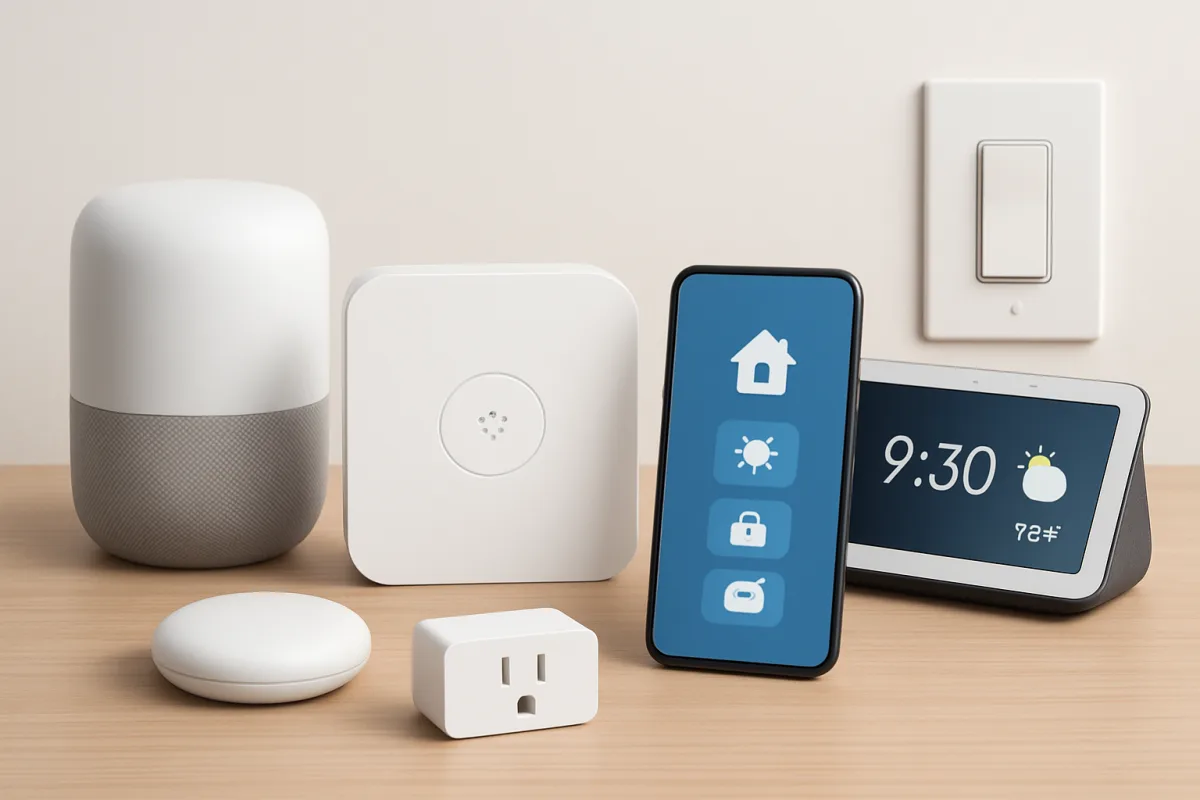
Smart home hubs serve as central controllers for various smart devices in your home. Popular options include Amazon Echo Plus, Google Nest Hub, and Samsung SmartThings Hub. Each has unique features: Echo Plus excels in voice control and smart speaker functionality, Google Nest Hub offers a user-friendly display, and SmartThings Hub supports a wide range of devices. Choosing the right hub depends on your existing devices and preferred ecosystem.
Quick Summary
Smart home hubs are essential for managing connected devices. Key options include Amazon Echo Plus, Google Nest Hub, and Samsung SmartThings Hub. Each hub has distinct advantages, making them suitable for different user needs and preferences. Understanding these differences can help you select the best hub for your smart home setup.
Curator Notes
Smart home hubs act as the nerve center of your smart home, allowing you to control various devices from one location. The Amazon Echo Plus is a great choice for those who prioritize voice control and integration with Alexa-enabled devices. Its built-in Zigbee hub allows for seamless connectivity with compatible smart devices, making it a versatile option for many users.
On the other hand, the Google Nest Hub stands out for its intuitive touchscreen interface, which makes it easy to manage your smart home visually. It excels in providing information and integrating with Google services, making it ideal for users who are already embedded in the Google ecosystem. Lastly, the Samsung SmartThings Hub is known for its extensive compatibility with a wide range of devices, making it suitable for users with diverse smart home setups.
Each hub has its strengths, and your choice should align with your specific needs and existing devices.
Recommended Options
- Amazon Echo Plus: Best for Users who prioritize voice control and Alexa integration Built-in Zigbee hub for easy device connectivity Signal checked: High user ratings and strong sales figures Alternative to consider: Google Nest Hub for a more visual interface
- Google Nest Hub: Best for Users who prefer a touchscreen interface and Google services User-friendly display with Google Assistant integration Signal checked: Popular among users for its ease of use Alternative to consider: Amazon Echo Show for similar features with Alexa
- Samsung SmartThings Hub: Best for Users with a variety of smart devices from different brands Signal checked: Widely recommended for diverse smart home setups Alternative to consider: Wink Hub for a simpler setup process
Best Sources
Videos and Community Signals
What's the best smart home hub to buy in 2025? I've identified the best 3 whether you're a beginner or advanced in your home ...
When do you need a smart home hub and what's the best way to use one? I'll explain why a hub will help you level up your smart ...
Comparison
| Decision Point | Good Starting Choice | When to Go Further |
|---|---|---|
| Voice Control | Amazon Echo Plus | Google Nest Hub for visual control |
| Device Compatibility | Samsung SmartThings Hub for broad support | Amazon Echo Plus for specific Alexa devices |
| User Interface | Amazon Echo Plus for voice commands | Google Nest Hub for touchscreen interaction |
FAQ
A smart home hub is a device that connects and controls various smart devices in your home, enabling centralized management.
If you have multiple smart devices, a hub can simplify control and enhance compatibility between different brands.
Yes, you can use multiple hubs, but it may complicate your setup. It's best to choose one that supports all your devices.