Slack vs Microsoft Teams Compared
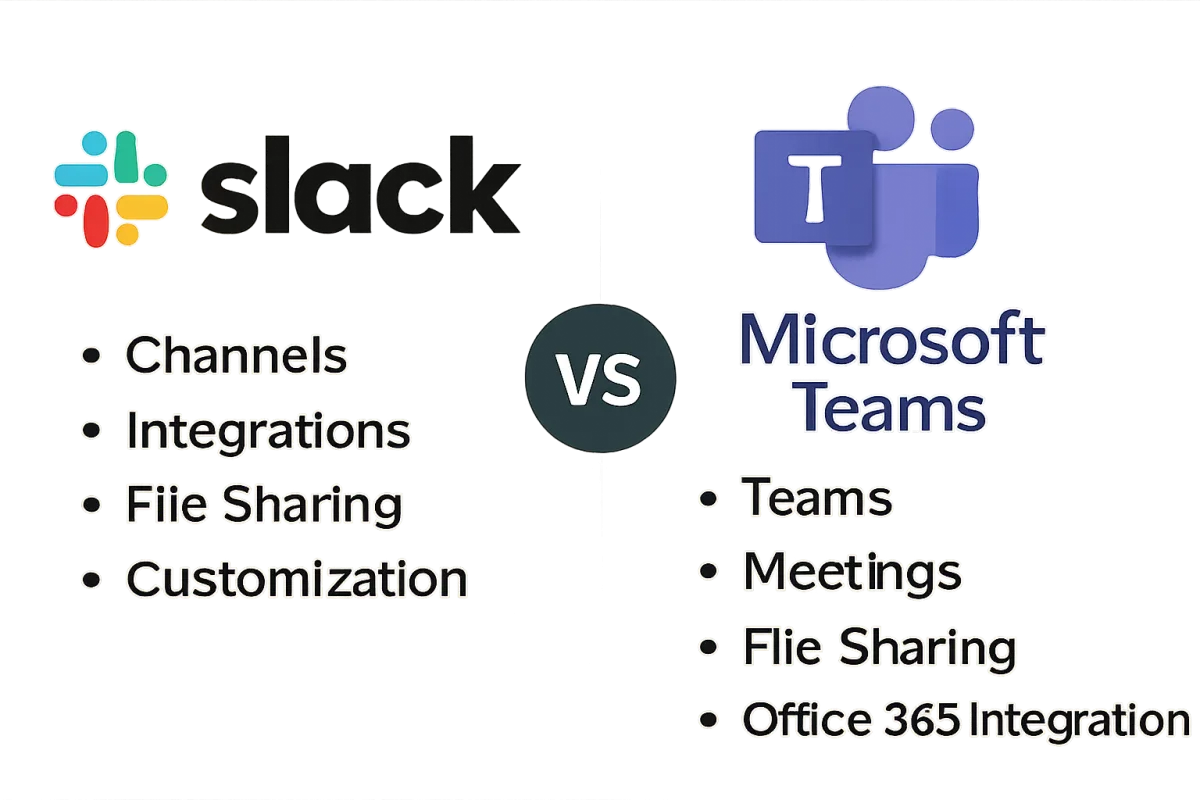
Slack and Microsoft Teams are two leading collaboration platforms, each offering unique features tailored to different organizational needs. Slack excels in its user-friendly interface and extensive integrations, making it ideal for smaller teams and startups. Conversely, Microsoft Teams integrates seamlessly with Microsoft 365, making it a strong choice for organizations already invested in that ecosystem. Ultimately, the best choice depends on your team's size, existing tools, and specific collaboration needs.
Quick Summary
Slack and Microsoft Teams are popular collaboration tools with distinct strengths. Slack is known for its intuitive design and broad app integrations, while Microsoft Teams offers deep integration with Microsoft 365, making it suitable for larger organizations. The choice between them hinges on your team's size and existing software ecosystem.
Curator Notes
Slack is designed for flexibility and ease of use, making it a favorite among startups and smaller teams. Its channel-based communication allows for organized discussions, and its extensive library of integrations with third-party apps enhances productivity. Users appreciate its customizable notifications and user-friendly interface, which fosters quick onboarding for new team members.
On the other hand, Microsoft Teams is built for organizations already utilizing Microsoft 365. Its integration with tools like Word, Excel, and SharePoint streamlines workflows for larger teams. Teams also offers robust security features, making it a preferred choice for enterprises concerned about data protection.
However, its interface can feel overwhelming for new users, and it may require more training to maximize its potential. When deciding between the two, consider your team's size, existing software tools, and specific collaboration needs. Slack may be better for smaller, agile teams, while Microsoft Teams is suited for larger organizations needing comprehensive integration with Microsoft products.
Recommended Options
- Slack: Best for Small to medium-sized teams User-friendly interface and extensive integrations Signal checked: High user satisfaction ratings and popularity among startups Alternative to consider: Discord for casual team communication
- Microsoft Teams: Best for Large organizations using Microsoft 365 Seamless integration with Microsoft Office tools Signal checked: Strong adoption in enterprise environments and robust security features Alternative to consider: Google Workspace for teams using Google tools
Best Sources
Videos and Community Signals
(Discount Link) Try Teamflect Now: https://bit.ly/4kbUOVL In this video, we dive into the key differences between Microsoft Teams ...
This is my video comparison between Slack and Microsoft Teams, we will carefully examine each company's services and ...
Comparison
| Decision Point | Good Starting Choice | When to Go Further |
|---|---|---|
| User Interface | Slack offers a more intuitive and clean design. | Microsoft Teams has a steeper learning curve but offers more features. |
| Integrations | Slack supports a wide range of third-party apps. | Microsoft Teams excels in integrating with Microsoft 365 applications. |
| Security | Slack provides standard security features suitable for small teams. | Microsoft Teams offers advanced security and compliance options for enterprises. |
FAQ
Both platforms are suitable for remote teams, but Slack's ease of use may benefit smaller teams, while Microsoft Teams is better for larger organizations with existing Microsoft infrastructure.
Yes, many organizations use both platforms for different teams or projects, leveraging their unique strengths.