Screen Neck Pain Ergonomics
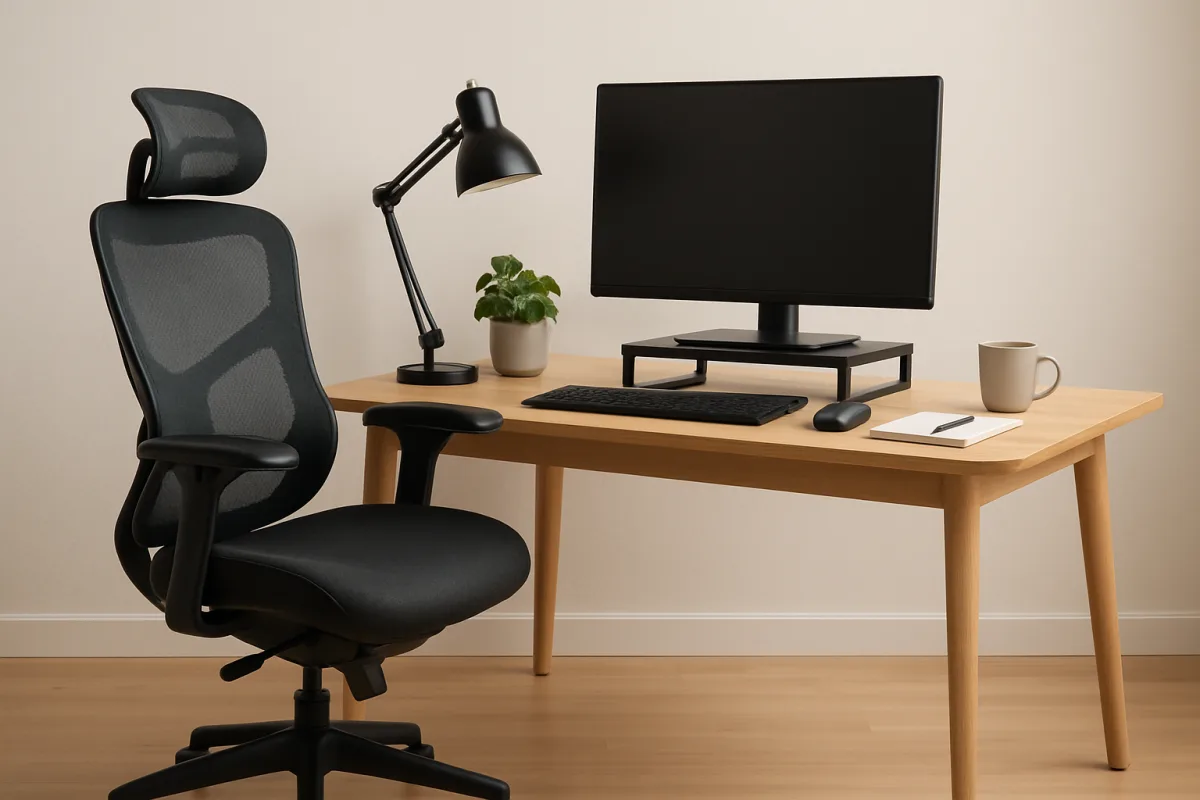
Screen neck pain, often caused by prolonged screen use, can be alleviated through proper ergonomics. Key strategies include adjusting your workstation setup, using ergonomic chairs, and taking regular breaks. Position your screen at eye level, maintain a neutral neck position, and ensure your chair supports your lower back. Incorporating stretches and exercises can also help relieve tension. Understanding these principles is crucial for anyone spending significant time in front of screens, whether at home or in the office.
Quick Summary
Addressing screen neck pain involves understanding ergonomics and making adjustments to your workspace. Key strategies include positioning your monitor at eye level, using supportive chairs, and taking frequent breaks to stretch. Ergonomic tools like keyboard trays and monitor stands can also enhance comfort. By implementing these practices, you can significantly reduce discomfort and improve your overall posture, making your screen time more enjoyable and less painful.
Curator Notes
Screen neck pain is a common issue for those who spend long hours in front of screens. The discomfort often arises from poor posture and inadequate workstation setup. To combat this, it's essential to create an ergonomic workspace that promotes good posture.
Start by positioning your monitor at eye level to avoid straining your neck. Your chair should support your lower back and allow your feet to rest flat on the floor or on a footrest. Regular breaks are crucial in preventing neck strain.
The 20-20-20 rule is a helpful guideline: every 20 minutes, look at something 20 feet away for at least 20 seconds. This practice not only reduces eye strain but also encourages you to adjust your posture frequently. Incorporating stretches into your routine can also alleviate tension in the neck and shoulders.
Ergonomic tools can further enhance your workspace. Consider using a monitor stand to elevate your screen, a keyboard tray to maintain a neutral wrist position, and an ergonomic chair that supports your spine. These adjustments can make a significant difference in your comfort levels throughout the day.
It's important to listen to your body. If you start feeling discomfort, take it as a signal to reassess your setup. Small changes can lead to big improvements in your overall well-being.
Additionally, staying active outside of work hours can help strengthen the muscles that support your neck and back. Many people overlook the importance of lighting in their workspace. Ensure that your screen is well-lit to reduce glare, which can lead to awkward head positions.
Natural light is ideal, but if that's not possible, invest in good quality task lighting. Lastly, consider consulting with a professional if pain persists. A physical therapist can provide personalized advice and exercises tailored to your specific needs, ensuring that you address the root cause of your discomfort effectively.
Recommended Options
- Herman Miller Aeron Chair: Best for Individuals seeking long-term comfort and support. Renowned for its ergonomic design and adjustability, it promotes healthy posture. Signal checked: Highly rated for durability and comfort in user reviews. Alternative to consider: Steelcase Leap Chair
- 3M Ergonomic Monitor Stand: Best for Users needing to elevate their monitors to eye level. Offers adjustable height settings and a sturdy design. Signal checked: Positive feedback for reducing neck strain. Alternative to consider: Fellowes Adjustable Monitor Riser
- Upright Posture Corrector: Best for Individuals looking to improve their posture. Provides real-time feedback on posture. Signal checked: Recommended by physical therapists for its effectiveness. Alternative to consider: BackJoy Posture Plus
Best Sources
Videos and Community Signals
Are you constantly battling neck and shoulder pain from working at your desk? This video investigates whether investing in an ...
We want to make sure your workspace is not giving you any problems. Our Ergonomics screen will help identify what may be ...
Comparison
| Decision Point | Good Starting Choice | When to Go Further |
|---|---|---|
| Chair Support | Standard office chair with basic lumbar support. | Ergonomic chair with adjustable settings for personalized support. |
| Monitor Height Adjustment | Fixed monitor height. | Adjustable monitor stand for optimal eye level positioning. |
| Break Reminders | Manual reminders to take breaks. | Software that prompts breaks and stretches regularly. |
FAQ
Screen neck pain is primarily caused by poor posture, prolonged screen time, and inadequate workstation setup.
Preventing screen neck pain involves adjusting your workstation, using ergonomic furniture, taking regular breaks, and incorporating stretches into your routine.
Yes, ergonomic chairs can significantly improve comfort and support, reducing the risk of neck and back pain.