Rank High On Google Maps Tips
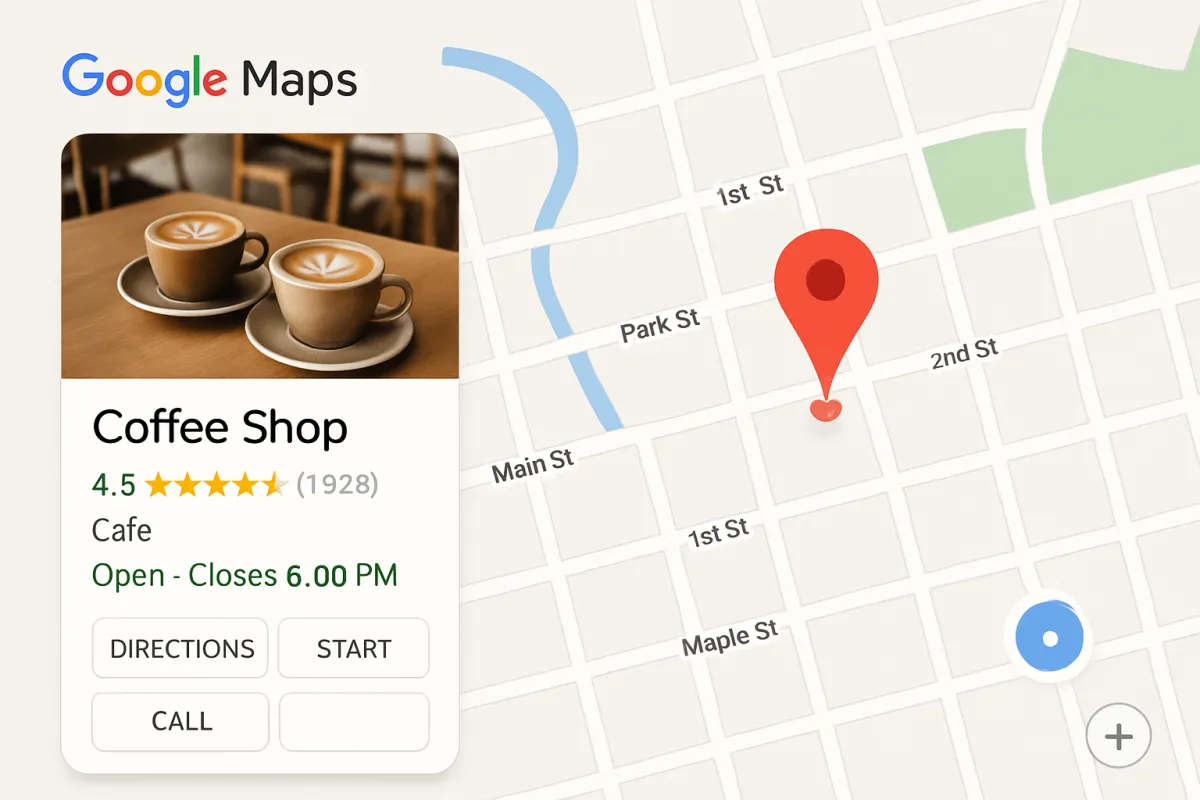
To rank high on Google Maps, focus on optimizing your Google Business Profile by ensuring all information is accurate and complete. Use relevant keywords in your business description and posts, encourage customer reviews, and maintain consistent NAP (Name, Address, Phone Number) across all platforms. Additionally, engage with your customers through posts and Q&A, and utilize local SEO strategies to enhance visibility. Regularly update your profile with fresh content and images to keep it appealing and relevant.
Quick Summary
Effective ranking on Google Maps hinges on a well-optimized Google Business Profile. Key strategies include ensuring accurate business information, leveraging local SEO practices, and actively engaging with customers through reviews and posts. Consistency in your NAP details across platforms is crucial, as is the regular addition of fresh content to your profile. These practices not only enhance visibility but also improve customer engagement, leading to better rankings.
Curator Notes
Optimizing your Google Business Profile is the cornerstone of ranking high on Google Maps. Start by ensuring that your business information—name, address, phone number, and website—is accurate and consistent across all online platforms. This consistency helps Google verify your business and boosts your credibility in local searches.
Missing or incorrect information can lead to lost customers and lower rankings. Incorporating relevant keywords into your business description can significantly enhance your visibility. Think about what potential customers might search for when looking for services like yours.
Use these keywords naturally in your profile, posts, and responses to reviews to improve your chances of appearing in search results. Customer reviews play a pivotal role in your ranking. Encourage satisfied customers to leave positive reviews, as higher ratings can improve your visibility on Google Maps.
Responding to reviews, both positive and negative, shows that you value customer feedback and are engaged with your audience, which can further enhance your reputation. Engagement is key; utilize the posts feature on your Google Business Profile to share updates, promotions, and events. Regularly posting fresh content keeps your profile active and can attract more views.
Additionally, answering questions in the Q&A section can help potential customers get the information they need and improve your profile's relevance. Local SEO strategies are also essential. Ensure your website is optimized for local search by including local keywords, creating location-specific content, and building local backlinks.
This can help drive traffic to your Google Business Profile and improve your ranking. Lastly, keep your profile visually appealing by regularly updating images and videos. High-quality visuals can capture attention and encourage potential customers to engage with your business.
A well-maintained profile not only ranks better but also converts more visitors into customers, making it a crucial aspect of your digital marketing strategy.
Recommended Options
- Google Business Profile: Best for All local businesses looking to improve visibility Directly integrates with Google Search and Maps, offering a free platform to manage business information. Signal checked: Widely used by millions of businesses, with high visibility in local searches. Alternative to consider: Yelp for Business
- Moz Local: Best for Businesses needing help with local SEO and citation management. Offers comprehensive tools for managing local listings and ensuring NAP consistency. Signal checked: Trusted by many SEO professionals for local optimization. Alternative to consider: BrightLocal
- Whitespark: Best for Businesses looking to build local citations and improve local rankings. Specializes in citation building and local SEO strategies. Signal checked: Positive reviews from users for effective local search results. Alternative to consider: SEMrush
Best Sources
Videos and Community Signals
Learn how to rank your car detailing service on Google Maps with proven techniques. This video covers the key steps to ...
This podcast episode focuses on steps to improve Google Business Profile (GBP) ranking in 2025, focusing on how to get more ...
Comparison
| Decision Point | Good Starting Choice | When to Go Further |
|---|---|---|
| Business Profile Optimization | Ensure all business information is accurate and complete. | Incorporate relevant keywords and regularly update content. |
| Customer Engagement | Encourage customers to leave reviews. | Respond to reviews and engage through posts and Q&A. |
| Local SEO Strategies | Optimize website for local search. | Build local backlinks and create location-specific content. |
FAQ
Ranking can take several weeks to months, depending on competition and optimization efforts.
Factors include business information accuracy, customer reviews, engagement, and local SEO practices.
Yes, you can update your business information anytime through your Google Business Profile.