PS5 Storage SSD Upgrades List
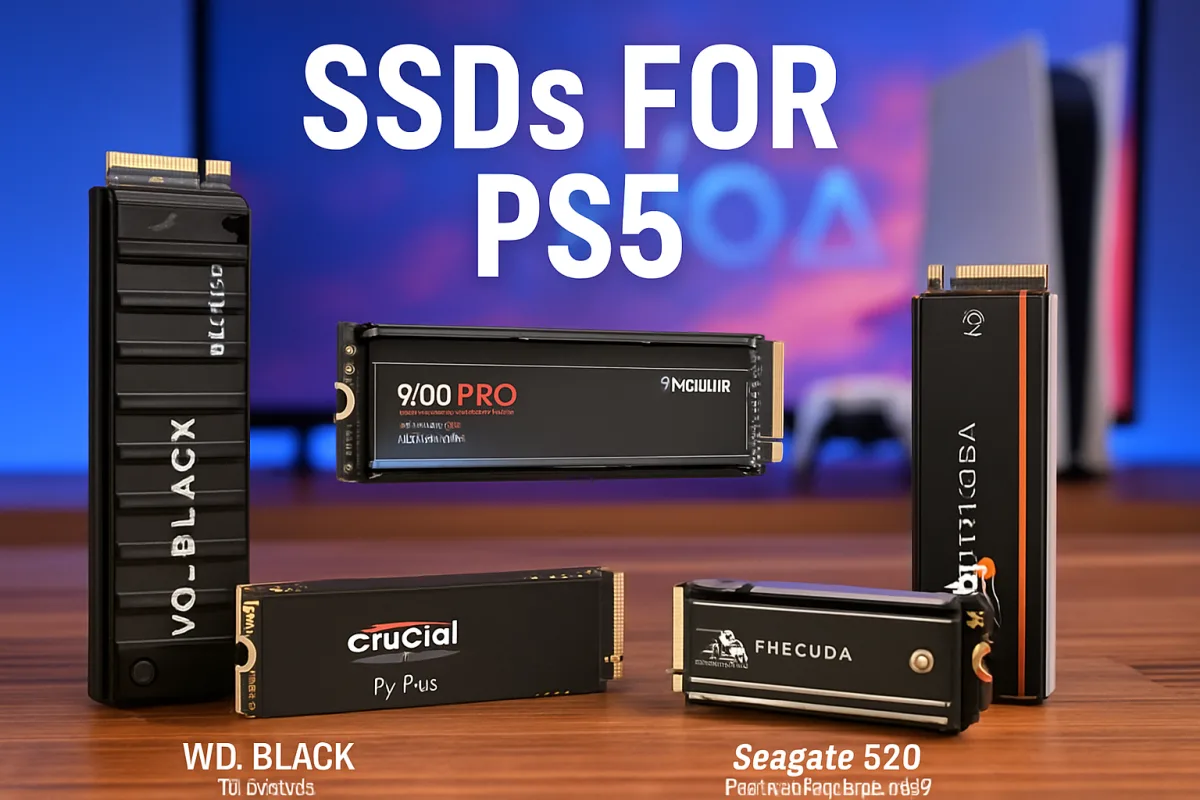
Upgrading your PS5 storage with an SSD can significantly enhance your gaming experience by providing faster load times and more space for your games. Several SSD options are highly recommended for PS5 users, including the Samsung 980 Pro, WD Black SN850, and Crucial P5 Plus. Each of these SSDs offers excellent performance, but they differ in price, speed, and capacity. The Samsung 980 Pro is known for its high read/write speeds, making it ideal for gamers who want the best performance. The WD Black SN850 offers a balance of speed and value, while the Crucial P5 Plus is a more budget-friendly option without sacrificing too much performance. Choosing the right SSD depends on your budget and storage needs.
Quick Summary
For PS5 users looking to upgrade their storage, several SSD options stand out. The Samsung 980 Pro is praised for its exceptional speed, making it a top choice for performance enthusiasts. The WD Black SN850 strikes a great balance between speed and cost, while the Crucial P5 Plus provides a more affordable solution without significant performance loss. Understanding the differences in speed, price, and capacity will help you make an informed decision that best suits your gaming needs.
Curator Notes
Upgrading the storage of your PS5 is essential for gamers who want to enjoy a seamless experience with minimal load times. The PS5 supports M.2 NVMe SSDs, which can significantly enhance performance compared to traditional hard drives. When selecting an SSD, it's crucial to consider factors such as read/write speeds, compatibility, and price.
The Samsung 980 Pro is often regarded as the gold standard for PS5 SSD upgrades. With read speeds up to 7,000 MB/s, it provides lightning-fast load times that can enhance gameplay. However, it comes at a premium price, making it a better fit for those who prioritize performance above all.
On the other hand, the WD Black SN850 offers a compelling alternative. It boasts similar speeds to the Samsung 980 Pro but often comes at a slightly lower price point. This makes it an excellent choice for gamers who want high performance without breaking the bank.
For those on a tighter budget, the Crucial P5 Plus is worth considering. While it doesn't match the peak speeds of the top-tier options, it still offers solid performance and is often available at a more accessible price. This makes it a great entry-level option for gamers who need extra storage without the high cost.
It's also essential to consider the installation process. Most SSDs come with installation guides, but some users may find the process daunting. If you're not comfortable opening your PS5, you might want to seek professional help or consult detailed online tutorials.
In addition to performance, consider the warranty and customer support offered by each brand. A longer warranty can provide peace of mind, especially for a significant investment like an SSD. Brands like Samsung and Western Digital are known for their reliability and customer service, which can be a deciding factor for many users.
Ultimately, the best SSD for your PS5 will depend on your gaming habits and budget. Assessing your storage needs and weighing the pros and cons of each option will help you make the right choice for your gaming setup.
Recommended Options
- Samsung 980 Pro: Best for Performance enthusiasts seeking the fastest load times. Exceptional read/write speeds up to 7,000 MB/s. Signal checked: Highly rated by gamers and tech reviewers for performance. Alternative to consider: WD Black SN850 for a slightly lower price.
- Western Digital WD Black SN850: Best for Gamers wanting high performance at a reasonable price. Similar speeds to the Samsung 980 Pro but often cheaper. Signal checked: Consistently praised in reviews for value and speed. Alternative to consider: Crucial P5 Plus for a budget-friendly option.
- Crucial P5 Plus: Best for Budget-conscious gamers needing extra storage. Affordable with solid performance for the price. Signal checked: Good reviews for value and reliability. Alternative to consider: Samsung 980 Pro for top-tier performance.
Best Sources
Videos and Community Signals
How to install an SSD into the PS5. This is the official SSD for the PS5 from Western Digital #ps5 #gaming #playstation5 #ssd ...
Are you struggling to manage the storage on your PlayStation 5? Join us on this episode of Budget to Best as we navigate the ...
Comparison
| Decision Point | Good Starting Choice | When to Go Further |
|---|---|---|
| Speed | Crucial P5 Plus for decent performance. | Samsung 980 Pro for maximum speed. |
| Price | Crucial P5 Plus for budget-friendly options. | WD Black SN850 for a balance of cost and performance. |
| Warranty | Crucial P5 Plus with a standard warranty. | Samsung 980 Pro with an extended warranty. |
FAQ
No, the PS5 requires M.2 NVMe SSDs that meet specific speed and size requirements.
Installation involves opening the PS5 and inserting the SSD into the designated slot. Detailed guides are available online.
Upgrading the SSD should not void your warranty as long as you follow the proper installation procedures.