Portfolio Websites for Job Seekers
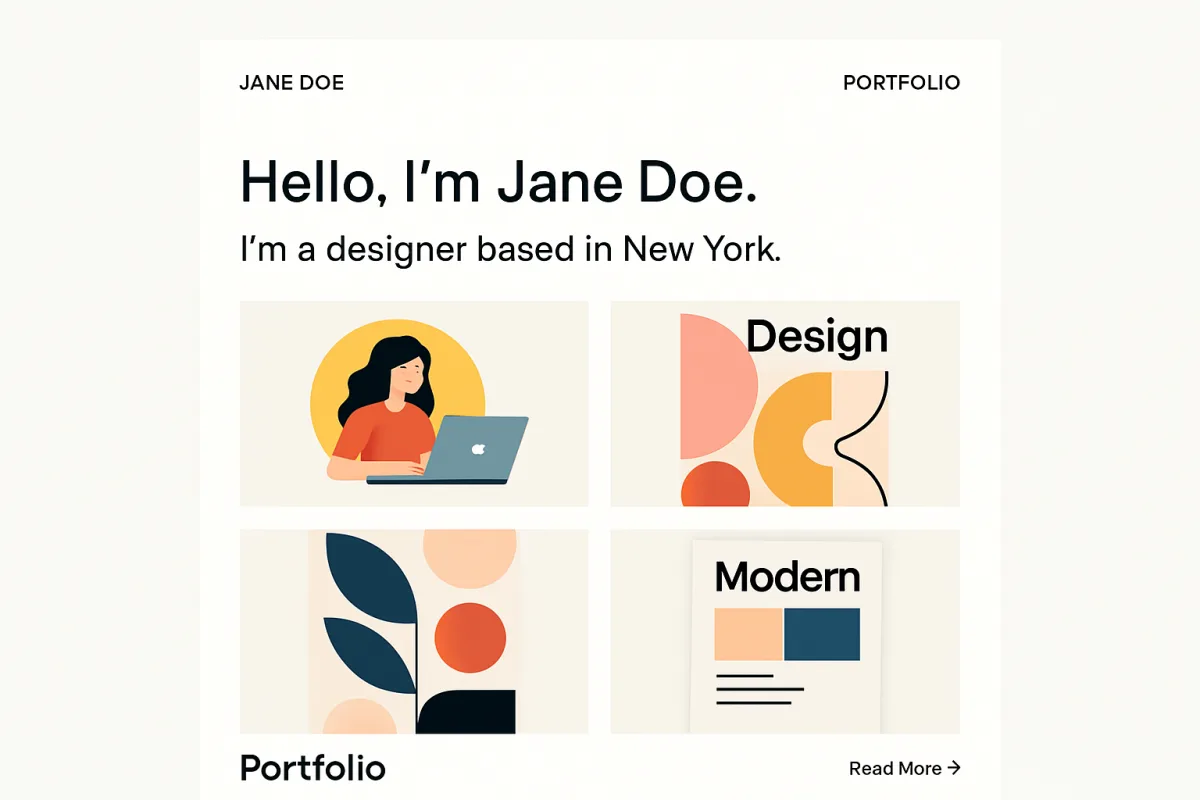
Creating a portfolio website is essential for job seekers to showcase their skills and experiences effectively. Platforms like Wix, Squarespace, and WordPress offer user-friendly templates tailored for portfolios. Wix is ideal for beginners due to its drag-and-drop interface, while Squarespace provides visually stunning designs perfect for creative professionals. WordPress, on the other hand, offers extensive customization for those with technical skills. Each platform has unique strengths and pricing structures, making it crucial to choose one that aligns with your specific needs and expertise.
Quick Summary
Portfolio websites are vital for job seekers to display their work and skills. Platforms like Wix, Squarespace, and WordPress cater to different needs, from ease of use to customization. Selecting the right platform can enhance your job prospects significantly.
Curator Notes
A portfolio website serves as a digital showcase for job seekers, allowing them to present their work and skills in a visually appealing manner. It can significantly enhance your job applications, making you stand out in a competitive job market. When choosing a platform, consider your technical skills, the type of work you want to showcase, and your budget.
Wix is an excellent choice for those who are new to website building. Its intuitive drag-and-drop interface allows users to create professional-looking sites without any coding knowledge. Squarespace, known for its sleek and modern templates, is ideal for creative professionals such as designers and photographers who want to highlight their visual work.
WordPress offers the most flexibility and customization options, making it suitable for users who are comfortable with a bit of technical work and want to create a unique site tailored to their needs.
Recommended Options
- Wix: Best for Beginners looking for an easy-to-use platform User-friendly drag-and-drop interface with various templates Signal checked: High user satisfaction ratings and extensive template library Alternative to consider: Weebly for similar ease of use
- Squarespace: Best for Creative professionals needing visually appealing designs Stunning templates that enhance visual storytelling Signal checked: Popular among artists and designers, with numerous positive reviews Alternative to consider: Adobe Portfolio for Adobe users
- WordPress: Best for Users seeking extensive customization options Signal checked: Largest market share among website builders, widely used by professionals Alternative to consider: Joomla for more complex site structures
Best Sources
Videos and Community Signals
The easiest way to make a portfolio Join my private email list for actionable advice, exclusive offers, sales & more: ...
You often hear that companies list a nunber of fake jobs on LinkedIn so how can you find the real jobs? By searching for your title, ...
Comparison
| Decision Point | Good Starting Choice | When to Go Further |
|---|---|---|
| Ease of Use | Wix - perfect for beginners with no coding skills | WordPress - requires some technical knowledge but offers greater flexibility |
| Design Quality | Squarespace - excellent for visually appealing designs | WordPress - customizable but may require design skills |
| Customization Options | Wix - limited customization but easy to use | WordPress - extensive customization through plugins and themes |
FAQ
No, platforms like Wix and Squarespace allow you to build a portfolio without any coding knowledge.
Costs vary by platform; Wix and Squarespace offer plans starting around $12/month, while WordPress can be free but may incur hosting fees.
Include your best work samples, a brief bio, your resume, and contact information.