Password Managers Worth Using
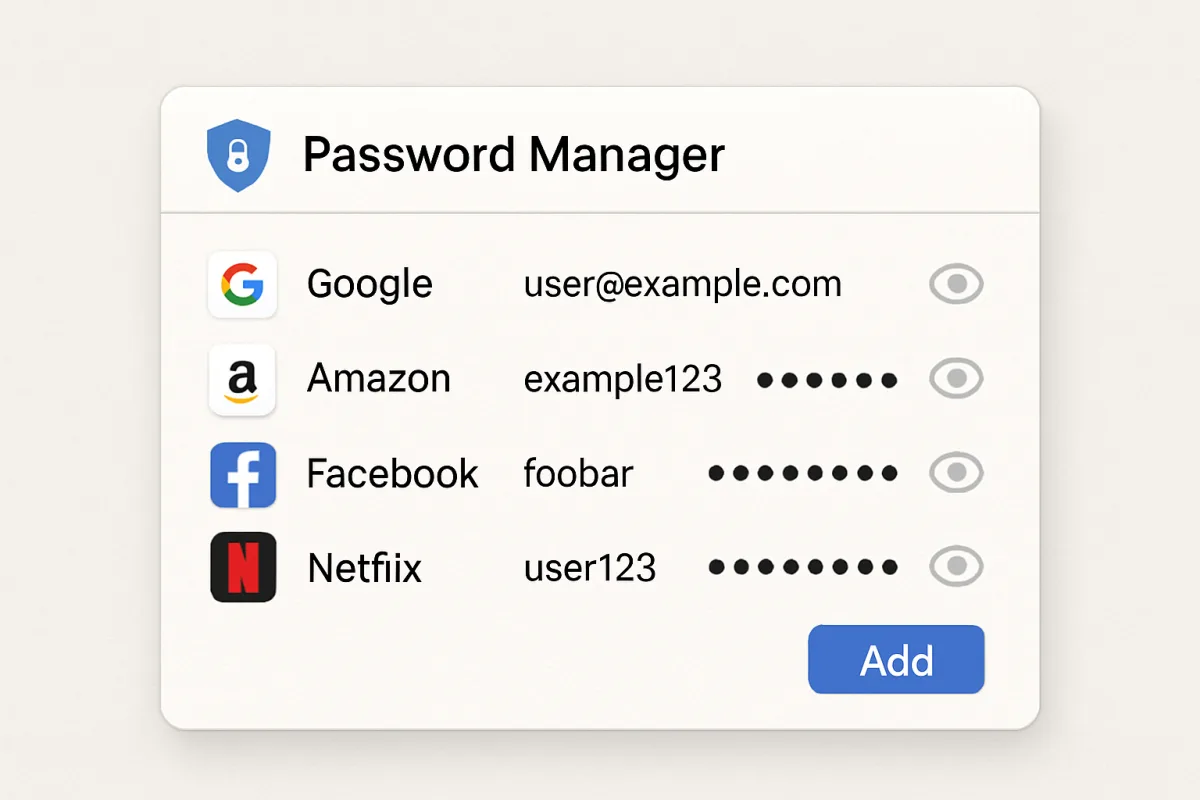
Password managers are essential tools for securely storing and managing your passwords. Some of the most recommended options include LastPass, 1Password, and Bitwarden. LastPass is user-friendly and offers a free tier, making it ideal for beginners. 1Password is known for its robust security features and is great for families and teams. Bitwarden is open-source and offers a free version with premium features at a low cost, appealing to budget-conscious users. Each option has unique strengths, catering to different user needs.
Quick Summary
Choosing the right password manager can enhance your online security. This guide highlights top options like LastPass, 1Password, and Bitwarden, detailing their features, strengths, and ideal user scenarios. Understanding these tools can help you make an informed decision based on your specific needs.
Curator Notes
Password managers are vital for maintaining online security by storing and encrypting your passwords. They not only help you create strong, unique passwords for each of your accounts but also autofill them, saving you time and reducing the risk of password reuse. This is particularly important in an era where data breaches are common and password security is paramount.
Among the most popular options, LastPass stands out for its user-friendly interface and a free tier that allows beginners to get started without any financial commitment. It also offers premium features like dark web monitoring and emergency access for a fee. 1Password is another excellent choice, particularly for families and teams, as it provides advanced security features like travel mode, which hides sensitive data when crossing borders.
Its subscription model is slightly pricier but offers robust security and ease of use. Bitwarden, on the other hand, is an open-source option that appeals to budget-conscious users. It offers a free version with essential features and a low-cost premium tier that includes additional functionalities.
Each of these options has unique strengths, making them suitable for different user needs.
Recommended Options
- LastPass: Best for Beginners looking for an easy-to-use password manager User-friendly interface and a robust free tier. Signal checked: Widely recommended by tech experts and has a large user base. Alternative to consider: Dashlane, which offers similar features with a focus on security.
- 1Password: Best for Families and teams needing advanced security features Offers features like travel mode and family sharing. Signal checked: Highly rated for its security and ease of use. Alternative to consider: Keeper, which also provides strong security features.
- Bitwarden: Best for Budget-conscious users looking for open-source solutions Offers a free version with essential features and a low-cost premium tier. Signal checked: Popular among tech-savvy users and praised for transparency. Alternative to consider: NordPass, which is user-friendly and offers a free trial.
Best Sources
Videos and Community Signals
Tired of forgetting passwords and worrying about data breaches? Let's upgrade your security! In this video, I'll share the 4 best ...
FastestPass Password Manager helps you create, store, and autofill strong passwords across all devices—without monthly fees.
Comparison
| Decision Point | Good Starting Choice | When to Go Further |
|---|---|---|
| User Interface | LastPass - easy to navigate for beginners. | 1Password - more features but requires some learning. |
| Price | Bitwarden - free version available. | 1Password - higher cost but includes advanced features. |
| Security Features | LastPass - basic security features. | 1Password - advanced features like travel mode. |
FAQ
Yes, password managers use strong encryption to protect your data, but it's important to choose a reputable one.
Most password managers allow syncing across devices, making it easy to access your passwords anywhere.
Most password managers have recovery options, but it's crucial to use a memorable master password.