OBS vs Streamlabs Compared
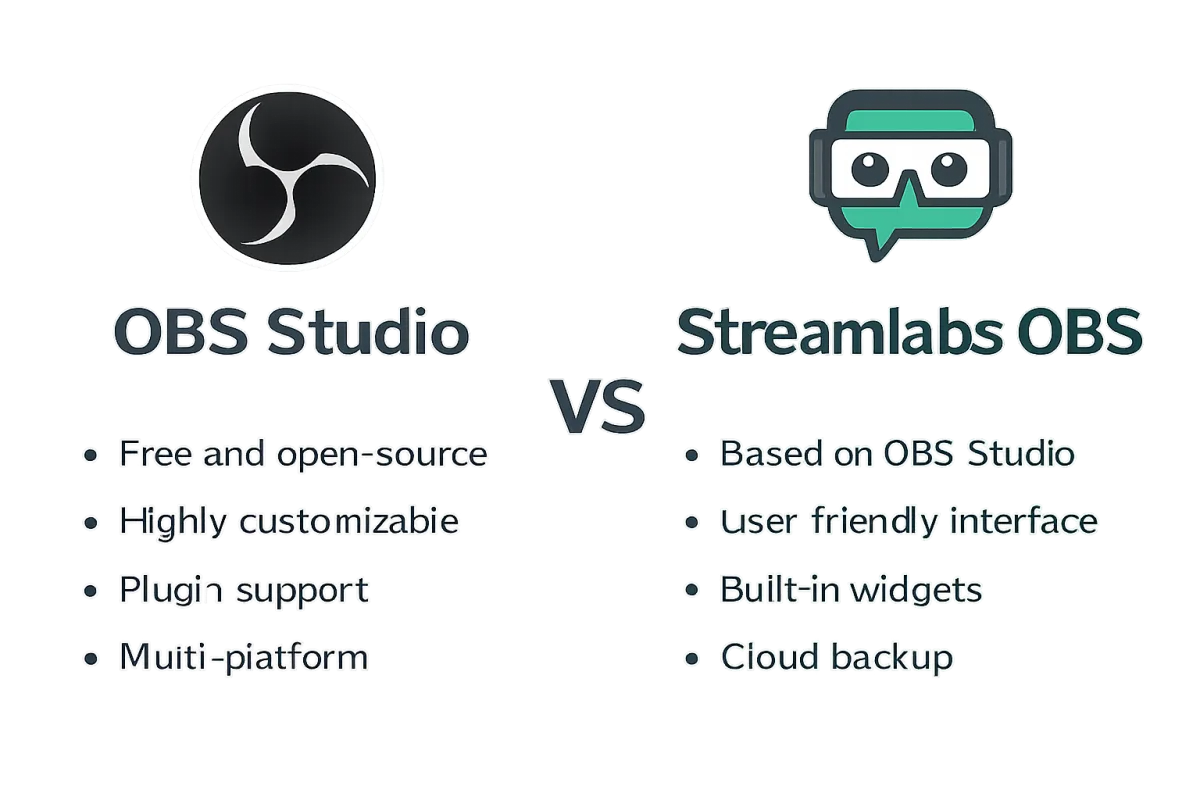
OBS Studio and Streamlabs OBS are two popular streaming software options, each with unique features. OBS Studio is open-source and highly customizable, making it ideal for advanced users who want complete control over their streaming setup. Streamlabs OBS, on the other hand, is user-friendly and integrates various tools for stream management, making it suitable for beginners and those looking for an all-in-one solution. The choice depends on your experience level and specific streaming needs.
Quick Summary
OBS Studio is a powerful, customizable streaming tool favored by advanced users, while Streamlabs OBS offers a more user-friendly interface with integrated features for beginners. Both have their strengths, making the choice dependent on user experience and specific requirements.
Curator Notes
OBS Studio is an open-source software that allows for extensive customization and flexibility. It supports a wide range of plugins and integrations, enabling advanced users to tailor their streaming experience. This makes it a popular choice among professional streamers who require specific functionalities and control over their setup.
However, the learning curve can be steep for newcomers, which may deter less experienced users. Streamlabs OBS simplifies the streaming process by offering an intuitive interface and built-in features like alerts, overlays, and chat management. It is designed for ease of use, making it an excellent choice for beginners or those who want to get started quickly without delving into complex settings.
While it may lack some advanced features of OBS Studio, its all-in-one approach can be appealing for many streamers looking for convenience. Ultimately, the decision between OBS Studio and Streamlabs OBS hinges on your familiarity with streaming software and your specific needs. If you prioritize customization and control, OBS Studio is the way to go.
However, if you prefer a straightforward setup with integrated tools, Streamlabs OBS is likely the better fit.
Recommended Options
- OBS Studio: Best for Advanced users and professionals Highly customizable with extensive plugin support. Signal checked: Widely used by professional streamers and content creators. Alternative to consider: XSplit for those needing a paid option with customer support.
- Streamlabs OBS: Best for Beginners and casual streamers User-friendly interface with built-in features for stream management. Signal checked: Popular among new streamers for its ease of use. Alternative to consider: Lightstream for cloud-based streaming solutions.
Best Sources
Videos and Community Signals
In this video, we're going to uncover the shocking truth about Streamlabs vs OBS Studio. Which one is the best streaming software ...
Curious about the differences between Streamlabs and OBS? This comparison breaks down each platform's features, ease of use ...
Comparison
| Decision Point | Good Starting Choice | When to Go Further |
|---|---|---|
| Customization | Streamlabs OBS offers basic customization options. | OBS Studio allows extensive customization through plugins and settings. |
| Ease of Use | Streamlabs OBS is designed for quick setup and ease of use. | OBS Studio has a steeper learning curve but offers more control. |
| Integration | Streamlabs OBS integrates alerts and overlays seamlessly. | OBS Studio requires manual setup for similar features. |
| Cost | Both are free, but Streamlabs offers premium features. | OBS Studio is fully free with no premium tier. |
FAQ
It depends on your needs; OBS Studio is more customizable, while Streamlabs OBS is easier for beginners.
Streamlabs OBS has limited plugin support compared to OBS Studio, which allows extensive third-party integrations.
Yes, both OBS Studio and Streamlabs OBS are free to use, though Streamlabs offers optional premium features.