Note-Taking Apps Students Use
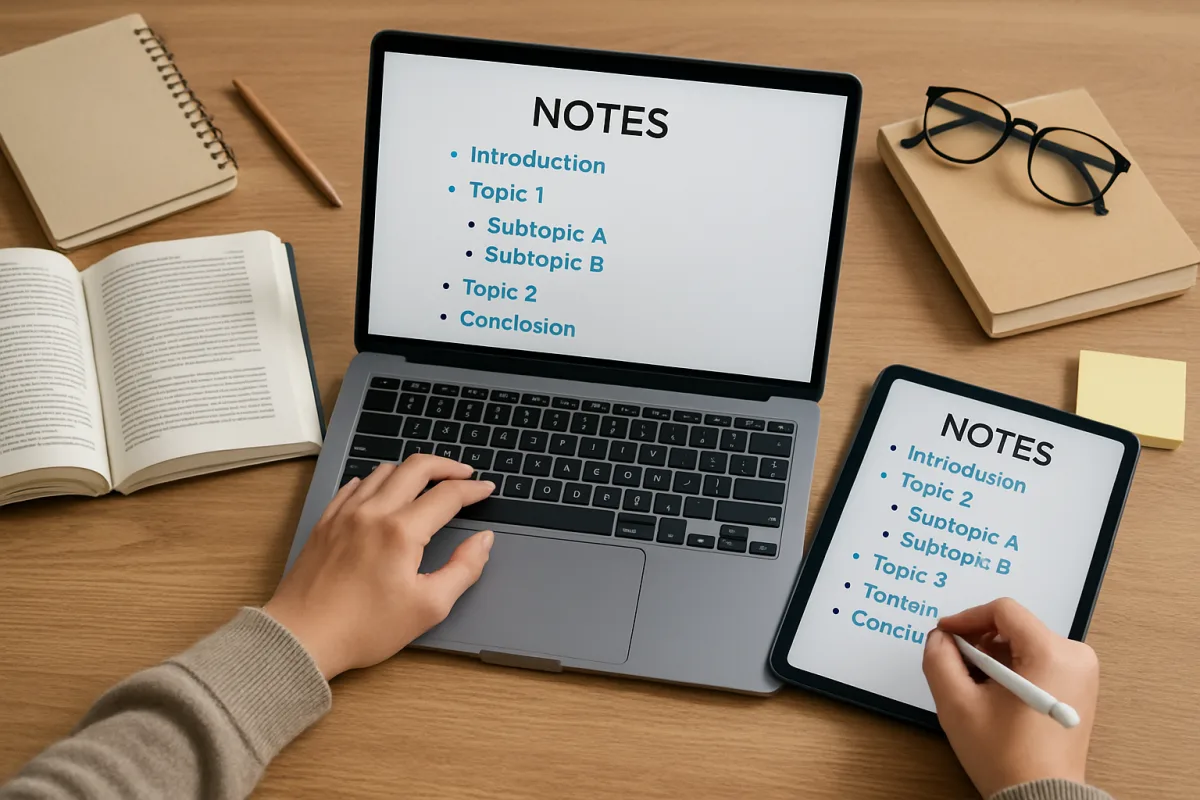
Students today have a variety of note-taking apps to choose from, each catering to different needs and preferences. Popular options include Notion, which excels in organization and collaboration; Microsoft OneNote, known for its integration with other Microsoft tools; and Evernote, which offers robust search capabilities and multimedia support. Each app has unique features that can enhance a student's productivity, making it essential to choose one that aligns with individual study habits and requirements.
Quick Summary
Choosing the right note-taking app can significantly enhance a student's learning experience. Notion stands out for its flexibility and collaborative features, while Microsoft OneNote integrates seamlessly with other Microsoft products. Evernote is ideal for those who prioritize search functionality and multimedia notes. Understanding the strengths and weaknesses of these apps helps students select the best fit for their academic needs.
Curator Notes
Selecting a note-taking app is crucial for students aiming to enhance their study efficiency. Notion is particularly popular among students for its versatility. It allows users to create customized databases, to-do lists, and collaborative workspaces.
This flexibility makes it suitable for group projects and personal organization, although its learning curve can be steep for new users. The strong community support and extensive templates available can help mitigate this challenge. Microsoft OneNote is another strong contender, especially for those already using Microsoft Office.
Its seamless integration with Word, Excel, and Outlook allows for a cohesive workflow. OneNote's freeform canvas lets students organize notes in a way that mimics traditional notebooks, which can be comforting for those who prefer a more tactile approach. However, some users find its interface less intuitive compared to other apps.
Evernote remains a classic choice, particularly for its powerful search capabilities. Students can easily find notes by keywords, tags, or even text within images. This feature is invaluable for those who accumulate large volumes of notes over time.
However, the free version has limitations on device syncing and storage, which may push some users to consider the premium version. Google Keep offers a more straightforward approach, focusing on quick note-taking and reminders. Its integration with Google Workspace makes it ideal for students who rely heavily on Google Docs and Sheets.
However, its simplicity may not meet the needs of those looking for more advanced organizational features. For students who prefer handwriting their notes, apps like GoodNotes and Notability provide excellent options. They allow users to write directly on their devices, making it feel like using paper.
These apps are particularly favored by students in fields that require diagrams or sketches, such as engineering or art. Lastly, it's important to consider the pricing and availability of these apps. While many offer free versions, the premium features often come at a cost.
Students should weigh the benefits of these features against their budget. Additionally, compatibility with devices—whether it’s iOS, Android, or Windows—can influence the decision. In conclusion, the best note-taking app for students depends on their individual needs, study habits, and the tools they already use.
Evaluating each app's strengths and weaknesses can help students make an informed choice that enhances their academic performance.
Recommended Options
- Notion: Best for Students needing customizable organization and collaboration tools. Offers extensive templates and a flexible workspace. Signal checked: Highly rated for its versatility and community support. Alternative to consider: Microsoft OneNote for better integration with Office products.
- Microsoft OneNote: Best for Users of Microsoft Office looking for seamless integration. Freeform canvas mimics traditional notebooks. Signal checked: Widely used in educational settings for its collaborative features. Alternative to consider: Notion for more customization options.
- Evernote: Best for Students who need powerful search capabilities. Excellent for organizing and retrieving notes quickly. Signal checked: Long-standing reputation in the note-taking space. Alternative to consider: Google Keep for simpler note-taking needs.
- GoodNotes: Best for Students who prefer handwritten notes. Signal checked: Popular among students in creative fields. Alternative to consider: Notability for similar features with audio recording.
Best Sources
Videos and Community Signals
Note-taking has changed. Folders are out, AI is in. Try Setapp with a 30-day trial: http://toolfinder.com/go/setapp TOOLS ...
This is a video about the best productivity and note-taking app. It will show you how to save time and be more productive with your ...
Comparison
| Decision Point | Good Starting Choice | When to Go Further |
|---|---|---|
| Customization | Google Keep for quick notes. | Notion for extensive customization. |
| Integration | Microsoft OneNote with Office tools. | Notion for broader app integration. |
| Search Functionality | Evernote for basic search. | Evernote for advanced search capabilities. |
| Handwriting Support | GoodNotes for handwriting. | Notability for handwriting with audio. |
FAQ
The best app depends on individual needs, but Notion, Microsoft OneNote, and Evernote are top choices.
Yes, many apps like Google Keep and Microsoft OneNote offer free versions with essential features.
Most note-taking apps support multi-device syncing, but check specific app policies for limitations.