No-Code Tools For Tech MVPs
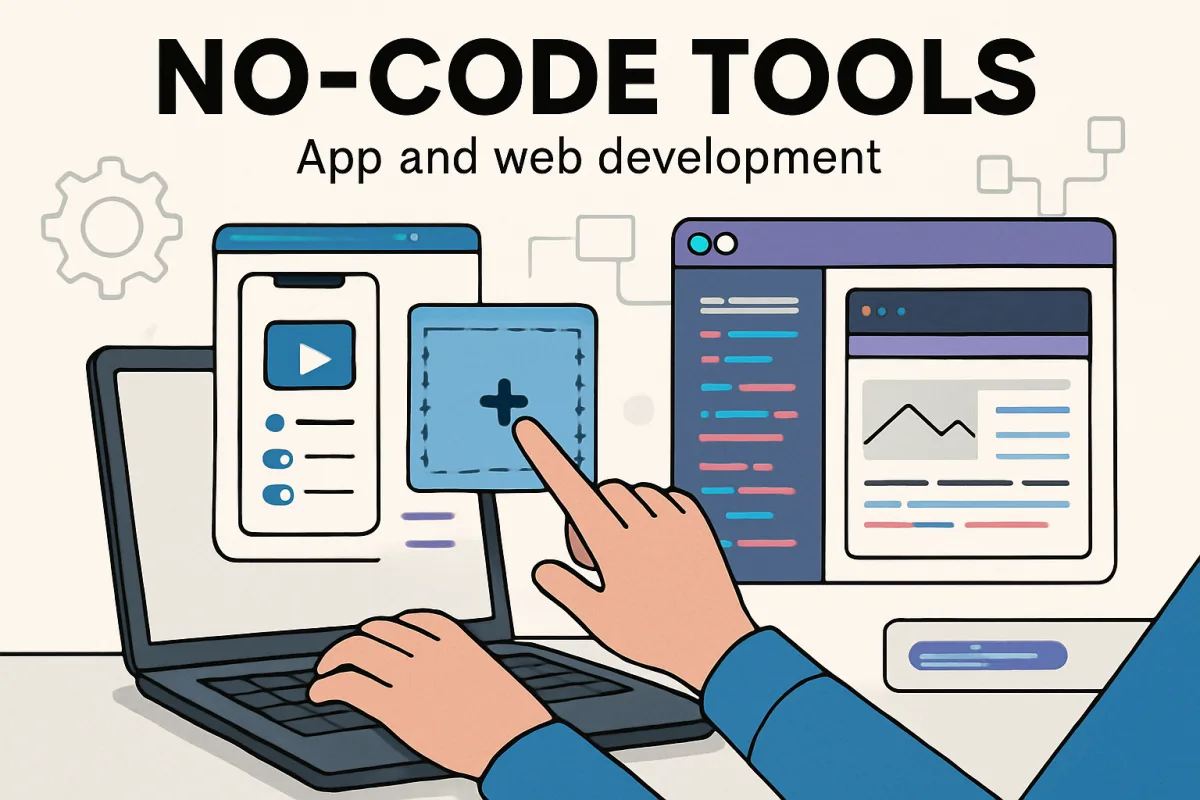
No-code tools are essential for tech MVPs looking to validate ideas quickly and efficiently. Platforms like Bubble, Adalo, and Webflow stand out for their unique capabilities. Bubble is excellent for building complex applications without coding, while Adalo focuses on mobile app development with a user-friendly interface. Webflow is ideal for creating responsive websites with a strong emphasis on design. Each tool has its strengths and trade-offs, making it crucial to align your choice with your specific project needs and technical comfort level.
Quick Summary
Choosing the right no-code tool can significantly impact the success of your tech MVP. Bubble, Adalo, and Webflow are among the top contenders, each catering to different project requirements. Bubble excels in building complex applications, Adalo simplifies mobile app creation, and Webflow offers robust design features for responsive websites. Understanding the unique strengths and limitations of these platforms will help you make an informed decision that aligns with your MVP goals.
Curator Notes
No-code tools have revolutionized the way tech entrepreneurs develop their MVPs (Minimum Viable Products). They allow individuals without coding expertise to create functional applications and websites, significantly reducing time and costs associated with traditional development methods. Selecting the right tool can be a game-changer, so it's essential to consider your specific needs and the capabilities of each platform.
Bubble is a standout choice for those looking to build complex web applications. It offers a robust set of features that allow users to create fully functional apps without writing code. The platform supports database management, user authentication, and responsive design, making it suitable for a wide range of applications.
However, the learning curve can be steep for beginners, and performance may vary based on app complexity. Adalo is tailored for mobile app development, making it an excellent option for entrepreneurs focused on creating mobile-first solutions. Its drag-and-drop interface simplifies the app-building process, allowing users to focus on design and functionality.
While it’s user-friendly, Adalo may not support as many advanced features as Bubble, making it less ideal for highly complex applications. Webflow shines in the realm of web design, offering powerful tools for creating visually stunning websites. Its design-first approach allows users to build responsive sites without sacrificing aesthetics.
However, Webflow is less suited for building applications with complex back-end functionalities, which could limit its use for certain MVPs. When choosing a no-code tool, consider the specific requirements of your MVP. If you need a complex app with extensive functionality, Bubble is likely your best bet.
For mobile apps, Adalo provides a straightforward solution, while Webflow is perfect for those prioritizing design. It's also important to consider the community and support available for each platform. Bubble has a strong community and extensive resources, which can be beneficial for troubleshooting and learning.
Adalo and Webflow also offer support, but their communities may not be as large, which could affect the availability of user-generated resources. Ultimately, the choice of no-code tool should align with your project goals, technical comfort level, and the specific features you need. By understanding the strengths and weaknesses of each option, you can make a more informed decision that sets your MVP up for success.
Recommended Options
- Bubble: Best for Building complex web applications Offers extensive features for database management and user authentication. Signal checked: Strong community support and numerous tutorials available. Alternative to consider: Adalo for mobile-focused projects.
- Adalo: Best for Creating mobile applications quickly User-friendly interface with drag-and-drop functionality. Signal checked: Positive user reviews for ease of use. Alternative to consider: Bubble for more complex applications.
- Webflow: Best for Design-focused web development Allows for high-quality responsive design without coding. Signal checked: Widely used by designers and agencies for professional websites. Alternative to consider: WordPress for more extensive content management.
Best Sources
Videos and Community Signals
WeAreNoCode Academy - https://bit.ly/wearenocode-academy SUBSCRIBE → https://bit.ly/wearenocodeyt Once we know the ...
Are you a startup founder? Do you need to create your MVP but you don't have programming skills? Don't worry! Watch this video ...
Comparison
| Decision Point | Good Starting Choice | When to Go Further |
|---|---|---|
| Complexity of Application | Adalo for simple mobile apps | Bubble for complex web applications |
| Design Capabilities | Adalo for basic designs | Webflow for advanced, responsive designs |
| Learning Curve | Adalo for beginners | Bubble for those willing to invest time in learning |
FAQ
No-code tools allow users to create applications and websites without writing code, using visual interfaces instead.
Adalo is often recommended for beginners due to its user-friendly drag-and-drop interface.
Yes, tools like Bubble enable the creation of complex applications with extensive features.