NAS Systems for Home Users
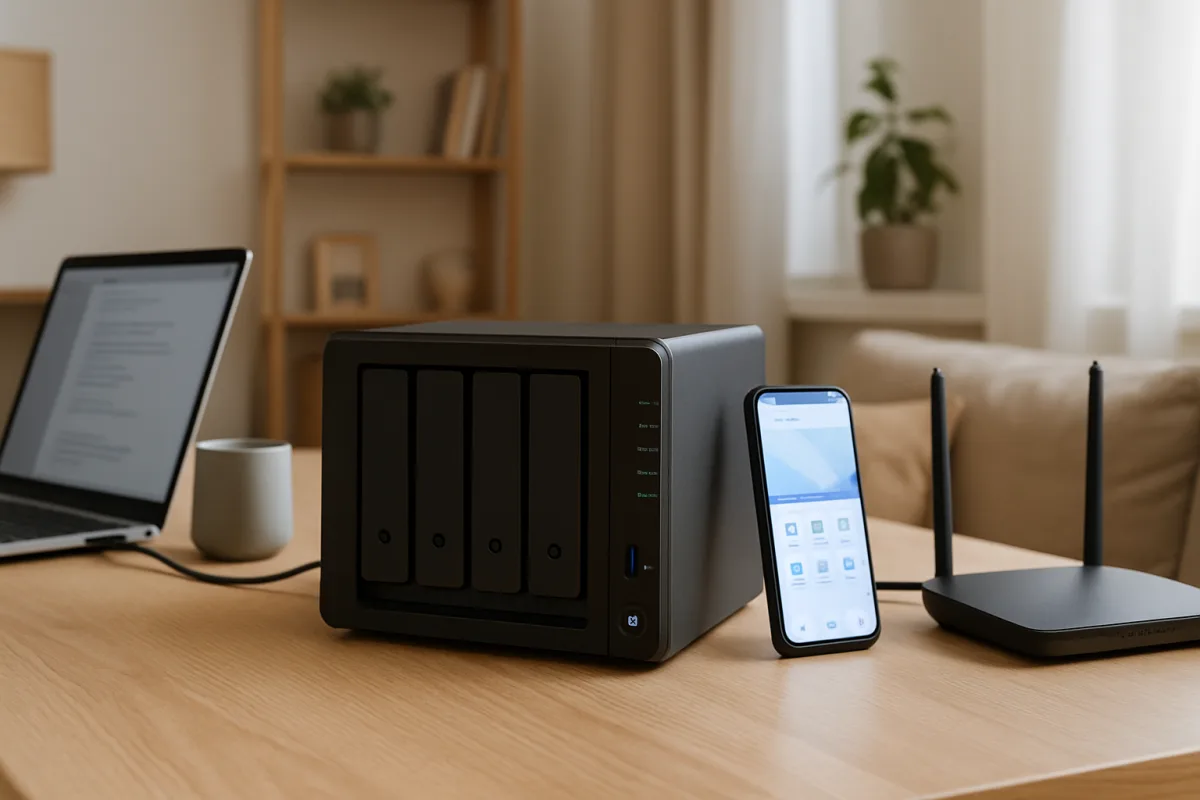
For home users seeking Network Attached Storage (NAS) systems, options like Synology DS220+, QNAP TS-451+, and Western Digital My Cloud Home stand out. The Synology DS220+ is ideal for users needing robust software features and scalability, while the QNAP TS-451+ offers excellent multimedia capabilities. The Western Digital My Cloud Home is perfect for those looking for simplicity and ease of use. Each option caters to different user needs, from advanced features to straightforward setups.
Quick Summary
Choosing the right NAS system for home use involves understanding your storage needs, budget, and desired features. Synology, QNAP, and Western Digital offer leading options, each with unique strengths. This guide will help you navigate these choices effectively.
Curator Notes
Network Attached Storage (NAS) systems are increasingly popular among home users for their ability to centralize data storage, facilitate backups, and enable media streaming. When selecting a NAS, consider factors such as storage capacity, ease of use, software features, and multimedia capabilities. Synology, QNAP, and Western Digital are three of the most reputable brands in this space, each offering unique advantages.
The Synology DS220+ is often recommended for its powerful software ecosystem, which includes comprehensive backup solutions and user-friendly interfaces. This model is particularly suited for users who may want to expand their storage in the future, thanks to its two drive bays. On the other hand, the QNAP TS-451+ excels in multimedia applications, making it a great choice for users who prioritize video streaming and transcoding capabilities.
Lastly, the Western Digital My Cloud Home is designed for those who prefer a straightforward setup and minimal configuration, making it ideal for less tech-savvy users. Ultimately, the best NAS for you will depend on your specific needs, whether that’s advanced features, multimedia capabilities, or ease of use. Evaluating these options will help you make an informed decision that aligns with your home storage requirements.
Recommended Options
- Synology DS220+: Best for Users needing robust software features and scalability. Offers an extensive software ecosystem with excellent backup solutions. Signal checked: Highly rated for performance and user satisfaction. Alternative to consider: QNAP TS-451+ for multimedia capabilities.
- QNAP TS-451+: Best for Multimedia enthusiasts and streamers. Superior video transcoding and streaming capabilities. Signal checked: Popular among users for its multimedia features. Alternative to consider: Synology DS220+ for software features.
- Western Digital My Cloud Home: Best for Users seeking simplicity and ease of use. Signal checked: Well-received by casual users for its straightforward functionality. Alternative to consider: Synology DS220+ for more advanced features.
Best Sources
Videos and Community Signals
In this video I will be covering the basics of a NAS including what it is and what it can be used for. This one is geared for beginners ...
NAS (Network Access Storage) is like Google Drive that you control. It's like its own separate computer that manages your files ...
Comparison
| Decision Point | Good Starting Choice | When to Go Further |
|---|---|---|
| Storage Capacity | 1-2 TB for casual users | 4+ TB for heavy multimedia users |
| Software Features | Basic file sharing and backup | Advanced apps for media streaming and virtualization |
| Ease of Setup | Plug-and-play functionality | Customizable setup for advanced users |
FAQ
A NAS (Network Attached Storage) system is a dedicated file storage device that connects to a network, allowing multiple users and devices to access data centrally.
It depends on your usage. For basic file storage, 1-2 TB is often sufficient, but multimedia users may require 4 TB or more.
Many NAS systems, like the Synology DS220+, allow for additional drives to be added later, providing scalability.