MetaMask Wallet Setup Guide
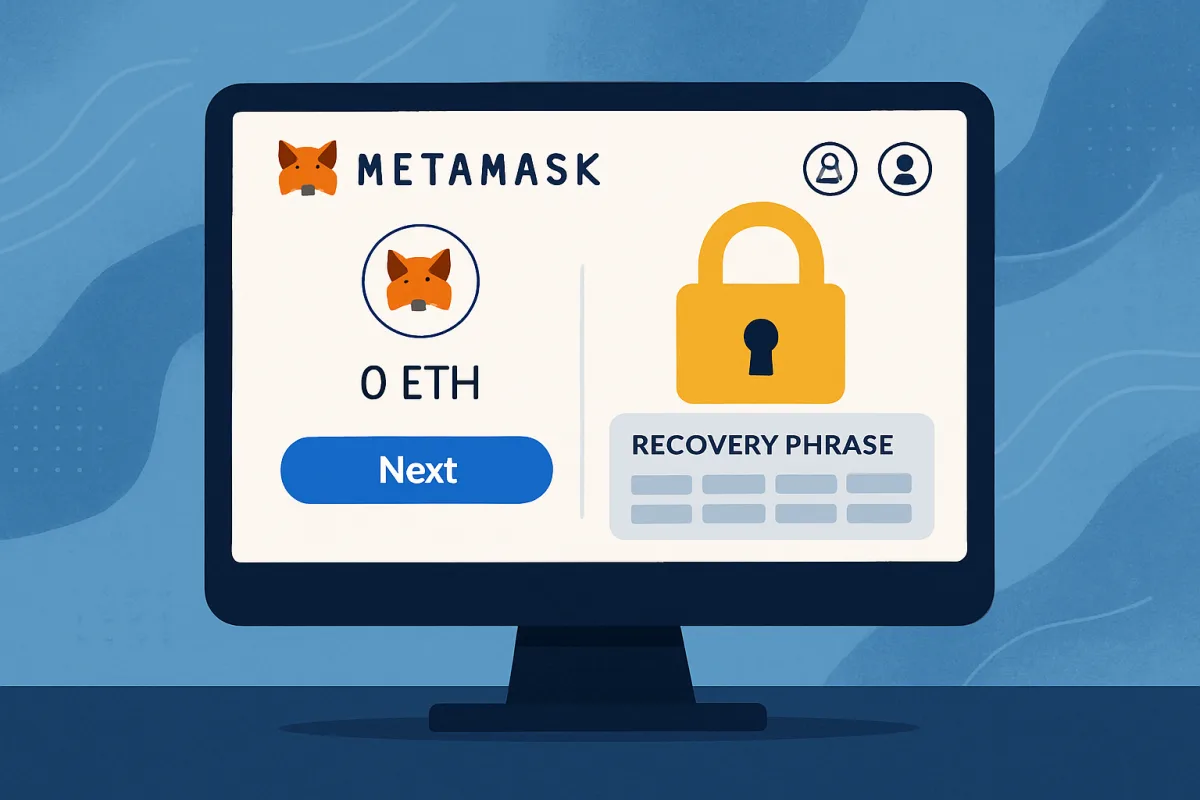
Setting up a MetaMask wallet is a straightforward process that involves downloading the extension or app, creating a new wallet, and securing your recovery phrase. Start by visiting the official MetaMask website or your device's app store. Follow the prompts to install the wallet. Once installed, open the app or extension, select 'Create a Wallet,' and set a strong password. MetaMask will then provide you with a recovery phrase—write this down and store it securely, as it is crucial for recovering your wallet. After that, you can begin using your wallet for transactions and managing your cryptocurrencies.
Quick Summary
To set up a MetaMask wallet, download the extension or app from the official site or app store. Create a new wallet by following the prompts, setting a strong password, and securely storing your recovery phrase. This phrase is essential for wallet recovery. Once set up, you can manage your cryptocurrencies and make transactions. Ensure you keep your password and recovery phrase safe to protect your assets.
Curator Notes
Setting up a MetaMask wallet is an essential step for anyone looking to engage with cryptocurrencies and decentralized applications. The process begins with downloading the MetaMask extension for your browser or the mobile app from the official app store. It's crucial to ensure you're downloading from the official source to avoid phishing scams.
Once installed, open the app or extension and click on 'Create a Wallet.' You'll be prompted to create a strong password. This password is vital for accessing your wallet, so choose something secure but memorable. After setting your password, MetaMask will generate a recovery phrase, which is a series of 12 or 24 words.
This phrase is your lifeline; if you lose access to your wallet, you can recover it using this phrase. It's essential to write down your recovery phrase and store it in a safe place, preferably offline. Don't share this phrase with anyone, as it grants access to your wallet.
Many users overlook this step, thinking they can remember it, which can lead to losing access to their funds. After securing your recovery phrase, you'll be taken to your wallet dashboard. Here, you can view your balance, send and receive cryptocurrencies, and interact with decentralized applications.
Familiarize yourself with the interface, as it will be your primary tool for managing your digital assets. MetaMask also allows you to connect to various blockchain networks. By default, it operates on the Ethereum network, but you can easily switch to other networks like Binance Smart Chain or Polygon.
This flexibility is one of the reasons MetaMask is so popular among crypto users. As you start using your wallet, be aware of transaction fees and gas prices, especially when interacting with decentralized applications. These fees can fluctuate based on network congestion, so it's wise to check before making transactions.
Additionally, consider enabling two-factor authentication for added security. In summary, setting up a MetaMask wallet is relatively simple, but it requires careful attention to security. By following these steps and keeping your recovery phrase safe, you can confidently manage your cryptocurrencies and explore the world of decentralized finance.
Best Sources
Videos and Community Signals
Hello there! In this video, I will explain step by step what MetaMask is and how to set it up, one of the most popular wallets in the ...
Web 3.0 Wallet Set Up. The First Of Its Kind. This Is The Absolutely Best And Safest Way To Setup Your #MetaMask Wallet To Any ...
Comparison
| Decision Point | Good Starting Choice | When to Go Further |
|---|---|---|
| Online booking | A simple booking page with service duration, staff assignment and confirmation emails. | Multi-location calendars, deposits, cancellation rules and waitlist handling. |
| Client records | Basic notes, visit history and contact details are enough to start. | Segmentation, purchase history, memberships, forms and before-after notes become more important. |
| Reminders | SMS or email reminders help reduce no-shows without adding admin work. | Automated rebooking, follow-up campaigns and missed-appointment recovery matter more. |
| Payments | Card capture and checkout should be simple and transparent. | Packages, memberships, staff commissions, tips and refunds need cleaner reporting. |
| Marketing | Light email or SMS campaigns are useful if they are easy to run. | Automated win-back, birthday offers, review requests and audience segments create more leverage. |
FAQ
MetaMask is a cryptocurrency wallet that allows users to manage their digital assets and interact with decentralized applications on the Ethereum blockchain and other networks.
MetaMask is generally considered safe, but users must take precautions such as securing their recovery phrase and using strong passwords to protect their wallets.
Yes, you can recover your MetaMask wallet using your recovery phrase. It's crucial to store this phrase securely.
MetaMask primarily supports Ethereum and ERC-20 tokens, but it can also be configured to work with other blockchains.