MacBook USB-C Docking Station
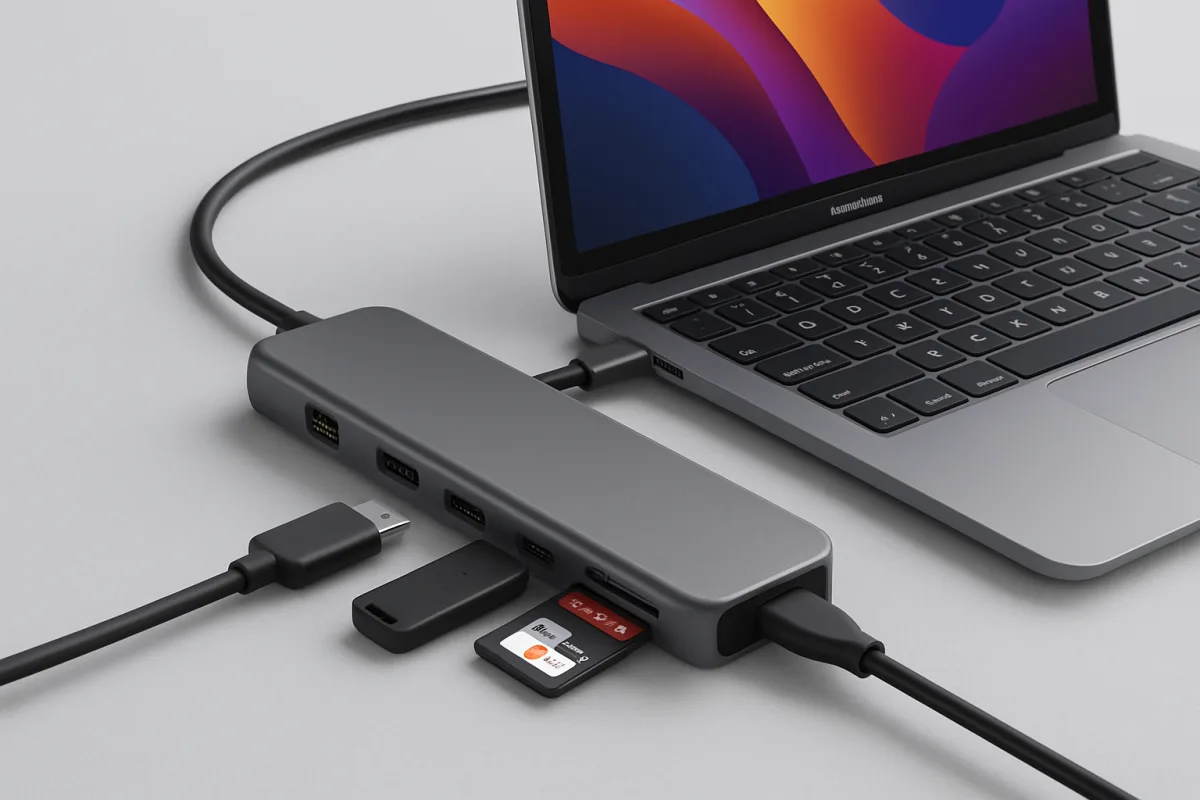
For MacBook users seeking to expand connectivity options, several USB-C docking stations stand out. The CalDigit TS3 Plus is highly regarded for its extensive port selection, including USB-A, USB-C, HDMI, and Ethernet, making it ideal for professionals needing versatile connections. The Anker PowerExpand Elite offers a balance of performance and price, featuring Thunderbolt 3 support and a compact design, perfect for on-the-go use. Lastly, the HyperDrive DUO is a great choice for those looking for a more portable solution, offering dual USB-C ports and a slim profile, although it has fewer ports than the others. Each option caters to different user needs, from extensive connectivity to portability.
Quick Summary
Choosing the right USB-C docking station for your MacBook can significantly enhance your productivity. The CalDigit TS3 Plus is perfect for users needing multiple connections, while the Anker PowerExpand Elite balances performance with portability. For those who prioritize a compact design, the HyperDrive DUO is a solid choice. Understanding the specific features and trade-offs of each option will help you make an informed decision based on your connectivity needs.
Curator Notes
Selecting a USB-C docking station for your MacBook involves understanding your connectivity needs and the specific features each product offers. The CalDigit TS3 Plus is often recommended for its comprehensive array of ports, including USB-A, USB-C, HDMI, and Ethernet. This makes it an excellent choice for professionals who require multiple connections for peripherals like monitors, external drives, and network access.
Its robust build quality and reliable performance further enhance its appeal, though it comes at a higher price point. On the other hand, the Anker PowerExpand Elite strikes a balance between functionality and cost. It supports Thunderbolt 3, which allows for faster data transfer and charging capabilities.
This dock is particularly suited for users who travel frequently, as its compact design makes it easy to carry. However, it has fewer ports than the CalDigit, which may limit connectivity for some users. For those prioritizing portability without sacrificing essential features, the HyperDrive DUO is worth considering.
This dock offers dual USB-C ports and a slim profile, making it an ideal companion for users who need a lightweight solution. While it lacks the extensive port selection of the other two options, its convenience and ease of use make it a practical choice for everyday tasks. When evaluating these options, consider your specific use cases.
If you often connect multiple devices simultaneously, the CalDigit may be the best fit. Conversely, if you need a dock that travels well, the Anker or HyperDrive options could serve you better. Additionally, keep in mind the potential trade-offs regarding price and port availability.
Another factor to consider is compatibility with your MacBook model. While most USB-C docks work with various models, checking compatibility ensures you maximize functionality. Some docks may also offer features like power delivery, which can charge your MacBook while in use, adding to their utility.
Lastly, user reviews and expert recommendations can provide valuable insights into real-world performance. Look for feedback on build quality, ease of use, and customer support experiences to guide your decision. Each of these docks has its strengths and weaknesses, so aligning your choice with your specific needs will yield the best results.
Recommended Options
- CalDigit TS3 Plus: Best for Professionals needing extensive connectivity Offers a wide range of ports and robust performance Signal checked: Highly rated for build quality and reliability Alternative to consider: Anker PowerExpand Elite for a more portable option
- Anker PowerExpand Elite: Best for Users seeking a balance of performance and portability Thunderbolt 3 support and compact design Signal checked: Popular among travelers for its versatility Alternative to consider: CalDigit TS3 Plus for more ports
- HyperDrive DUO: Best for Users needing a lightweight, portable solution Signal checked: Well-reviewed for everyday use Alternative to consider: Anker PowerExpand Elite for more features
Best Sources
Videos and Community Signals
Here is what you need to look when choosing a USB Hub or dock for your M4 MacBook Air. ↓↓Amazon links↓↓ Compatible ...
Ascrono MacBook Docking Station 2 x USB-C Port (Thunderbolt 4 Compatible) 1 x MagSafe 3 (140W) 16" MacBook Pro M1 & M2 ...
Comparison
| Decision Point | Good Starting Choice | When to Go Further |
|---|---|---|
| Port Selection | HyperDrive DUO for minimal needs | CalDigit TS3 Plus for extensive connectivity |
| Portability | Anker PowerExpand Elite for travel | HyperDrive DUO for ultra-lightweight options |
| Performance | Anker PowerExpand Elite for decent speed | CalDigit TS3 Plus for maximum performance |
FAQ
A USB-C docking station allows you to connect multiple peripherals to your MacBook through a single USB-C port, expanding connectivity options.
Most USB-C docks are compatible, but it's essential to check compatibility with your specific MacBook model for optimal performance.
Yes, many USB-C docking stations support power delivery, allowing you to charge your MacBook while using it.