Kindle vs Kobo vs ReMarkable
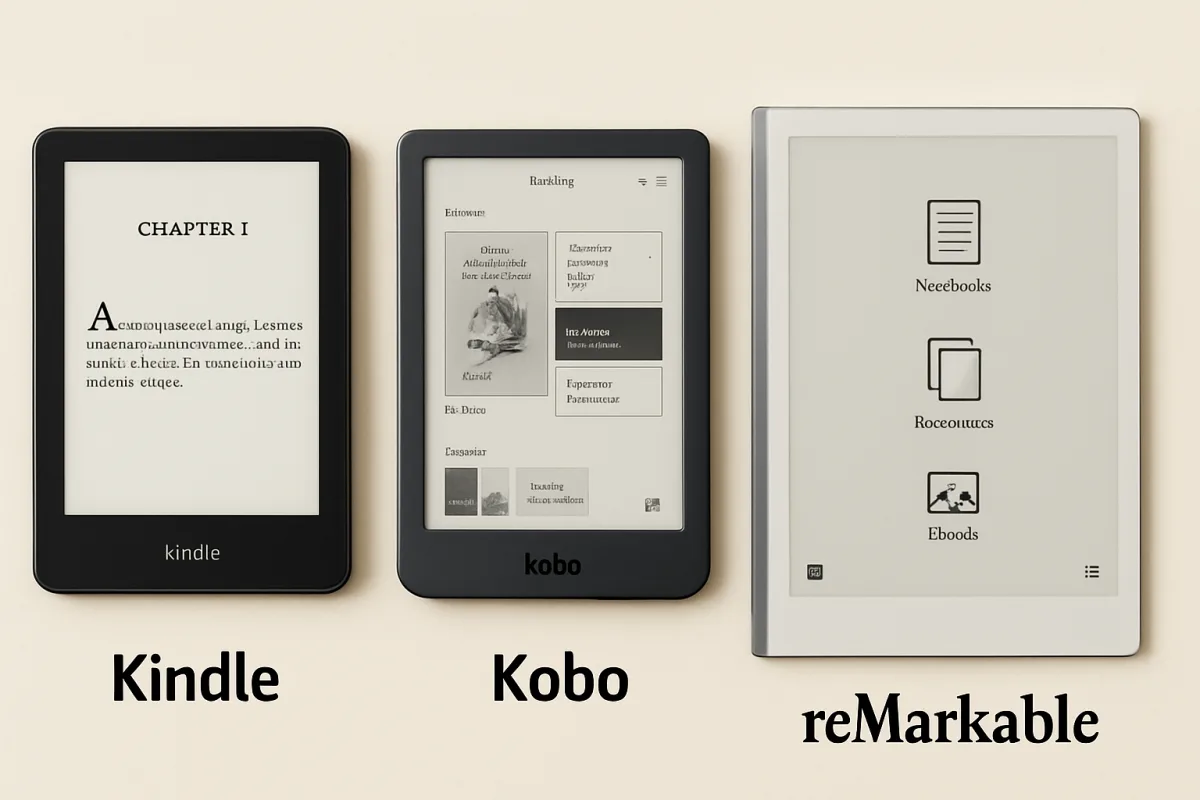
When comparing Kindle, Kobo, and ReMarkable, each device serves distinct user needs. Kindle is ideal for casual readers with its extensive library and affordability. Kobo offers a more customizable reading experience with support for various formats. ReMarkable stands out for note-taking and document management, appealing to professionals and students. Your choice should depend on your reading habits and additional features you may need.
Quick Summary
Kindle, Kobo, and ReMarkable cater to different reading preferences. Kindle excels in eBook selection and price, Kobo offers format versatility, and ReMarkable focuses on note-taking. Understanding your reading style will help you choose the best device.
Curator Notes
The Kindle is widely recognized for its vast eBook library and user-friendly interface, making it a favorite among casual readers. With options ranging from the budget-friendly Kindle Basic to the premium Kindle Oasis, it provides a variety of choices to suit different budgets. Its seamless integration with Amazon services enhances the reading experience, allowing for easy purchases and downloads.
Kobo, on the other hand, is known for its support of multiple file formats, including EPUB, which is a significant advantage for readers who prefer borrowing eBooks from libraries. The Kobo Clara HD and Kobo Libra H2O are popular models that focus on comfort and customization, including adjustable lighting and font settings. This flexibility makes Kobo a strong contender for avid readers who value personalization.
ReMarkable is a unique offering, designed primarily for those who want to combine reading with note-taking. Its paper-like display and stylus support make it ideal for students and professionals who need to annotate documents or sketch ideas. Although it comes at a higher price point, its features cater specifically to users who prioritize productivity alongside reading.
Each device has its strengths, so your choice should align with your specific reading and note-taking needs.
Recommended Options
- Amazon Kindle Paperwhite: Best for Casual readers looking for a budget-friendly option Offers a great balance of features and price, with waterproofing and adjustable lighting. Signal checked: Highly rated by users for its readability and battery life. Alternative to consider: Kobo Clara HD for a more customizable reading experience.
- Kobo Libra H2O: Best for Readers who prefer library borrowing and format flexibility Supports multiple formats and has a comfortable ergonomic design. Signal checked: Well-reviewed for its user-friendly interface and extensive format support. Alternative to consider: Kindle Oasis for premium features.
- ReMarkable 2: Best for Professionals and students needing note-taking capabilities Signal checked: Praised for its writing experience and document management capabilities. Alternative to consider: iPad with Apple Pencil for a more versatile tablet experience.
Best Sources
Videos and Community Signals
The Remarkable 1 and 2 are dedicated e-notes with an excellent drawing system and better accessories. The Kobo Elipsa 2e has ...
Hi Slayers! ⋆。°✩ The question that i'll never shut up about: should you get a kindle ereader or kobo ereader? Answered in ...
Comparison
| Decision Point | Good Starting Choice | When to Go Further |
|---|---|---|
| Reading Experience | Kindle for casual reading and eBook purchases. | ReMarkable for note-taking and document management. |
| File Format Support | Kindle supports Amazon's proprietary formats. | Kobo supports EPUB and other formats, ideal for library borrowing. |
| Price Range | Kindle Basic for budget-friendly options. | ReMarkable for premium features at a higher price. |
FAQ
Kobo devices support EPUB formats, making them ideal for borrowing eBooks from libraries.
If you need advanced note-taking features, ReMarkable justifies its price with its unique capabilities.
Yes, but the experience varies; Kobo handles PDFs better than Kindle, while ReMarkable excels in document management.