Ideal Daily Macro Calculator
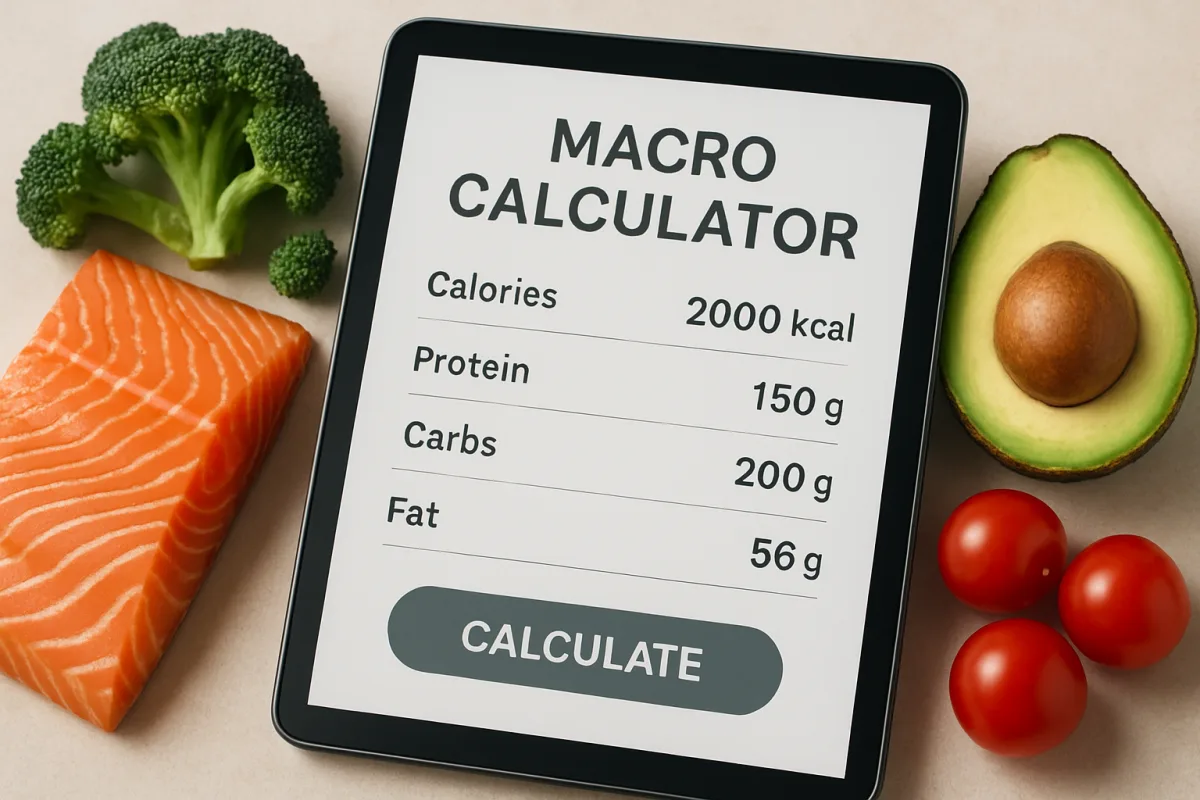
An ideal daily macro calculator helps individuals determine their optimal intake of macronutrients—proteins, fats, and carbohydrates—based on personal goals such as weight loss, muscle gain, or maintenance. Popular options include MyFitnessPal, Cronometer, and MacroFactor. Each tool offers unique features: MyFitnessPal is user-friendly with a vast food database; Cronometer provides detailed nutritional insights; and MacroFactor uses a dynamic approach to adjust macros based on progress. Choosing the right calculator depends on your specific needs, such as ease of use, depth of nutritional data, and adaptability to changing goals.
Quick Summary
Calculating your daily macronutrient needs is essential for achieving fitness goals. Tools like MyFitnessPal, Cronometer, and MacroFactor can simplify this process. MyFitnessPal is great for beginners due to its extensive food database and user-friendly interface. Cronometer excels in providing detailed nutritional information, making it ideal for those focused on micronutrients as well. MacroFactor stands out for its adaptability, adjusting macros based on your progress. Selecting the right tool depends on your personal preferences and fitness objectives.
Curator Notes
Understanding your daily macro needs is crucial for any fitness journey. Macronutrients—proteins, fats, and carbohydrates—play a significant role in energy levels, muscle recovery, and overall health. A macro calculator can help you tailor your intake to align with your fitness goals, whether that's losing weight, building muscle, or maintaining your current physique.
MyFitnessPal is one of the most popular macro calculators available. It boasts a vast food database, making it easy to log meals and track your intake. The app also includes community features, allowing users to share tips and support each other.
However, some users find the interface overwhelming due to its many options and features. Cronometer is another strong contender, particularly for those who want detailed nutritional insights. It not only tracks macronutrients but also provides information on micronutrients, making it a great choice for health-conscious individuals.
The downside is that it may require more time to input foods compared to MyFitnessPal. MacroFactor takes a different approach by dynamically adjusting your macros based on your progress. This feature is particularly beneficial for those who want a more hands-off approach once they set their goals.
However, it does come with a subscription fee, which may deter some users. When selecting a macro calculator, consider your specific needs. If you're new to tracking, MyFitnessPal's user-friendly interface may be the best starting point.
For those focused on detailed nutrition, Cronometer is worth exploring. If you prefer a tool that adapts to your progress, MacroFactor could be the right fit. It's also important to remember that while these calculators provide a good starting point, individual needs can vary.
Factors such as age, gender, activity level, and metabolic rate can influence your macro requirements. Therefore, using these tools as a guideline rather than a strict rule is advisable. Lastly, don't overlook the importance of consulting with a healthcare provider or a nutritionist, especially if you have specific dietary needs or health conditions.
They can provide personalized advice that complements the insights from these calculators.
Recommended Options
- MyFitnessPal: Best for Beginners looking for an easy-to-use interface Extensive food database and community features Signal checked: Highly rated by users for ease of tracking Alternative to consider: Lose It!
- Cronometer: Best for Health-conscious individuals wanting detailed nutritional data Tracks both macros and micronutrients Signal checked: Recommended by nutritionists for its accuracy Alternative to consider: NutritionData
- MacroFactor: Best for Users wanting a dynamic approach to macro tracking Signal checked: Positive reviews for its adaptability Alternative to consider: Fitbod
Best Sources
Videos and Community Signals
Want better workouts? Go here: https://ibextrained.com/ IIf you're new to the channel, we're Kristi and Patrick O'Connell. We're the ...
Help me make more cheesy content: https://youtube.com/picturefit/join Discord ▻ https://discord.gg/picturefit For Cheesy Fitness ...
Comparison
| Decision Point | Good Starting Choice | When to Go Further |
|---|---|---|
| User Interface | MyFitnessPal - easy to navigate for beginners | Cronometer - more detailed but complex |
| Nutritional Tracking | MyFitnessPal - good for basic macro tracking | Cronometer - includes micronutrient tracking |
| Adaptability | Static tracking in MyFitnessPal | Dynamic adjustments in MacroFactor |
FAQ
You can use a macro calculator app to input your age, weight, height, and fitness goals, which will provide your ideal macro ratios.
While they provide a good estimate, individual needs can vary based on factors like metabolism and activity level.
Yes, many users find it helpful to use more than one app to get a comprehensive view of their nutrition.