How to Write a Resume
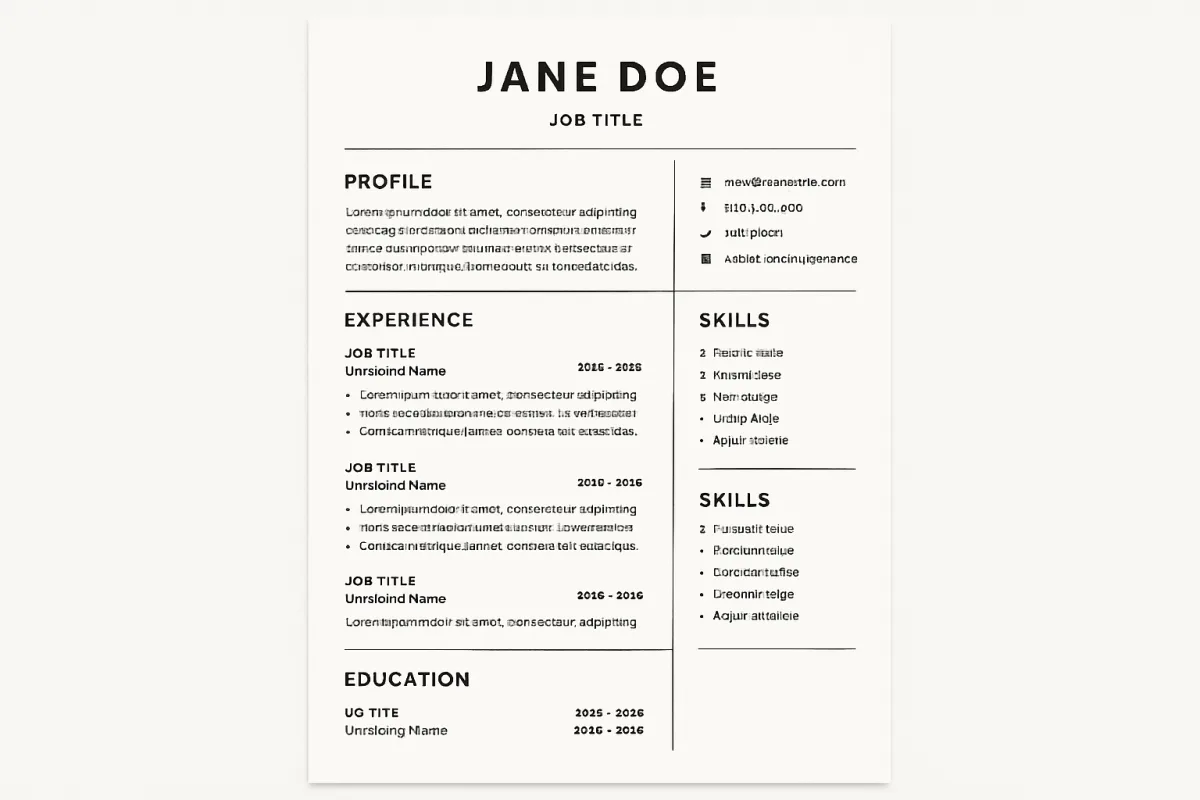
Writing a resume involves several key steps to effectively showcase your skills and experiences. Start by choosing a clear format that suits your career level, such as chronological, functional, or combination. Include essential sections like contact information, a summary statement, work experience, education, and relevant skills. Tailor your resume for each job application by using keywords from the job description, and ensure it is concise, typically one page for entry-level positions and up to two pages for experienced professionals.
Quick Summary
To write a resume, select a suitable format, include key sections like contact info and work experience, and tailor it to each job application. Focus on clarity and conciseness to make a strong impression.
Curator Notes
When writing a resume, the first step is to choose a format that best highlights your qualifications. The chronological format is ideal for those with a solid work history, while the functional format is better for those with gaps in employment or changing careers. A combination format can also be effective, allowing you to showcase skills while providing a chronological work history.
Each format has its strengths, so select one that aligns with your career narrative. Next, structure your resume with essential sections. Start with your contact information, followed by a summary statement that encapsulates your career goals and key qualifications.
The work experience section should detail your previous roles, focusing on achievements rather than just duties. Include your education and any relevant skills, ensuring they align with the job description. Tailoring your resume for each application is crucial; use keywords from the job listing to pass through applicant tracking systems and resonate with hiring managers.
Finally, keep your resume concise and visually appealing. Use bullet points for easy readability and ensure there is ample white space. Proofread for errors and consider seeking feedback from peers or mentors to enhance its effectiveness.
Recommended Options
- Canva Resume Builder: Best for Creative professionals looking for visually appealing resumes. Offers a wide range of customizable templates and a user-friendly interface. Signal checked: Highly rated for design flexibility and ease of use. Alternative to consider: Microsoft Word for traditional formats.
- Zety Resume Builder: Best for Job seekers needing guidance on content and structure. Provides step-by-step guidance and tips for each section. Signal checked: Popular for its comprehensive features and user support. Alternative to consider: ResumeGenius for similar features.
Best Sources
Videos and Community Signals
Today, I'll share 8 crucial tips for making your resume better - and increasing the chances that it'll land you an interview. Watch ...
Hey Best Frienddd!! Welcome back to my Career Series! In today's video I'm going to teach you guys how to write a resume with ...
Comparison
| Decision Point | Good Starting Choice | When to Go Further |
|---|---|---|
| Resume Format | Chronological for straightforward career paths. | Functional for career changers or those with gaps. |
| Customization | Basic template adjustments. | Tailored keywords and achievements for specific job applications. |
| Length | One page for entry-level positions. | Two pages for experienced professionals. |
FAQ
The best format depends on your career history; chronological is great for consistent work, while functional suits those with gaps or changing careers.
Typically, one page for entry-level roles and up to two pages for more experienced candidates.