Best Monitors for Productivity
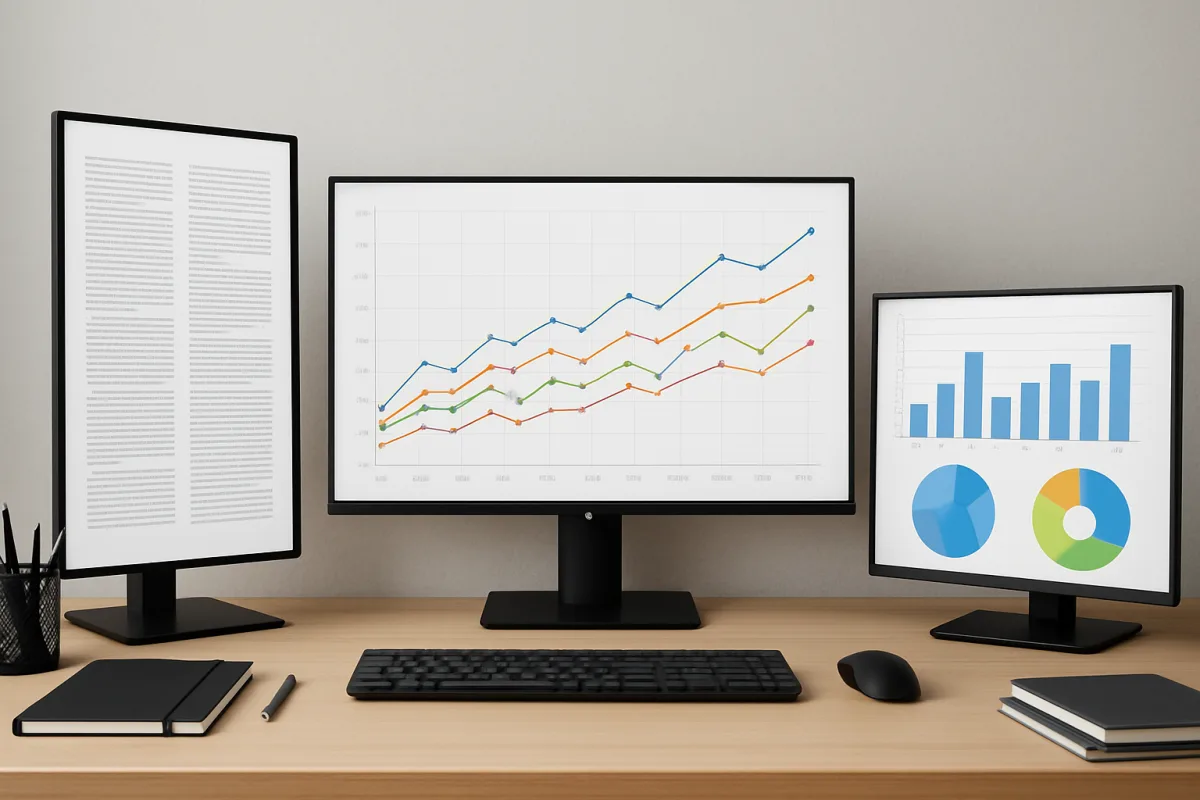
For optimal productivity, consider monitors like the Dell UltraSharp U2720Q, LG 34WN80C-B, and BenQ PD3220U. The Dell UltraSharp offers excellent color accuracy and a 4K resolution, making it ideal for graphic design and video editing. The LG 34WN80C-B is a curved ultrawide monitor that enhances multitasking with its expansive screen real estate. The BenQ PD3220U is tailored for professionals needing precise color representation, supporting HDR and multiple color spaces. Each of these monitors caters to different productivity needs, ensuring you find the right fit for your workspace.
Quick Summary
Choosing the best monitor for productivity involves considering factors like screen size, resolution, and color accuracy. The Dell UltraSharp U2720Q excels in color precision, the LG 34WN80C-B offers a wide display for multitasking, and the BenQ PD3220U is perfect for creative professionals. Each monitor has unique strengths, making them suitable for various work environments.
Curator Notes
When selecting a monitor for productivity, it's crucial to evaluate your specific needs. The Dell UltraSharp U2720Q stands out for its 4K resolution and exceptional color accuracy, making it a favorite among graphic designers and video editors who require precise visuals. Its USB-C connectivity also simplifies cable management and charging for laptops, enhancing workspace efficiency.
On the other hand, the LG 34WN80C-B is an ultrawide monitor that provides ample screen space, allowing users to run multiple applications side by side without the need for dual monitors. This feature is particularly beneficial for professionals in finance or project management who need to analyze data across various platforms simultaneously. Lastly, the BenQ PD3220U is designed with creative professionals in mind, offering HDR support and various color modes to ensure accurate color representation.
This monitor is ideal for those working in photography, video production, or any field where color fidelity is paramount. Each of these monitors brings unique advantages, ensuring that you can find a model that aligns with your productivity goals.
Recommended Options
- Dell UltraSharp U2720Q: Best for Graphic design and video editing 4K resolution and excellent color accuracy Signal checked: Highly rated by professionals for color precision Alternative to consider: LG 27UK850-W
- LG 34WN80C-B: Best for Multitasking and data analysis Curved ultrawide display enhances workflow Signal checked: Popular among finance professionals for its screen real estate Alternative to consider: Samsung CJ791
- BenQ PD3220U: Best for Creative professionals needing color accuracy Supports HDR and multiple color spaces Signal checked: Favored by photographers and video editors Alternative to consider: ASUS ProArt PA32UCX
Best Sources
Videos and Community Signals
Links to the best monitors for productivity we listed in this video: Dell U4025QW - https://amzn.to/4qFtSRM Dell U2725QE ...
I have used a LOT of monitors over the years in all categories and price ranges. Here's what to look out for when you need ...
Comparison
| Decision Point | Good Starting Choice | When to Go Further |
|---|---|---|
| Resolution | Full HD for general use | 4K for detailed design work |
| Screen Size | 24-27 inches for single use | 34 inches or more for multitasking |
| Color Accuracy | Standard sRGB coverage | 100% Adobe RGB for professional work |
FAQ
A monitor size of 27 inches or larger is generally recommended for productivity, especially for multitasking.
While not essential, 4K resolution can enhance clarity and detail, making it beneficial for design and video editing tasks.