How to Start a Podcast
Starting a podcast involves several key steps: defining your niche, planning your content, choosing the right equipment, recording, editing, and finally publishing your episodes. Begin by identifying a specific topic that excites you and has an audience. Next, outline your episodes and decide on a format, whether it's interviews, solo commentary, or storytelling. Invest in quality microphones and editing software to ensure professional sound. Once recorded, edit your episodes for clarity and flow before uploading them to a podcast hosting platform. Promote your podcast through social media and engage with your audience to build a community around your content.
Quick Summary
To successfully launch a podcast, focus on defining your niche and planning engaging content. Invest in quality recording equipment and editing software to ensure high audio quality. After recording and editing your episodes, choose a reliable hosting platform for distribution. Promotion is key—utilize social media and engage with listeners to grow your audience. Each step is crucial for creating a podcast that resonates with your target audience and stands out in a crowded market.
Curator Notes
Starting a podcast can be an exciting venture, but it requires careful planning and execution. The first step is to define your niche. Consider what topics you are passionate about and where you can provide unique insights.
Research existing podcasts in your area of interest to identify gaps in the market that you can fill. This will help you attract a dedicated audience from the start. Next, plan your content thoroughly.
Outline your first few episodes and decide on a format—will you have guests, or will it be a solo show? Consistency in format helps establish expectations for your listeners. Create a content calendar to keep your episodes organized and ensure you have a steady flow of material.
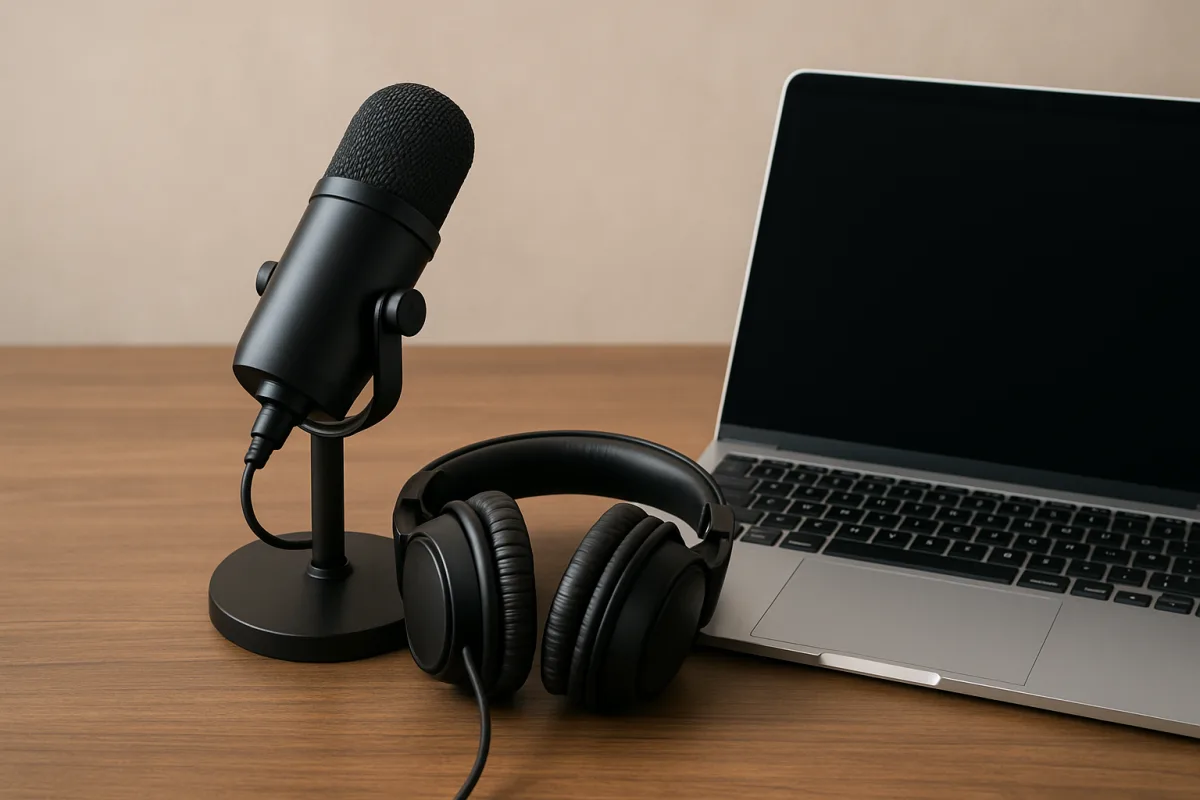
Investing in quality equipment is crucial for producing a professional-sounding podcast. A good microphone can significantly enhance audio clarity, while headphones help you monitor sound quality during recording. Editing software is also essential for refining your episodes, removing mistakes, and adding music or sound effects.
Once your episodes are recorded, the editing process begins. This is where you can polish your content, ensuring it flows well and maintains listener engagement. Don’t shy away from cutting out sections that don’t add value; brevity is often key to keeping your audience's attention.
After editing, choose a podcast hosting platform that suits your needs. Look for features like analytics, ease of use, and distribution options to various podcast directories. Popular options include Libsyn, Podbean, and Anchor, each offering unique advantages depending on your goals.
Promotion is another vital aspect of launching your podcast. Utilize social media platforms to share episodes and engage with your audience. Consider creating a website or blog to host show notes and additional content, which can help drive traffic and build a community around your podcast.
Finally, be patient and persistent. Building an audience takes time, and consistency is key. Regularly release new episodes and actively engage with your listeners to foster loyalty and encourage word-of-mouth promotion.
Over time, your podcast can grow into a rewarding endeavor, both creatively and potentially financially.
Recommended Options
- Audio-Technica AT2020: Best for Podcasters seeking high-quality audio on a budget. Renowned for its clarity and durability, making it a favorite among beginners. Signal checked: Highly rated on platforms like Amazon and professional reviews. Alternative to consider: Blue Yeti for USB convenience.
- Adobe Audition: Best for Podcasters needing advanced editing features. Offers a comprehensive suite of tools for professional audio editing. Signal checked: Widely used in the industry, with positive feedback from users. Alternative to consider: Audacity for a free option.
- Libsyn: Best for Podcasters looking for reliable hosting with analytics. Established platform with robust distribution options and analytics. Signal checked: Trusted by many top podcasters. Alternative to consider: Anchor for a free and user-friendly option.
Best Sources
Videos and Community Signals
5 tips to kickstart your show this year, complete with the essential tools and gear. Get Studio-quality recording, AI-powered ...
It seems like everyone wants to create a podcast in 2025. But here at B&H, we don't gatekeep. Matt shares how to start a podcast ...
Comparison
| Decision Point | Good Starting Choice | When to Go Further |
|---|---|---|
| Equipment Quality | USB microphones like Blue Snowball for easy setup. | XLR microphones like Shure SM7B for professional sound. |
| Editing Software | Audacity for free, basic editing. | Adobe Audition for comprehensive editing capabilities. |
| Hosting Platform | Anchor for free hosting with simple interface. | Libsyn for detailed analytics and distribution. |
FAQ
Aim for 20-60 minutes, depending on your content and audience preferences.
Not necessarily; many successful podcasts are solo. It depends on your style and comfort.
Consistency is key; whether weekly or bi-weekly, stick to a schedule that works for you.