How to Register a Domain Name
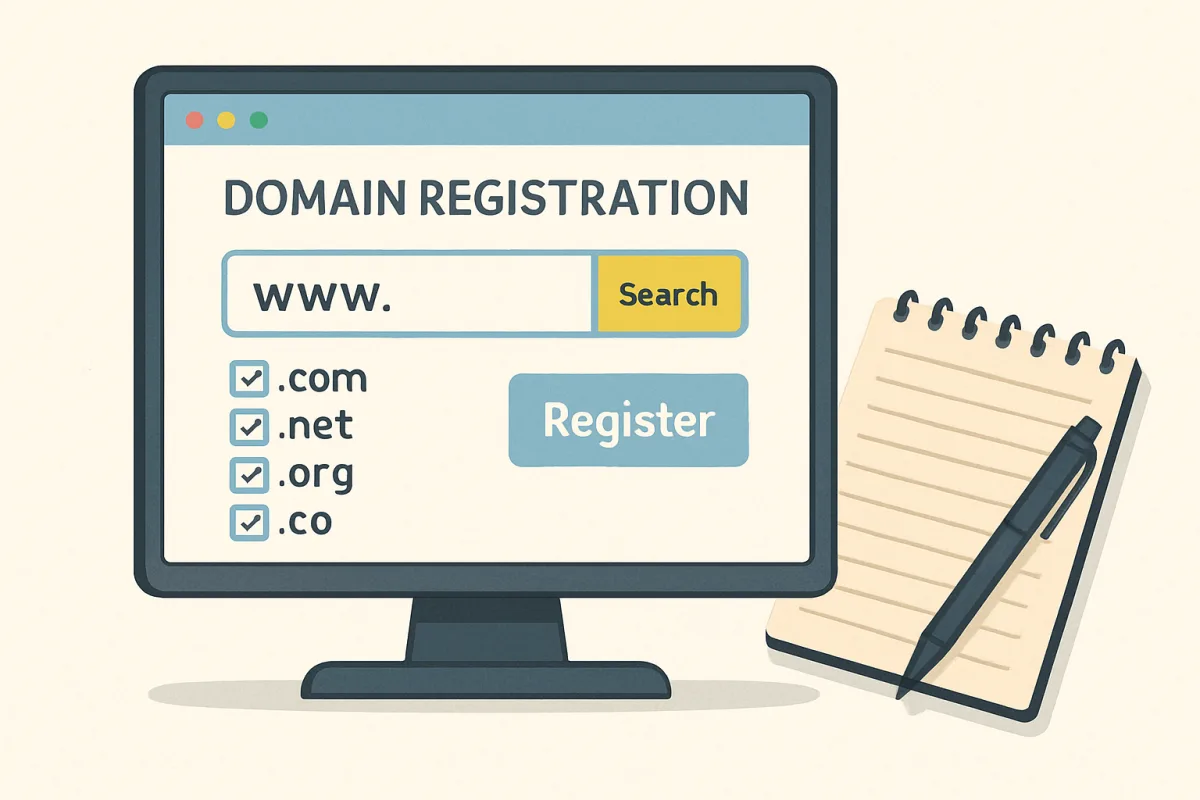
To register a domain name, start by choosing a domain name that reflects your brand or purpose. Use a domain registrar like GoDaddy or Namecheap to check availability. Once you find an available name, follow the registrar's prompts to complete the registration process, which typically involves providing contact information and paying a registration fee. Make sure to renew your domain annually to maintain ownership.
Quick Summary
Registering a domain name involves selecting a unique name, checking its availability, and completing the registration process through a domain registrar. This guide outlines the steps to ensure you secure your desired domain effectively.
Curator Notes
Registering a domain name is a crucial step for establishing an online presence. Begin by brainstorming a name that aligns with your brand or business. It's essential to keep it short, memorable, and relevant.
Once you have a few options, use a domain registrar to check if your desired name is available. Popular registrars include GoDaddy, Namecheap, and Google Domains, each offering various features and pricing structures. After confirming availability, proceed to register the domain.
You'll need to provide your contact information and select a registration period, typically ranging from one to ten years. Be aware that some registrars offer additional services, such as privacy protection, which keeps your personal information private in the WHOIS database. Finally, remember to set reminders for renewal to avoid losing your domain after the registration period ends.
Recommended Options
- GoDaddy: Best for Individuals and businesses looking for a comprehensive domain registration service. GoDaddy is one of the largest domain registrars, offering a user-friendly interface and a wide range of additional services. Signal checked: High user ratings and extensive market presence. Alternative to consider: Namecheap
- Namecheap: Best for Budget-conscious users seeking affordable domain registration. Namecheap is known for its competitive pricing and excellent customer support. Signal checked: Consistently positive reviews and low renewal rates. Alternative to consider: Google Domains
- Google Domains: Best for Users who prefer an integrated experience with other Google services. Signal checked: Trusted brand with a simple pricing model. Alternative to consider: Bluehost
Best Sources
Videos and Community Signals
Having a strong online presence is one of the most important aspects of running a successful business. Whether you're starting a ...
Is it possible to get a free domain in 2024? I'll show you the options available for free domains/subdomains as well as where to ...
Comparison
| Decision Point | Good Starting Choice | When to Go Further |
|---|---|---|
| Pricing | Choose a registrar with low initial costs, like Namecheap. | Consider registrars like GoDaddy for additional features, even if slightly higher in price. |
| Customer Support | Look for registrars with basic support options. | Select providers like Namecheap that offer 24/7 live chat support. |
| Additional Services | Select a registrar that offers domain registration only. | Choose one that provides hosting, email, and privacy protection, like GoDaddy. |
FAQ
The registration process is usually instant, but it can take up to 24 hours for the domain to become fully active.
Yes, you can transfer your domain to another registrar after a certain period, typically 60 days after registration.
Consider variations of the name, different domain extensions (like .net or .co), or use a domain backorder service.