How to Improve Home WiFi Speed
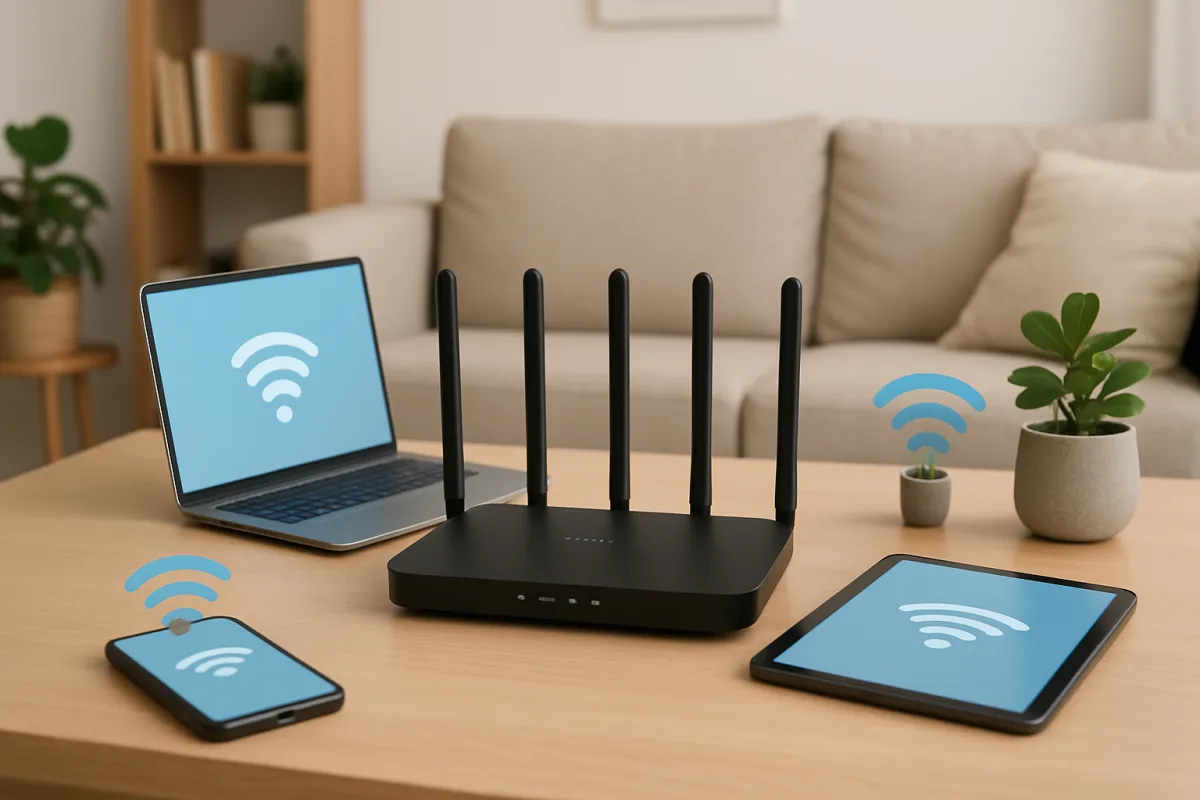
Improving your home WiFi speed can be achieved through several practical steps. Start by positioning your router in a central location, away from walls and obstructions. Consider upgrading to a dual-band router if you haven't already, as this can help manage multiple devices more effectively. Additionally, regularly updating your router's firmware and using wired connections for stationary devices can significantly enhance your network performance.
Quick Summary
To enhance your home WiFi speed, focus on optimizing router placement, upgrading equipment, and managing network traffic. Simple adjustments like minimizing interference and using wired connections can yield substantial improvements.
Curator Notes
To improve your home WiFi speed, begin by evaluating your router's placement. Position it in a central location to maximize coverage and reduce obstructions from walls or furniture. Avoid placing the router near electronic devices that may cause interference, such as microwaves or cordless phones.
This simple adjustment can lead to noticeable improvements in signal strength and speed. Next, consider upgrading to a dual-band router if you are still using a single-band model. Dual-band routers can operate on both 2.4 GHz and 5 GHz frequencies, allowing for better management of multiple devices.
The 5 GHz band offers faster speeds but shorter range, making it ideal for devices that are close to the router. Additionally, regularly updating your router's firmware ensures optimal performance and security. Lastly, for stationary devices like gaming consoles or desktop computers, using a wired Ethernet connection can provide a more stable and faster internet experience.
Recommended Options
- TP-Link Archer AX50: Best for Users needing high-speed internet for multiple devices Offers dual-band support and Wi-Fi 6 technology for improved speed and efficiency. Signal checked: Highly rated on tech review sites for performance and reliability. Alternative to consider: Netgear Nighthawk AX4
- Netgear Nighthawk RAX40: Best for Gaming and streaming enthusiasts Designed for high performance with advanced features like QoS for prioritizing bandwidth. Signal checked: Popular among gamers and streamers for its speed and reliability. Alternative to consider: ASUS RT-AX3000
Best Sources
Videos and Community Signals
Here are the top tips that you need to look out for when configuring WiFi systems. Head to https://squarespace.com/techflow to ...
Take control of your mental health. Go to https://betterhelp.com/chrismajestic to easily find an affordable licensed therapist.
Comparison
| Decision Point | Good Starting Choice | When to Go Further |
|---|---|---|
| Router Placement | Place router centrally in the home. | Consider wall-mounted or elevated positions for better coverage. |
| Router Type | Use a standard single-band router. | Upgrade to a dual-band or tri-band router for better performance. |
| Firmware Updates | Check for updates every few months. | Set up automatic updates for ongoing improvements. |
| Connection Type | Use WiFi for mobile devices. | Use wired connections for stationary devices like PCs or consoles. |
FAQ
Factors include router placement, interference from other devices, the number of connected devices, and the type of internet plan you have.
It's recommended to check for firmware updates at least once every few months or enable automatic updates if available.
Wired connections generally provide faster and more stable internet speeds, especially for stationary devices.