How to Check a Used Car History
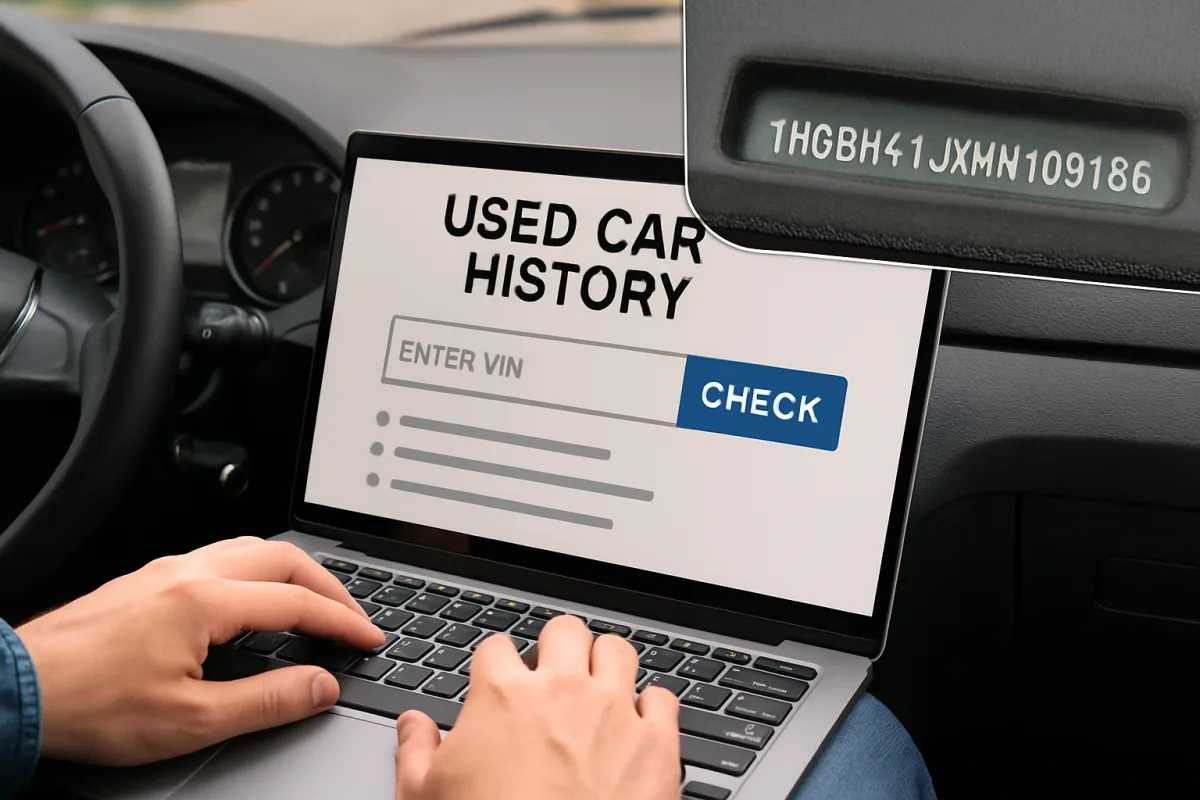
To check a used car's history, you can use services like Carfax, AutoCheck, or the National Motor Vehicle Title Information System (NMVTIS). These platforms provide detailed reports that include information about previous accidents, title status, odometer readings, and service history. Simply enter the Vehicle Identification Number (VIN) to access the report. This step is crucial for making an informed purchase and avoiding potential issues.
Quick Summary
Checking a used car's history is essential before making a purchase. Services like Carfax and AutoCheck provide comprehensive reports using the Vehicle Identification Number (VIN). These reports reveal important details such as accident history, title status, and service records, helping buyers make informed decisions.
Curator Notes
When considering a used car, understanding its history is vital to avoid future headaches. The first step is to obtain the Vehicle Identification Number (VIN), a unique code that identifies the vehicle. With the VIN in hand, you can access various online services that compile vehicle histories from multiple sources, including insurance companies, repair shops, and law enforcement agencies.
Carfax and AutoCheck are two of the most popular services for checking used car histories. Carfax is known for its extensive database and user-friendly interface, providing detailed reports that include accident history, title information, and service records. AutoCheck, on the other hand, offers a scoring system that helps you quickly assess the vehicle's history relative to similar models.
Both services require a fee, but they can save you from costly mistakes. Additionally, the National Motor Vehicle Title Information System (NMVTIS) is a government-run database that offers essential information about a vehicle's title status and history. While it may not be as detailed as Carfax or AutoCheck, it is a reliable option for verifying that the car has not been reported as stolen or salvaged.
Always consider using multiple sources to get a comprehensive view of the vehicle's history.
Recommended Options
- Carfax: Best for Buyers seeking detailed vehicle history reports. Extensive database and user-friendly interface. Signal checked: Widely trusted and used by dealerships. Alternative to consider: AutoCheck
- AutoCheck: Best for Buyers wanting a quick assessment with scoring. Offers a scoring system for easy comparison. Signal checked: Popular among used car buyers for its simplicity. Alternative to consider: Carfax
- NMVTIS: Best for Those looking for basic title information. Government-run and reliable for title status. Signal checked: Provides essential information at a lower cost. Alternative to consider: Carfax or AutoCheck for more details.
Best Sources
Videos and Community Signals
Used car inspection. How to check a used car before buying. Used car DIY inspection and buying guide with Scotty Kilmer.
How to make the right choice when buying a used vehicle. With these 12 things on your checklist, your mechanic will be ...
Comparison
| Decision Point | Good Starting Choice | When to Go Further |
|---|---|---|
| Detail Level | NMVTIS - Basic title and theft information. | Carfax/AutoCheck - Comprehensive history including accidents and service records. |
| Cost | NMVTIS - Generally lower cost. | Carfax/AutoCheck - Higher cost but more detailed reports. |
| User Interface | NMVTIS - Simple and straightforward. | Carfax - More user-friendly with additional features. |
FAQ
A Vehicle Identification Number (VIN) is a unique code used to identify individual motor vehicles.
Yes, they can reveal critical information that may save you from a bad purchase.
Some basic information can be obtained for free through NMVTIS, but detailed reports typically require a fee.