How to Build Your First Gaming PC
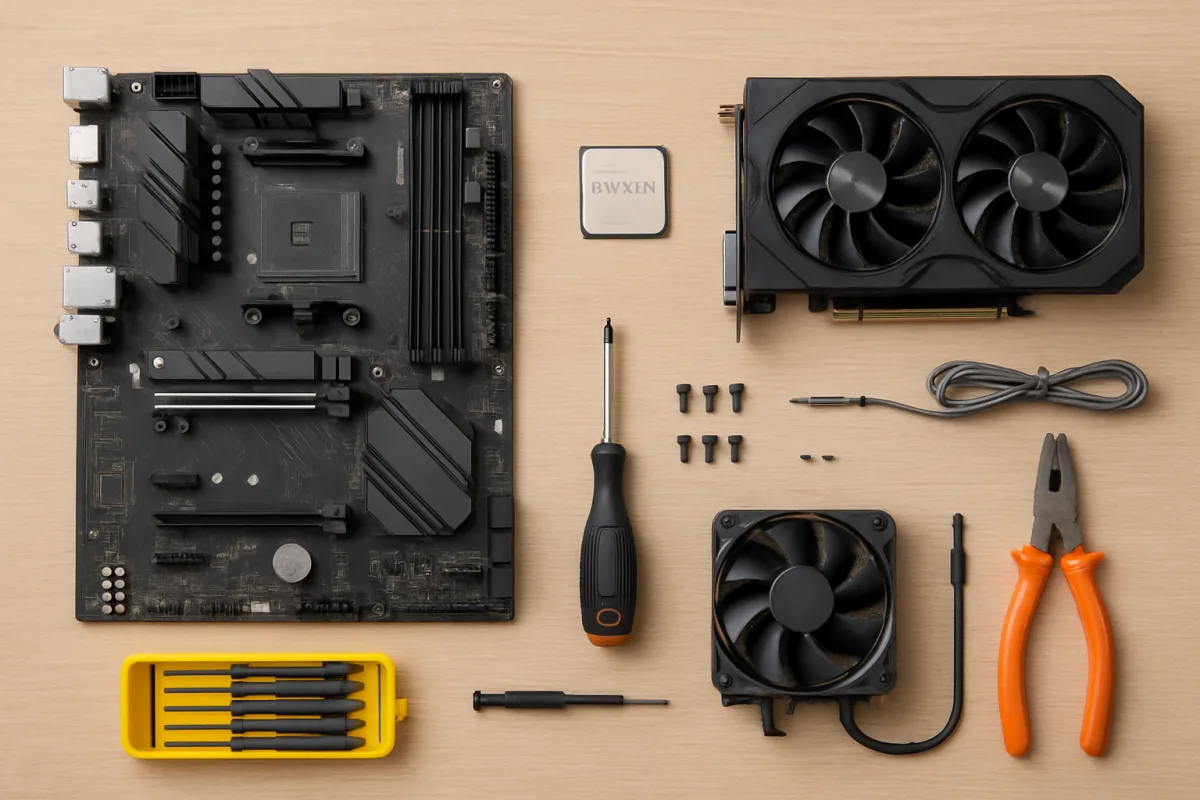
Building your first gaming PC can be an exciting yet daunting task. Start by gathering essential components: a CPU, GPU, motherboard, RAM, storage, power supply, and a case. Research compatibility between parts, and consider your gaming needs to choose the right specifications. Follow a step-by-step guide to assemble the components, ensuring proper connections and cooling. Finally, install the operating system and drivers to get your PC up and running.
Quick Summary
This guide provides a comprehensive overview of how to build your first gaming PC. It covers essential components, assembly steps, and tips for ensuring compatibility and performance. Whether you're a beginner or looking to upgrade, this resource will help you navigate the process with confidence.
Curator Notes
Building a gaming PC involves several critical steps, starting with selecting the right components. The main parts include the CPU (central processing unit), GPU (graphics processing unit), motherboard, RAM (random access memory), storage (SSD or HDD), power supply unit (PSU), and the case. It's essential to ensure that all components are compatible with each other, particularly the motherboard with the CPU and RAM.
Once you have gathered your components, the assembly process begins. Start by installing the CPU and RAM onto the motherboard before placing it into the case. Next, install the GPU and connect all necessary cables from the PSU to the motherboard and other components.
Make sure to manage cables neatly to improve airflow and cooling. After assembly, power on the system and enter the BIOS to configure settings before installing the operating system and drivers for optimal performance.
Recommended Options
- AMD Ryzen 5 5600X: Best for Gamers looking for excellent performance and value. Offers great multi-threaded performance at a competitive price. Signal checked: Highly rated by users and reviewers for gaming and productivity. Alternative to consider: Intel Core i5-11400 for slightly better single-threaded performance.
- NVIDIA GeForce RTX 3060: Best for Gamers wanting high-quality graphics at 1080p and 1440p. Provides excellent performance in modern games with ray tracing support. Signal checked: Widely recommended by gaming communities and tech reviewers. Alternative to consider: AMD Radeon RX 6600 XT for competitive pricing.
- Corsair Vengeance LPX 16GB (2 x 8GB): Best for Users needing reliable and fast memory for gaming. High speed and low latency, ideal for gaming and multitasking. Signal checked: Consistently positive reviews for performance and reliability. Alternative to consider: G.Skill Ripjaws V for similar performance.
Best Sources
Videos and Community Signals
How to Build a Gaming PC (Step by Step) A full in-depth step by step PC build guide. Showing installation of parts, installing ...
Optimize your PC for gaming with Hone - https://hone.gg/a/aman My 56-page PC Building Ebook: Learn how to choose every ...
Comparison
| Decision Point | Good Starting Choice | When to Go Further |
|---|---|---|
| Budget | Focus on mid-range components for balanced performance. | Invest in high-end components for maximum performance. |
| Cooling Solutions | Use stock coolers to save costs. | Consider aftermarket coolers for better thermal performance. |
| Storage Type | Start with an SSD for faster load times. | Combine SSD and HDD for a balance of speed and storage capacity. |
FAQ
You'll need a screwdriver, anti-static wrist strap, and cable ties for organization.
Typically, it takes 2-4 hours, depending on your experience level.
Yes, most components can be upgraded as needed, especially RAM and storage.