Home Server Setup for Beginners
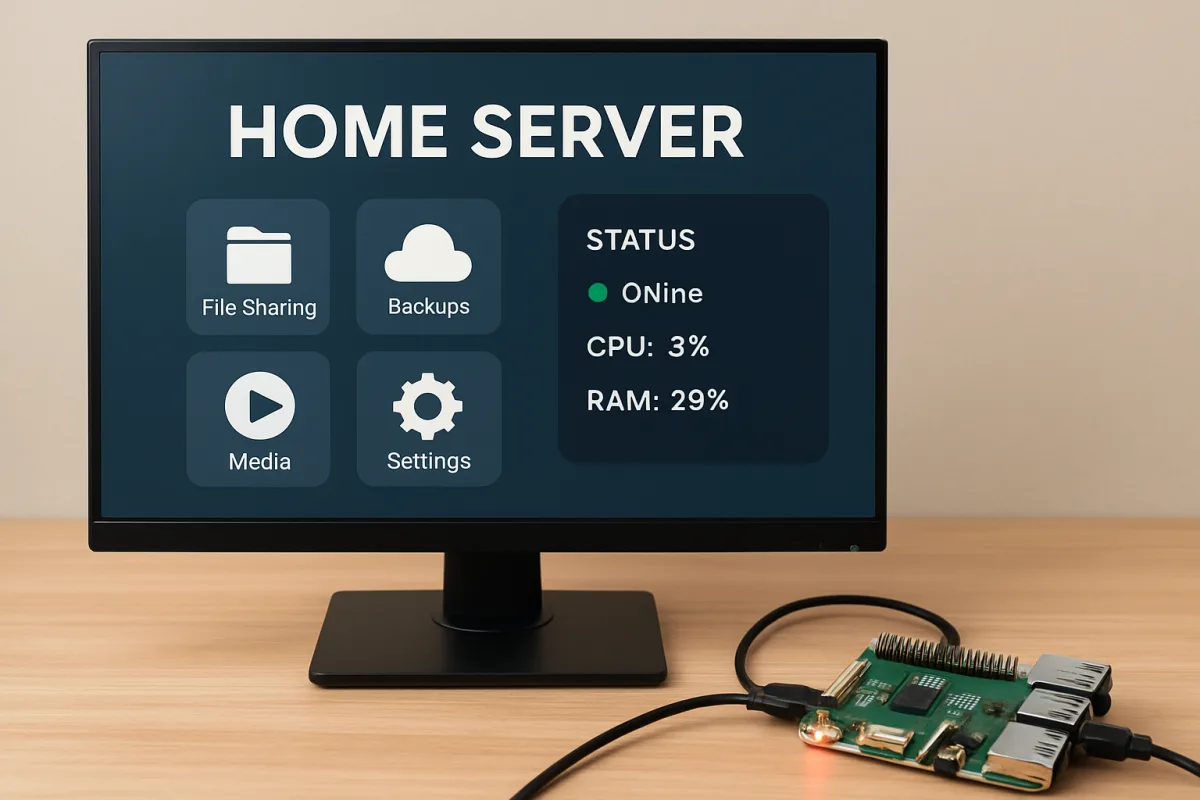
Setting up a home server can greatly enhance your digital experience by providing centralized storage, media streaming, and even hosting websites. Beginners should consider using a dedicated device like a Raspberry Pi or an old PC, along with user-friendly software such as FreeNAS or Plex. Start by determining your needs—whether it's file storage, media streaming, or a personal cloud—and choose hardware and software that align with those goals. Researching online tutorials can simplify the process.
Quick Summary
A home server setup for beginners involves selecting the right hardware and software to meet your needs. Options like Raspberry Pi or FreeNAS are popular for their ease of use. This guide will help you understand the basics of setting up a home server, including hardware choices and software recommendations.
Curator Notes
Setting up a home server is an excellent way to manage your digital assets, whether for personal use or small business applications. The first step is to identify your primary needs. Are you looking for file storage, media streaming, or perhaps hosting a website?
This will guide your choice of hardware and software. For beginners, devices like the Raspberry Pi are highly recommended due to their affordability and ease of use. Alternatively, repurposing an old PC can provide more power and storage.
On the software side, FreeNAS is a popular choice for file storage, while Plex excels in media streaming. Both platforms have extensive community support and tutorials available online, making the setup process more manageable. Once you've selected your hardware and software, follow step-by-step guides available on various tech forums and websites.
These resources can help you navigate the installation and configuration processes, ensuring that you get the most out of your home server setup.
Recommended Options
- Raspberry Pi Foundation Raspberry Pi 4: Best for Beginners looking for an affordable and compact server solution. Highly versatile and supported by a large community. Signal checked: Widely praised for its ease of use and extensive online resources. Alternative to consider: Old PC for more power and storage.
- FreeNAS: Best for Users needing a reliable file storage solution. Open-source and feature-rich, ideal for NAS setups. Signal checked: Highly rated in tech communities for its functionality. Alternative to consider: OpenMediaVault for a simpler interface.
- Plex: Best for Media enthusiasts wanting to stream content easily. Signal checked: Popular among users for its seamless streaming capabilities. Alternative to consider: Emby for more customization options.
Best Sources
Videos and Community Signals
Build. Upgrade. Save.: https://micro.center/ffb3a6 Sign up for a FREE 128gig Flash Drive at Micro Center's Newest Store: ...
(Sponsor): https://www.pulseway.com/ztt2020?rfid=ztt21 Thanks to Pulseway for sponsoring this video! Make sure to start your ...
Comparison
| Decision Point | Good Starting Choice | When to Go Further |
|---|---|---|
| Hardware Choice | Raspberry Pi 4 for compactness and cost-effectiveness. | Old PC for enhanced performance and larger storage. |
| Software Complexity | Plex for straightforward media streaming. | FreeNAS for advanced file management and NAS capabilities. |
| Community Support | Raspberry Pi has extensive online tutorials. | FreeNAS has a dedicated community for troubleshooting. |
FAQ
A home server is a dedicated computer that stores and manages data, allowing users to access files, stream media, and host applications from anywhere within their home network.
Yes, repurposing an old PC is a common and effective way to set up a home server, providing more power and storage than smaller devices like Raspberry Pi.
Popular options include FreeNAS for file storage and Plex for media streaming. Your choice should depend on your specific needs.