HD Screen Sharing Video Apps
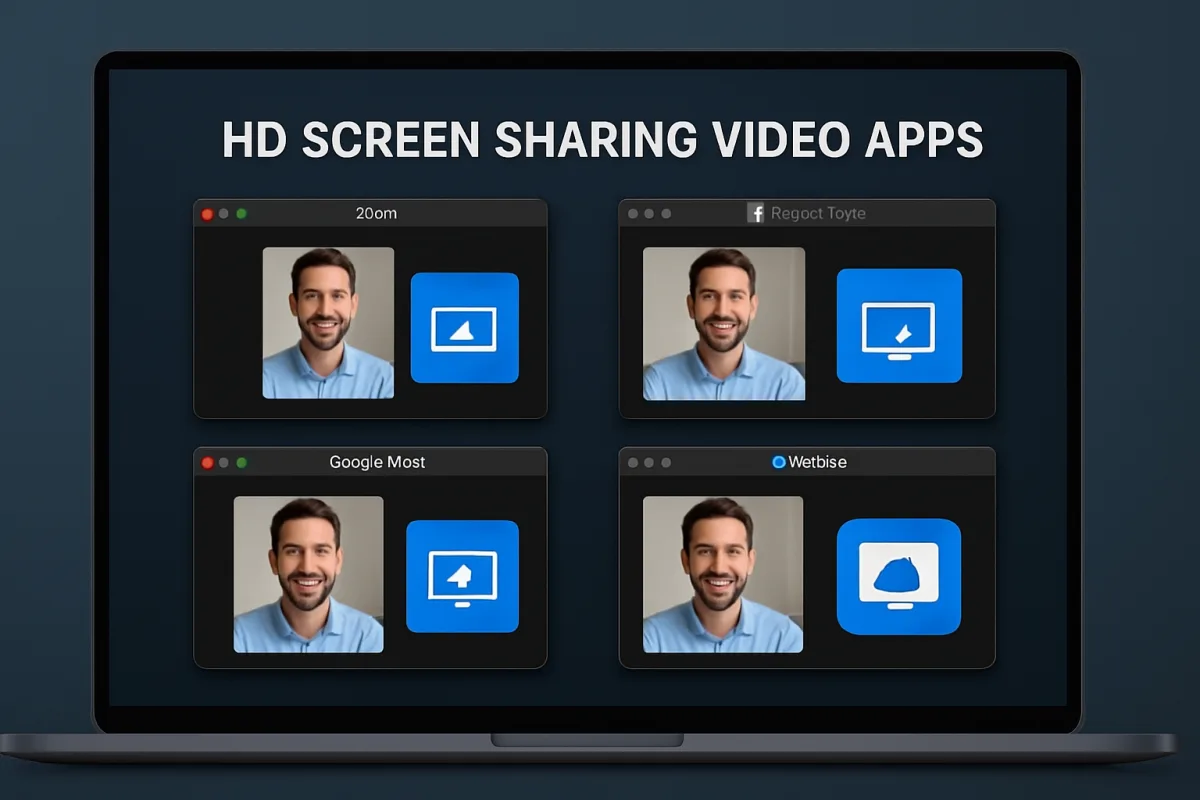
For high-definition screen sharing, several video apps stand out due to their features, usability, and support. Zoom is a popular choice, known for its robust features and ease of use, making it ideal for both personal and professional settings. Microsoft Teams excels in collaboration, especially for organizations already using Microsoft 365. Google Meet offers seamless integration with Google Workspace, making it perfect for users in that ecosystem. Each of these options has unique strengths, so the best choice depends on your specific needs and existing tools.
Quick Summary
Choosing the right HD screen sharing video app can significantly enhance your virtual meetings and collaborations. Zoom, Microsoft Teams, and Google Meet are among the top contenders, each offering unique features tailored to different user needs. Zoom is favored for its user-friendly interface and extensive features, while Microsoft Teams is ideal for businesses already integrated into the Microsoft ecosystem. Google Meet shines with its seamless Google Workspace integration. Understanding these differences will help you select the most suitable app for your requirements.
Curator Notes
When selecting an HD screen sharing video app, consider the specific features that matter most to you. Zoom is often the go-to choice for many due to its intuitive interface and comprehensive capabilities, including breakout rooms and extensive recording options. It's particularly well-suited for webinars and large meetings, making it a favorite among educators and corporate trainers alike.
However, users should be aware of potential security concerns that have been raised in the past, necessitating regular updates and vigilance on privacy settings. Microsoft Teams is another strong contender, especially for organizations that already utilize Microsoft 365. Its integration with other Microsoft tools allows for a seamless workflow, making it easy to share files and collaborate in real-time.
The downside is that it may have a steeper learning curve for new users, particularly those unfamiliar with the Microsoft ecosystem. Google Meet offers a straightforward solution for those who rely heavily on Google Workspace. Its ease of use and direct integration with Google Calendar make scheduling and joining meetings effortless.
However, it may lack some advanced features found in other platforms, such as extensive recording capabilities or customizable backgrounds, which could be a drawback for some users. For those who prioritize security and privacy, platforms like Jitsi Meet provide an open-source alternative that allows for self-hosting, giving users more control over their data. While it may not have the same level of polish or features as the major players, it’s a viable option for tech-savvy users.
Another option worth considering is Cisco Webex, which is known for its high-quality video and audio. It’s particularly popular in corporate environments and offers features like virtual backgrounds and advanced security protocols. However, its complexity might deter casual users.
Ultimately, the best HD screen sharing app will depend on your specific needs, such as the size of your meetings, the tools you already use, and your budget. It’s advisable to take advantage of free trials offered by these platforms to find the best fit before making a commitment. In summary, while Zoom, Microsoft Teams, and Google Meet are leading options, alternatives like Jitsi Meet and Cisco Webex also deserve consideration.
Each has distinct advantages and potential drawbacks, making it essential to evaluate them based on your unique requirements and preferences.
Recommended Options
- Zoom: Best for Webinars and large meetings User-friendly interface with extensive features. Signal checked: Widely used in education and corporate training. Alternative to consider: Cisco Webex for corporate environments.
- Microsoft Teams: Best for Organizations using Microsoft 365 Seamless integration with Microsoft tools. Signal checked: Popular in corporate settings for collaboration. Alternative to consider: Slack for more casual team communication.
- Google Meet: Best for Google Workspace users Easy scheduling and joining via Google Calendar. Signal checked: Integrated within Google Workspace. Alternative to consider: Zoom for more advanced features.
- Jitsi Meet: Best for Privacy-conscious users Signal checked: Growing popularity among tech-savvy users. Alternative to consider: Zoom for more polished features.
Best Sources
Videos and Community Signals
This is a Platform that helps users round the world connect together by sharing their screen and video records at the same time ...
In this video, we talk to you about Intermedia Unite Screen Sharing How It Works If you found this tutorial helpful, kindly show your ...
Comparison
| Decision Point | Good Starting Choice | When to Go Further |
|---|---|---|
| User Interface | Zoom for ease of use. | Microsoft Teams for integrated workflows. |
| Integration with Other Tools | Google Meet for Google Workspace. | Microsoft Teams for Microsoft 365. |
| Security Features | Jitsi Meet for self-hosting. | Cisco Webex for enterprise-level security. |
FAQ
Zoom and Microsoft Teams are top choices, with Teams excelling in organizations already using Microsoft tools.
Yes, Jitsi Meet offers a free, open-source solution for screen sharing.
Consider your existing tools, the size of your meetings, and the specific features you need.