Graphic Design From Scratch
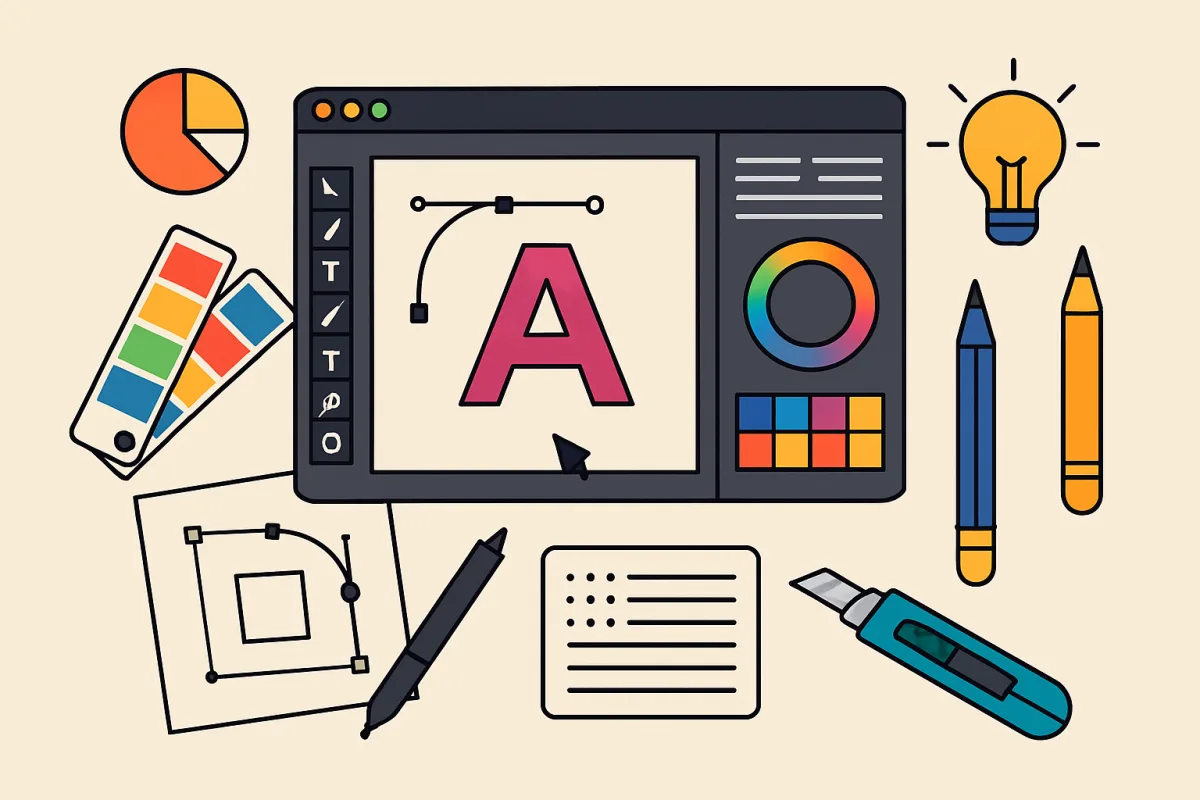
Learning graphic design from scratch involves understanding core principles, mastering essential tools, and practicing regularly. Start with foundational concepts like color theory, typography, and layout design. Familiarize yourself with software such as Adobe Photoshop or Illustrator, which are industry standards. Online platforms like Skillshare and Coursera offer structured courses that can guide beginners through the learning process. Additionally, engaging in design communities can provide feedback and inspiration. The key is consistent practice and seeking constructive criticism to refine your skills.
Quick Summary
Graphic design from scratch requires a solid grasp of fundamental principles and tools. Begin by exploring concepts like color theory and typography. Master software like Adobe Photoshop or Illustrator, which are vital in the industry. Online learning platforms such as Skillshare and Coursera offer valuable courses tailored for beginners. Regular practice and participation in design communities will enhance your skills and provide necessary feedback. The journey involves continuous learning and adaptation to design trends.
Curator Notes
Graphic design is a multifaceted discipline that combines creativity with technical skills. Starting from scratch means you need to build a solid foundation in design principles. Key concepts include color theory, which helps you understand how colors interact and evoke emotions, and typography, which is crucial for effective communication.
Layout design is another essential area, guiding how elements are arranged on a page for optimal visual impact. Familiarizing yourself with industry-standard software is vital. Adobe Photoshop and Illustrator are the go-to tools for many designers.
Photoshop excels in photo editing and raster graphics, while Illustrator is preferred for vector graphics. Both programs have extensive online tutorials and resources, making them accessible for beginners. Consider investing time in learning these tools through structured courses available on platforms like Skillshare, Udemy, or Coursera.
Practice is the cornerstone of developing your design skills. Start by replicating existing designs to understand techniques and styles. As you grow more confident, challenge yourself with original projects.
Regularly seek feedback from peers or online design communities, which can provide insights and constructive criticism. Platforms like Behance or Dribbble are excellent for sharing your work and connecting with other designers. Staying updated with design trends is equally important.
Follow design blogs, subscribe to newsletters, and engage with social media channels dedicated to graphic design. This will not only inspire your work but also keep you informed about new tools and techniques. Networking within the design community can open doors for collaboration and job opportunities.
Attend local design meetups or online webinars to connect with professionals in the field. Building relationships can lead to mentorship opportunities and valuable insights into the industry. Lastly, remember that graphic design is an evolving field.
Continuous learning is essential, whether through formal education or self-directed study. Embrace challenges and be open to experimenting with new styles and techniques. The more you practice and engage with the community, the more proficient you will become in graphic design.
Recommended Options
- Adobe Photoshop: Best for Photo editing and raster graphics Industry standard with extensive features for image manipulation. Signal checked: Widely used by professionals and has a vast library of tutorials. Alternative to consider: GIMP for a free alternative with similar capabilities.
- Adobe Illustrator: Best for Vector graphics and illustration Excellent for creating scalable graphics and logos. Signal checked: Preferred by graphic designers for its precision and versatility. Alternative to consider: Inkscape as a free, open-source vector graphics editor.
- Skillshare: Best for Structured courses on graphic design Offers a variety of classes from industry professionals. Signal checked: High user ratings and a diverse course catalog. Alternative to consider: Coursera for more formalized learning from universities.
Best Sources
Videos and Community Signals
This video was made for those who are interested in learning Graphic Design for the first time. In this video I go over what you ...
Subscribe to Adobe Creative Cloud: https://adobe.prf.hn/click/camref:1100lA4Zx/creativeref:1011l90048 Hi! In this video I'm ...
Comparison
| Decision Point | Good Starting Choice | When to Go Further |
|---|---|---|
| Learning Approach | Self-paced online courses for flexibility. | Structured classes with feedback for deeper learning. |
| Software Accessibility | Free tools for beginners to start without investment. | Professional software for industry-standard skills. |
| Community Engagement | Online forums for basic feedback. | Networking opportunities for collaboration and mentorship. |
FAQ
Adobe Photoshop and Illustrator are top choices, but free alternatives like GIMP and Inkscape are also effective.
Regular practice, seeking feedback, and staying updated with design trends are essential for improvement.
Yes, structured online courses provide valuable resources and guidance that can accelerate your learning.