Eye Strain From Gaming: What Helps
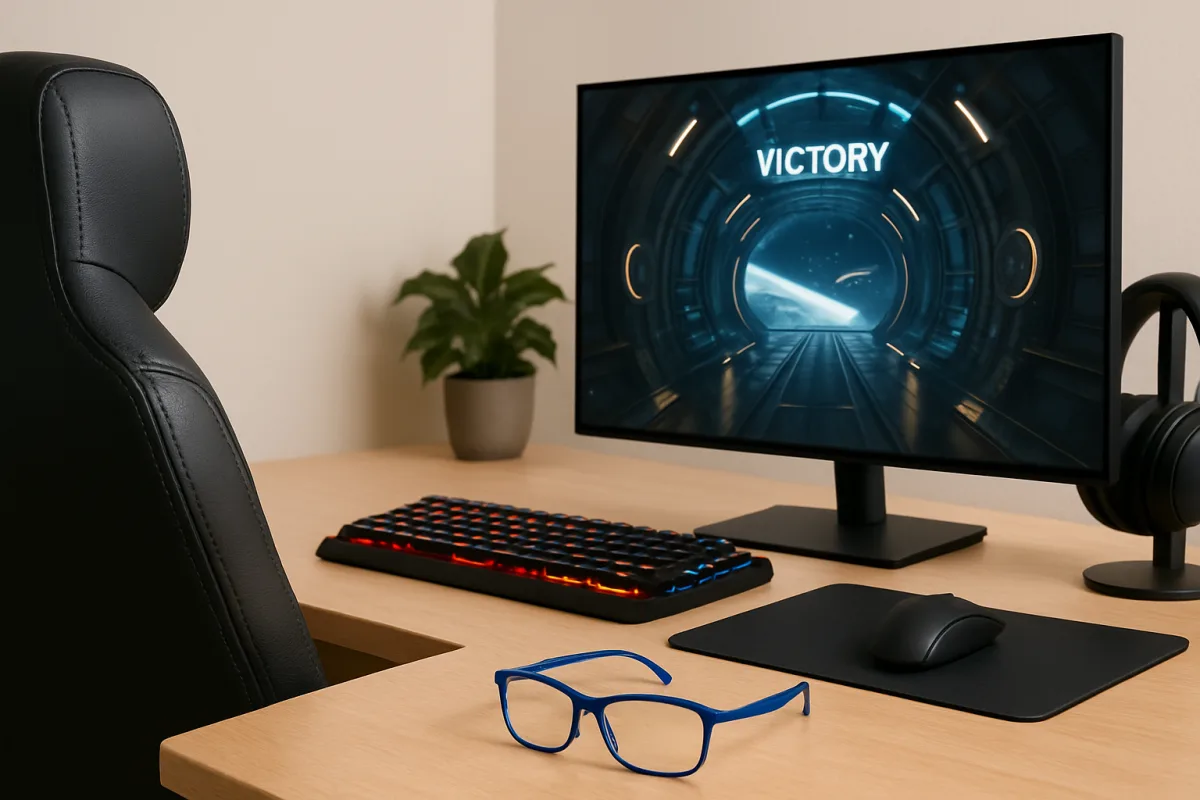
Eye strain from gaming is a common issue, often caused by prolonged screen time, poor lighting, and improper viewing distances. To alleviate symptoms, consider taking regular breaks using the 20-20-20 rule, adjusting screen brightness, and ensuring proper lighting in your gaming environment. Additionally, using blue light filters and ergonomic setups can significantly reduce discomfort.
Quick Summary
Eye strain from gaming can lead to discomfort and fatigue. Key strategies to alleviate this include taking breaks, adjusting screen settings, and optimizing your gaming environment. Implementing these methods can enhance your gaming experience and reduce eye strain.
Curator Notes
Eye strain, or digital eye strain, is a prevalent issue among gamers due to extended periods of screen exposure. Symptoms can include dryness, irritation, and blurred vision. To combat this, the 20-20-20 rule is highly recommended: every 20 minutes, look at something 20 feet away for at least 20 seconds.
This practice helps relax the eye muscles and reduces fatigue. In addition to regular breaks, adjusting screen brightness and contrast can make a significant difference. Ensuring that your gaming area is well-lit can also help minimize glare and strain.
Furthermore, using blue light filters on screens or wearing blue light blocking glasses can protect your eyes from harmful light emissions, especially during long gaming sessions. Ergonomic setups, including proper chair height and monitor positioning, can further enhance comfort and reduce strain.
Recommended Options
- Gunnar Blue Light Blocking Glasses: Best for Gamers looking to reduce eye strain Gunnar glasses are specifically designed to filter blue light and reduce glare, making them ideal for long gaming sessions. Signal checked: Highly rated by users for comfort and effectiveness in reducing eye fatigue. Alternative to consider: Felix Gray Blue Light Glasses
- f.lux Screen Brightness Adjustment Software: Best for Gamers who play late at night f.lux automatically adjusts your screen brightness and color temperature based on the time of day. Signal checked: Widely recommended by tech experts for improving eye comfort. Alternative to consider: Iris
- Secretlab Ergonomic Gaming Chair: Best for Gamers seeking comfort during long sessions Signal checked: Top-rated in multiple gaming chair reviews for comfort and durability. Alternative to consider: Herman Miller Aeron
Best Sources
Videos and Community Signals
Feeling eye strain from being on the computer or staring at your phone? Here are 5 tips to help with eye strain relief from computer ...
Check Out These Dank Links: Twitter: https://twitter.com/The_One_Boom Freedom: https://www.freedom.tm/via/TheOneBoom ...
Comparison
| Decision Point | Good Starting Choice | When to Go Further |
|---|---|---|
| Screen Break Frequency | Take a break every 20 minutes (20-20-20 rule) | Incorporate a timer app to remind you to take breaks regularly. |
| Lighting Conditions | Use ambient lighting to reduce glare | Invest in adjustable desk lamps with warm light settings. |
| Eye Protection | Use blue light blocking glasses | Combine glasses with screen filters for maximum protection. |
FAQ
Common symptoms include dryness, irritation, blurred vision, and headaches.
Implement the 20-20-20 rule, adjust screen settings, and ensure proper lighting.
Yes, they can help reduce eye fatigue and discomfort during prolonged screen time.