Ergonomic Home Office Guide
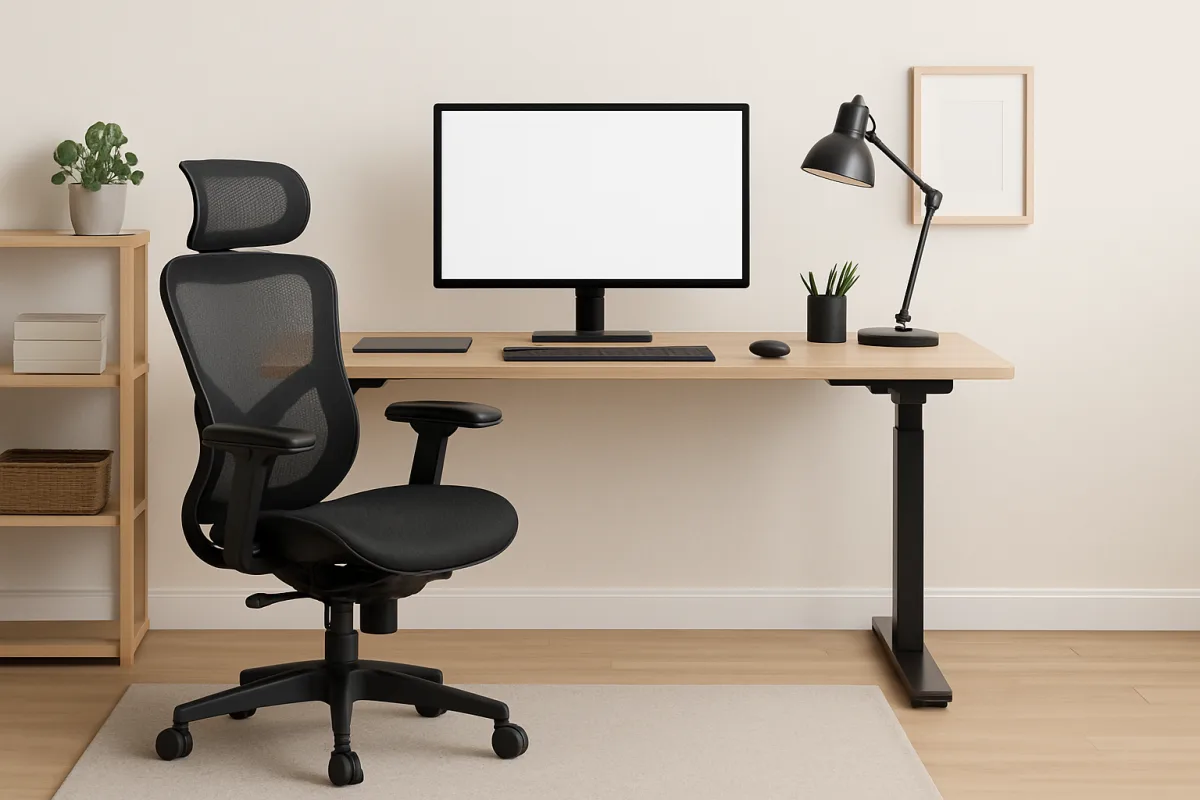
Creating an ergonomic home office is essential for maintaining comfort and productivity. Start by selecting an adjustable chair that supports your lower back, paired with a desk at the right height to keep your elbows at a 90-degree angle. Position your monitor at eye level to reduce neck strain, and consider using a keyboard and mouse that minimize wrist strain. Incorporating regular breaks and stretches into your routine can further enhance your comfort and focus throughout the day.
Quick Summary
An ergonomic home office setup is vital for both comfort and productivity. Key elements include an adjustable chair, a desk at the right height, and proper monitor positioning. Investing in ergonomic accessories like a keyboard and mouse can also help reduce strain. Regular breaks and stretches are crucial for maintaining well-being during long work hours. This guide will provide practical steps to create an effective ergonomic workspace tailored to your needs.
Curator Notes
Setting up an ergonomic home office is more than just a trend; it’s a necessity for anyone working long hours from home. The foundation of an ergonomic workspace starts with a good chair. Look for one that offers lumbar support and is adjustable to fit your body.
A chair that promotes good posture can significantly reduce back pain and fatigue, making it easier to focus on your work. Next, the height of your desk is crucial. Ideally, your elbows should be at a 90-degree angle when typing, which means your desk should be at a height that allows for this.
If your desk isn’t adjustable, consider using a keyboard tray or a standing desk converter to achieve the right position. This setup not only helps with comfort but can also improve your overall productivity. Monitor placement is another critical aspect.
Your screen should be at eye level, about an arm's length away. This positioning helps prevent neck strain and eye fatigue. If you use multiple monitors, ensure they are aligned to minimize head movement.
An adjustable monitor stand can be a worthwhile investment to achieve the perfect height. Ergonomic accessories can enhance your workspace further. An ergonomic keyboard and mouse can help reduce wrist strain, especially during long typing sessions.
Look for options that offer wrist support and are designed to keep your hands in a natural position. Additionally, consider a footrest if your feet don’t comfortably reach the ground, as this can improve circulation and comfort. Don’t forget about the importance of regular breaks.
Incorporating short breaks into your work routine can prevent fatigue and improve focus. Try the Pomodoro technique, which involves working for 25 minutes and then taking a 5-minute break. During these breaks, stand up, stretch, or walk around to keep your body active.
Lastly, personalize your workspace to make it inviting and motivating. Adding plants, personal photos, or artwork can create a pleasant atmosphere that enhances your mood and productivity. Remember, an ergonomic home office is not just about the furniture; it’s about creating a space that works for you and promotes well-being.
In summary, investing time and resources into creating an ergonomic home office can lead to significant improvements in comfort and productivity. By focusing on the right chair, desk height, monitor placement, and ergonomic accessories, you can create a workspace that supports your health and work efficiency.
Recommended Options
- Herman Miller Aeron Chair: Best for Individuals seeking long-term comfort and support. Renowned for its ergonomic design and adjustability, it provides excellent lumbar support. Signal checked: Highly rated by users and experts for durability and comfort. Alternative to consider: Steelcase Leap Chair
- Vari Electric Standing Desk: Best for Those looking to alternate between sitting and standing. Easy height adjustment with a sturdy build, promoting better posture. Signal checked: Popular among remote workers for its versatility. Alternative to consider: Flexispot E7 Standing Desk
- Logitech MX Master 3: Best for Users needing a comfortable, ergonomic mouse. Designed for comfort with customizable buttons for efficiency. Signal checked: Widely praised for its ergonomic design and functionality. Alternative to consider: Razer Basilisk Ultimate
Best Sources
Videos and Community Signals
Home Office Ergonomics, Episode 1: Arm and Keyboard Placement. Add a keyboard tray to guarantee your arms are parallel to ...
Follow me on Instagram and DM for the special discount coupon https://www.instagram.com/tec_tok_by_hareesh/ Offer Price ...
Comparison
| Decision Point | Good Starting Choice | When to Go Further |
|---|---|---|
| Chair Support | Basic lumbar support for occasional use. | Fully adjustable chair with premium lumbar support for daily use. |
| Desk Height | Standard desk height for sitting. | Adjustable height desk for sitting and standing options. |
| Monitor Positioning | Monitor at eye level with basic stand. | Adjustable monitor arm for optimal positioning. |
FAQ
The chair is often considered the most important element, as it supports your posture and comfort during long hours of work.
It's recommended to take a break every 25-30 minutes to stand, stretch, or walk around to prevent fatigue.
Yes, many budget-friendly options exist, such as using cushions for support and DIY solutions for desk height adjustments.