Digital Downloads Shopify Store
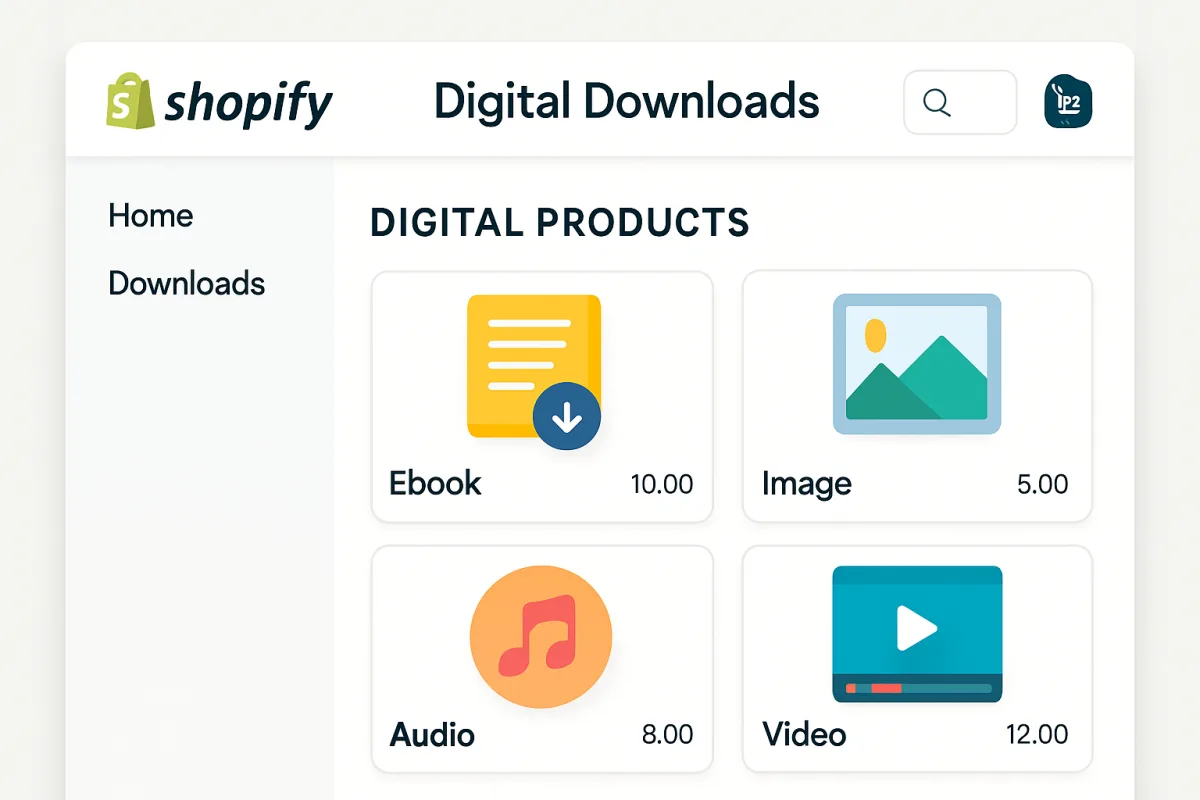
Creating a digital downloads store on Shopify can be streamlined with the right tools. Key options include Shopify's built-in Digital Downloads app, SendOwl, and FetchApp. Shopify's app is user-friendly and integrates seamlessly, making it ideal for beginners. SendOwl offers advanced features like affiliate marketing and upselling, suitable for more experienced sellers. FetchApp is great for those needing a simple solution without extensive features. Each option has unique benefits, so consider your specific needs before deciding.
Quick Summary
Launching a digital downloads store on Shopify requires selecting the right tools to manage your products effectively. Shopify's Digital Downloads app is a straightforward choice for beginners, while SendOwl provides advanced features for seasoned sellers. FetchApp offers a no-frills solution for those who want simplicity. Understanding the strengths of each tool can help you make an informed decision that aligns with your business goals.
Curator Notes
Setting up a digital downloads store on Shopify can be an exciting venture, especially with the variety of tools available to streamline the process. The Shopify Digital Downloads app is a popular choice for many newcomers. It integrates directly with your Shopify store, allowing you to manage your products easily.
This app is user-friendly and provides essential features like automatic delivery of files upon purchase, making it ideal for those just starting out. For those looking for more advanced capabilities, SendOwl is a strong contender. It offers features such as affiliate marketing, upselling, and detailed analytics.
This makes it suitable for sellers who want to maximize their revenue potential and have a more complex sales strategy. However, the learning curve can be steeper, which might be a consideration for beginners. FetchApp is another option worth mentioning.
It provides a simple and straightforward way to sell digital products without overwhelming users with features. This can be particularly appealing for those who want to focus on selling without the need for extensive setup or management. However, it may lack some of the advanced functionalities that more experienced sellers might require.
When choosing between these options, consider your specific needs. If you're just starting and want something easy to use, Shopify's Digital Downloads app is likely your best bet. If you plan to scale your business and need more sophisticated tools, SendOwl could be the way to go.
FetchApp serves as a good middle ground for those who want simplicity without sacrificing too much functionality. Another important factor is pricing. Shopify's app is free, while SendOwl and FetchApp have subscription fees that can vary based on the features you choose.
Be sure to evaluate your budget and how much you're willing to invest in tools versus potential revenue. Finally, customer support is a crucial consideration. Shopify offers robust support for its app, while SendOwl and FetchApp have varying levels of customer service.
Look into user reviews to gauge the support experience for each option, as this can significantly impact your overall satisfaction and success. In summary, the right choice for your digital downloads store on Shopify will depend on your experience level, the features you need, and your budget. Take the time to assess each option carefully to ensure it aligns with your business goals and operational style.
Recommended Options
- Shopify Digital Downloads: Best for Beginners looking for an easy setup Seamless integration with Shopify and user-friendly interface. Signal checked: Widely used by new Shopify merchants. Alternative to consider: SendOwl for advanced features.
- SendOwl: Best for Experienced sellers wanting advanced features Offers affiliate marketing and upselling capabilities. Signal checked: Positive reviews for its comprehensive features. Alternative to consider: FetchApp for simplicity.
- FetchApp: Best for Users needing a simple solution Easy to use with essential features for selling digital products. Signal checked: Good feedback for its straightforward approach. Alternative to consider: Digital Downloads for better integration.
Best Sources
Videos and Community Signals
Welcome back, creative friends! Today, we're diving into a requested topic: How to set up digital downloads and freebies on ...
In this video, you'll learn how to sell digital product on Shopify. Whether you're looking to sell your eBooks, guides, templates, ...
Comparison
| Decision Point | Good Starting Choice | When to Go Further |
|---|---|---|
| Ease of Use | Digital Downloads - great for beginners. | SendOwl - more complex but feature-rich. |
| Advanced Features | FetchApp - basic functionality. | SendOwl - includes upselling and analytics. |
| Pricing | Digital Downloads - free with Shopify. | SendOwl - subscription-based with tiered pricing. |
FAQ
You can sell eBooks, music, software, courses, and more through your Shopify store.
Yes, you need a Shopify subscription to access the Digital Downloads app.
Yes, you can set up discount codes for your digital products in Shopify.