Cursor vs GitHub Copilot Compared
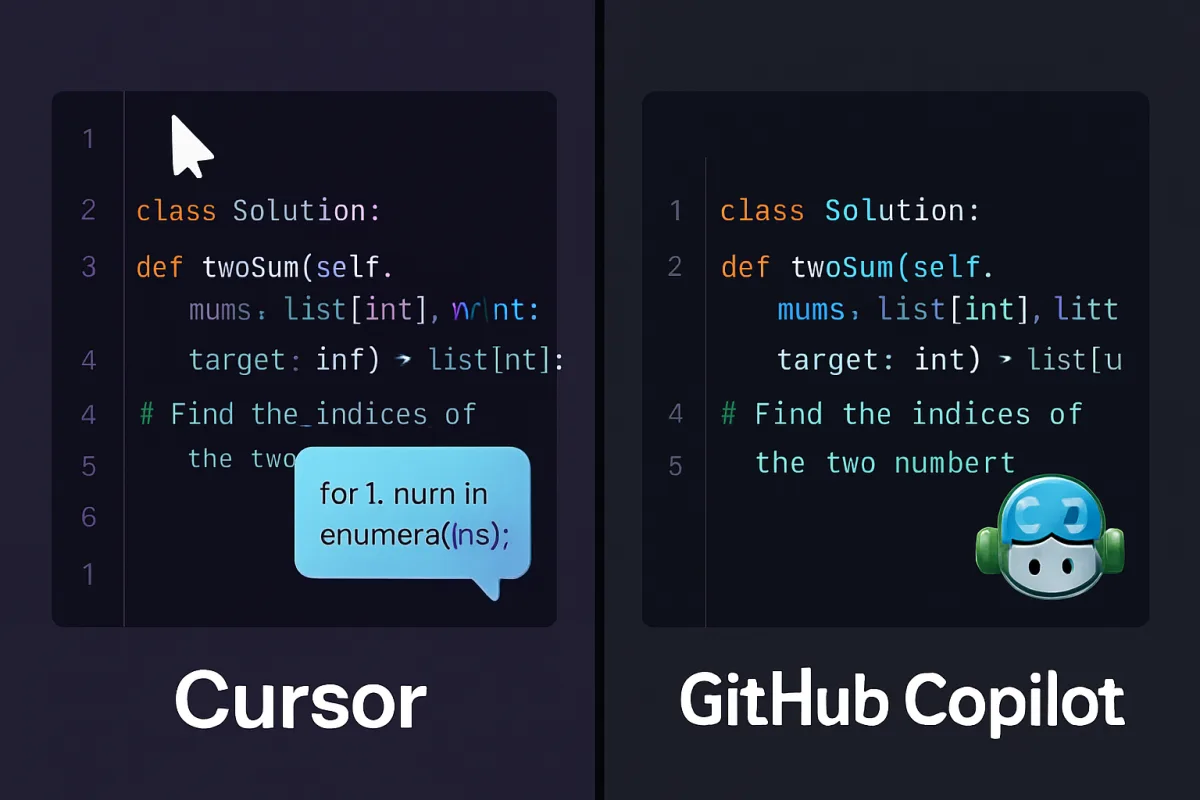
Cursor and GitHub Copilot are both AI-powered coding assistants designed to enhance developer productivity. Cursor focuses on providing a seamless coding experience with real-time suggestions and integrations, while GitHub Copilot leverages OpenAI's Codex to generate code snippets based on natural language prompts. Each tool has unique strengths, making them suitable for different types of developers and projects.
Quick Summary
This page compares Cursor and GitHub Copilot, two leading AI coding assistants. While Cursor emphasizes real-time coding support and integrations, GitHub Copilot excels in generating code from natural language. Understanding their differences can help developers choose the right tool for their needs.
Curator Notes
Cursor is designed for developers who prefer a more integrated coding experience. It offers real-time suggestions, making it easier to write code without interruptions. Its user-friendly interface and compatibility with various IDEs enhance productivity, especially for those who value immediate feedback while coding.
On the other hand, GitHub Copilot, powered by OpenAI's Codex, allows developers to generate code snippets by simply describing what they want in natural language. This feature is particularly beneficial for those who may not have a clear idea of how to implement a specific function or algorithm. However, it may require a bit more setup and understanding of how to effectively use its capabilities.
Ultimately, the choice between Cursor and GitHub Copilot depends on individual coding styles and project requirements. Developers who prefer real-time assistance may lean towards Cursor, while those looking for a tool that can generate code based on descriptions might find GitHub Copilot more useful.
Recommended Options
- Cursor: Best for Developers seeking real-time coding assistance. Offers seamless integration with various IDEs and real-time suggestions. Signal checked: Positive user feedback on productivity enhancements. Alternative to consider: GitHub Copilot for natural language code generation.
- GitHub Copilot: Best for Developers looking for code generation from natural language. Utilizes OpenAI's Codex to generate code snippets effectively. Signal checked: Widely adopted in the developer community with strong endorsements. Alternative to consider: Cursor for real-time coding support.
Best Sources
Videos and Community Signals
Discover the real differences between Cursor AI and GitHub Copilot in this quick comparison. I tested both tools for coding speed, ...
The full comparison of Cursor and GitHub Copilot. Features, pricing, benchmarks — and a clear winner. Cursor takes the lead.
Comparison
| Decision Point | Good Starting Choice | When to Go Further |
|---|---|---|
| Integration with IDEs | Cursor offers seamless integration with popular IDEs. | GitHub Copilot requires additional setup for integration. |
| Real-time coding suggestions | Cursor provides immediate feedback while coding. | GitHub Copilot generates code based on descriptions but lacks real-time suggestions. |
| Natural language processing | GitHub Copilot excels in generating code from natural language prompts. | Cursor does not focus on natural language generation. |
FAQ
Cursor is an AI-powered coding assistant that provides real-time suggestions and integrates with various IDEs to enhance developer productivity.
GitHub Copilot is an AI tool that generates code snippets based on natural language descriptions, powered by OpenAI's Codex.
Cursor may be better for beginners due to its real-time suggestions, while GitHub Copilot can be more complex to set up.