CI/CD Tools for Small Dev Teams
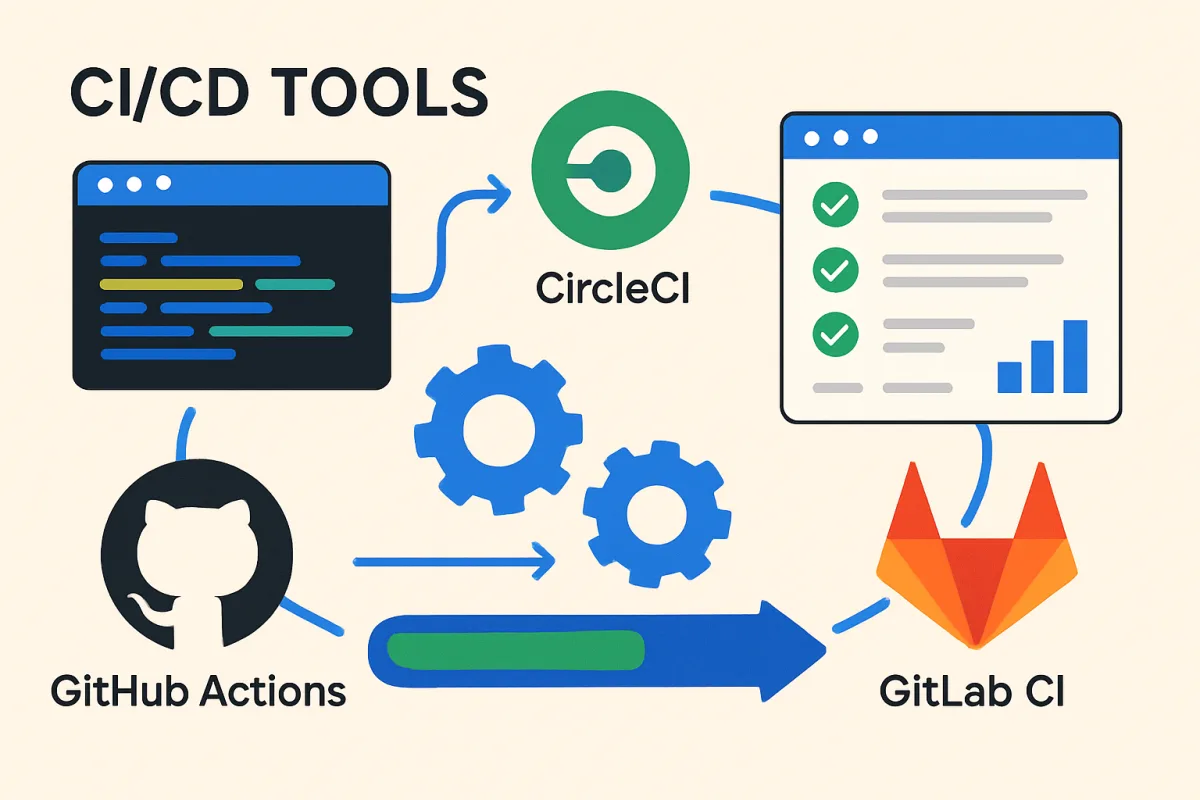
For small development teams looking to implement CI/CD practices, tools like GitHub Actions, CircleCI, and GitLab CI are highly recommended. GitHub Actions integrates seamlessly with GitHub repositories, making it ideal for teams already using GitHub. CircleCI offers robust performance and flexibility, suitable for teams needing extensive customization. GitLab CI provides a comprehensive DevOps platform, perfect for teams wanting an all-in-one solution. Each tool has unique strengths that cater to different team needs and workflows.
Quick Summary
Small development teams can benefit from CI/CD tools like GitHub Actions, CircleCI, and GitLab CI. These tools offer various features tailored to enhance productivity and streamline deployment processes. Choosing the right tool depends on the team's existing workflow and specific requirements.
Curator Notes
Continuous Integration and Continuous Deployment (CI/CD) tools are essential for small development teams aiming to streamline their workflows. GitHub Actions is particularly advantageous for teams already using GitHub, as it allows for seamless integration and automation of workflows directly within the repository. This can significantly reduce setup time and improve collaboration among team members.
On the other hand, CircleCI is known for its flexibility and performance. It offers extensive customization options, making it suitable for teams that require specific configurations to meet their unique needs. This flexibility can be a double-edged sword, as it may require more initial setup and maintenance.
GitLab CI stands out as an all-in-one DevOps platform, which is great for teams looking for a comprehensive solution that includes version control, CI/CD, and project management. While it may be more complex to set up initially, it can provide significant long-term benefits by centralizing all development processes in one platform. Each of these tools has its strengths, and the choice largely depends on the team's existing tools and specific project requirements.
Recommended Options
- GitHub Actions: Best for Teams using GitHub for version control Seamless integration with GitHub repositories and easy automation of workflows. Signal checked: Widely adopted by developers, with a strong community and extensive documentation. Alternative to consider: GitLab CI for teams looking for an all-in-one solution.
- CircleCI: Best for Teams needing extensive customization and performance Offers robust performance and flexibility with various configuration options. Signal checked: High user satisfaction ratings and strong performance benchmarks. Alternative to consider: Travis CI for teams preferring a simpler setup.
- GitLab CI: Best for Teams wanting a comprehensive DevOps platform Combines version control, CI/CD, and project management in one platform. Signal checked: Growing popularity among enterprises and strong integration capabilities. Alternative to consider: Bitbucket Pipelines for teams using Bitbucket.
Best Sources
Videos and Community Signals
What is DevOps? How to setup a CI/CD pipeline? Learn the basics of continuous integration & delivery and how it can optimize ...
Learn how I design CI/CD pipelines. in this video I diagram out the major components and considerations taken when creating ...
Comparison
| Decision Point | Good Starting Choice | When to Go Further |
|---|---|---|
| Integration with existing tools | GitHub Actions for GitHub users | GitLab CI for an all-in-one solution |
| Customization options | CircleCI for moderate customization | CircleCI for extensive customization needs |
| Ease of setup | GitHub Actions for quick setup | GitLab CI for a more complex but comprehensive setup |
FAQ
CI/CD stands for Continuous Integration and Continuous Deployment, a set of practices that automate the software development process.
CI/CD tools help small teams automate testing and deployment, improving efficiency and reducing errors.
Yes, teams can integrate multiple tools to leverage specific strengths, but it may increase complexity.