Best Website Builders for Beginners
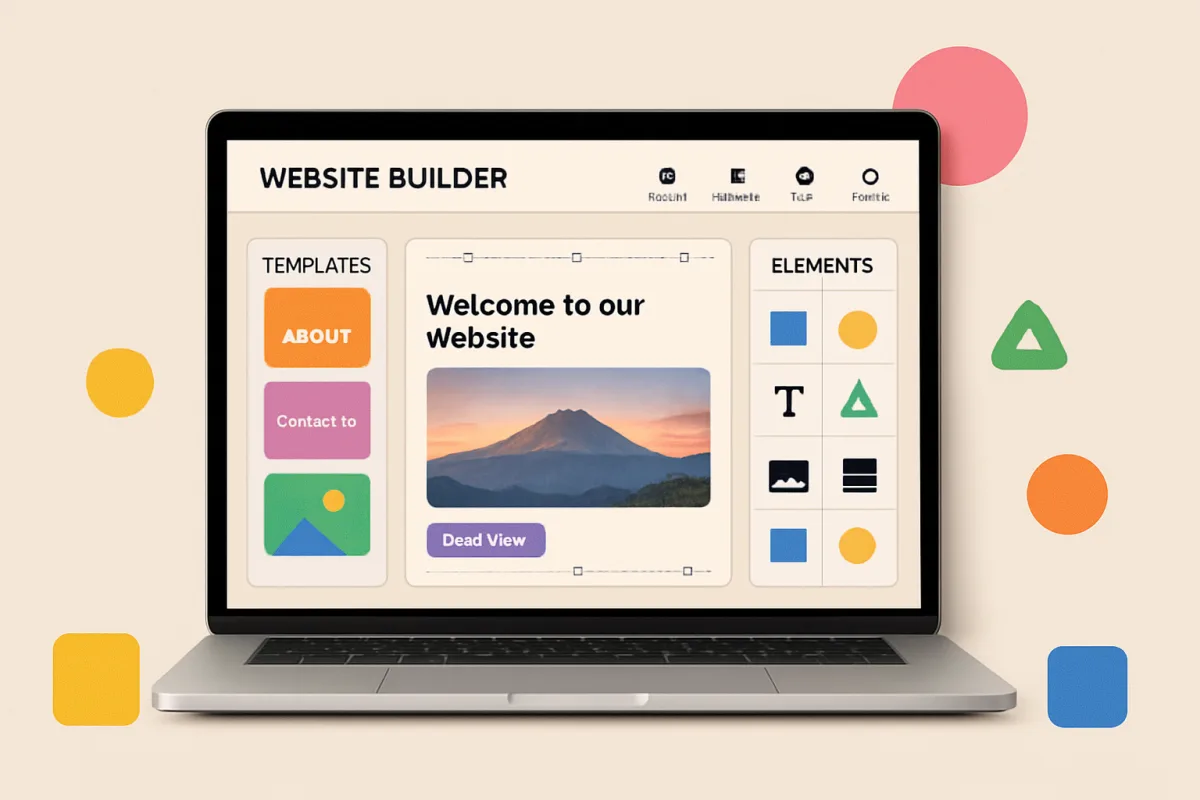
For beginners looking to create a website, popular choices include Wix, Squarespace, and WordPress.com. Wix is user-friendly with drag-and-drop features, making it ideal for those with no coding experience. Squarespace offers stunning templates and is great for creatives, while WordPress.com provides flexibility and scalability for future growth. Each platform has its strengths, catering to different needs and preferences.
Quick Summary
This guide explores the best website builders for beginners, focusing on user-friendly options like Wix, Squarespace, and WordPress.com. Each platform offers unique features that cater to different needs, making it easier for novices to establish an online presence without technical skills.
Curator Notes
Choosing the right website builder is crucial for beginners who want to create an online presence without extensive technical knowledge. Wix stands out for its intuitive drag-and-drop interface, allowing users to design their websites easily. It offers a variety of templates and customization options, making it suitable for personal blogs, portfolios, and small businesses alike.
Squarespace is another excellent choice, particularly for those in creative fields. Its visually appealing templates and built-in e-commerce features make it ideal for artists, photographers, and online stores. However, it may have a steeper learning curve compared to Wix.
On the other hand, WordPress.com provides a more flexible platform that can grow with your needs. While it may require a bit more technical know-how, it offers extensive plugins and themes, making it a powerful option for those looking to expand their website's functionality in the future. Each of these platforms has its pros and cons, so consider your specific needs and goals when making a decision.
Recommended Options
- Wix: Best for Beginners needing an easy-to-use website builder Wix offers a drag-and-drop interface and a vast library of templates. Signal checked: Highly rated for user-friendliness and customer support. Alternative to consider: Weebly for simpler e-commerce integration.
- Squarespace: Best for Creatives looking for visually stunning websites Known for its beautiful design templates and strong e-commerce capabilities. Signal checked: Popular among designers and photographers. Alternative to consider: Shopify for dedicated e-commerce features.
- WordPress.com: Best for Users wanting flexibility and scalability Signal checked: Widely used for blogs and professional websites. Alternative to consider: Blogger for simpler blogging needs.
Best Sources
Videos and Community Signals
Looking for the best website builder in 2026? I've tried them all and in this video I'll tell you which one is the best for you!
Building or redesigning a website is easier than it has ever been! I tested five different builders that all offer pre-made templates, ...
Comparison
| Decision Point | Good Starting Choice | When to Go Further |
|---|---|---|
| Ease of Use | Wix for straightforward drag-and-drop functionality. | WordPress.com for users willing to learn more complex features. |
| Design Options | Squarespace for visually appealing templates. | WordPress.com for extensive theme customization. |
| E-commerce Capabilities | Wix for basic online store features. | Squarespace for advanced e-commerce tools. |
FAQ
Wix is often considered the easiest due to its drag-and-drop interface and user-friendly design.
Yes, but it may require some effort to transfer content and design elements.
No, all three options are designed for users without coding experience.