Best Video Editing Apps for Creators
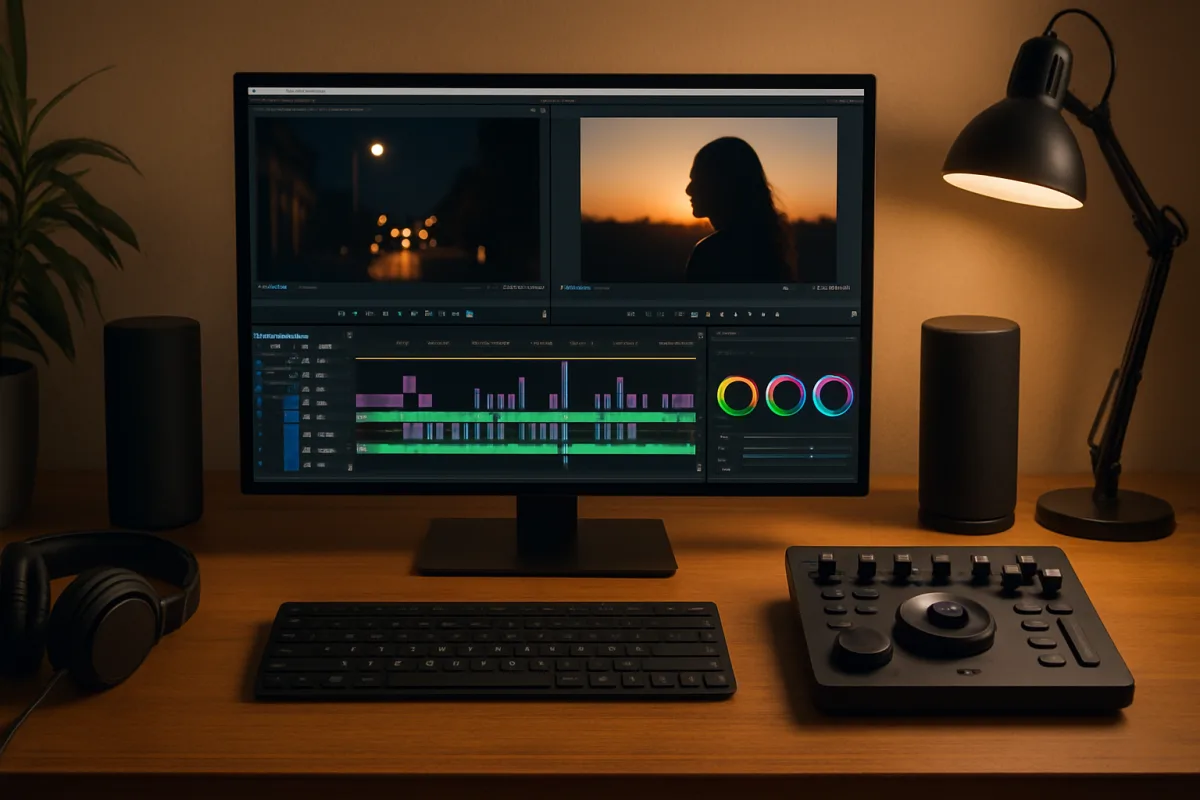
For creators seeking the best video editing apps, options like Adobe Premiere Pro, Final Cut Pro, and DaVinci Resolve stand out. Adobe Premiere Pro is ideal for professionals due to its comprehensive features and integration with other Adobe products. Final Cut Pro is favored by Mac users for its intuitive interface and optimized performance. DaVinci Resolve offers a robust free version, making it perfect for beginners and budget-conscious creators. Each app has unique strengths, catering to different user needs and skill levels.
Quick Summary
This guide highlights the best video editing apps for creators, focusing on Adobe Premiere Pro, Final Cut Pro, and DaVinci Resolve. Each app is tailored to specific user needs, from professional-grade editing to beginner-friendly options. Explore their features, strengths, and ideal use cases to find the right fit for your video projects.
Curator Notes
Video editing apps are essential tools for creators looking to produce high-quality content. Adobe Premiere Pro is widely recognized for its extensive features, making it a top choice for professionals. Its seamless integration with Adobe Creative Cloud allows for a streamlined workflow, especially for those already using Adobe products.
However, it comes with a subscription cost, which may not suit all budgets. Final Cut Pro is another excellent choice, particularly for Mac users. Its user-friendly interface and powerful editing capabilities make it a favorite among filmmakers and content creators.
The one-time purchase model can be more economical in the long run compared to subscription-based services. For those on a tighter budget, DaVinci Resolve offers a free version that includes many professional features. It's particularly known for its advanced color grading tools, making it suitable for creators who prioritize visual aesthetics.
While it has a steeper learning curve, the investment in time can yield impressive results, especially for aspiring filmmakers. Ultimately, the best video editing app depends on your specific needs, budget, and platform preference. Each of these options has its unique advantages, allowing creators to choose based on their individual requirements.
Recommended Options
- Adobe Premiere Pro: Best for Professional video editors Comprehensive features and seamless integration with Adobe Creative Cloud. Signal checked: Widely used in the industry, strong user reviews. Alternative to consider: Final Cut Pro for Mac users.
- Apple Final Cut Pro: Best for Mac users and filmmakers Intuitive interface and optimized for Mac performance. Signal checked: High ratings from Mac users, one-time purchase. Alternative to consider: Adobe Premiere Pro for cross-platform editing.
- DaVinci Resolve: Best for Budget-conscious creators and beginners Robust free version with advanced color grading tools. Signal checked: Highly rated for its powerful features, even in the free version. Alternative to consider: HitFilm Express for additional free features.
Best Sources
Videos and Community Signals
More on Globant here ➡️ https://globant.link/3EdiESn Want to master AI content creation and stay ahead of the curve?
Create Smarter Videos with Canva: https://www.canva.com/video-editor/ai/ You can get out of the content slump if you have the ...
Comparison
| Decision Point | Good Starting Choice | When to Go Further |
|---|---|---|
| Cost | DaVinci Resolve (Free version available) | Adobe Premiere Pro (Subscription-based) |
| Platform Compatibility | Final Cut Pro (Mac only) | Adobe Premiere Pro (Cross-platform) |
| User Interface | Final Cut Pro (Intuitive for beginners) | DaVinci Resolve (Steeper learning curve) |
FAQ
DaVinci Resolve is highly recommended for beginners due to its free version and extensive tutorials available online.
Yes, Adobe Premiere Pro is compatible with both Windows and Mac operating systems.
For Mac users, Final Cut Pro offers a powerful editing experience and is often considered worth the one-time purchase price.