Best Screenshot Tools for Windows
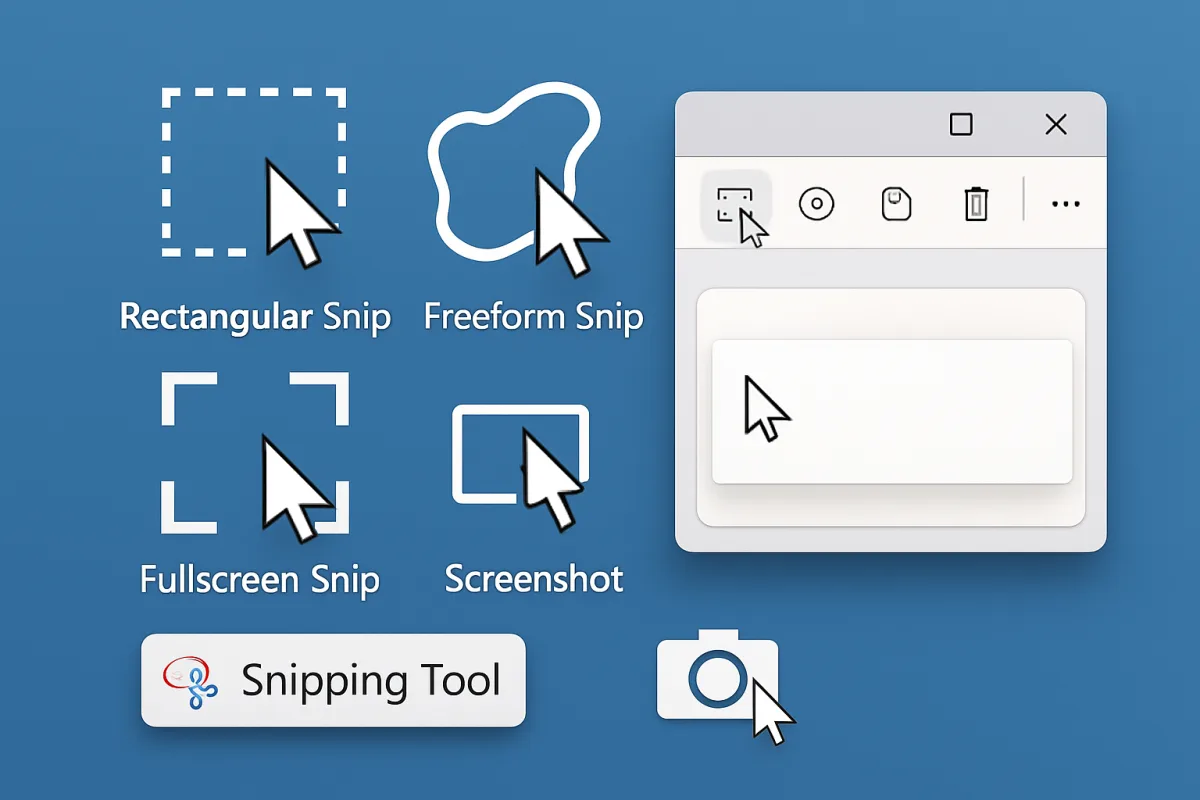
For capturing screenshots on Windows, several tools stand out for their features and usability. Snagit is a top choice for professionals due to its robust editing capabilities and ease of use, making it ideal for creating tutorials or presentations. Greenshot is a free option that offers essential features like quick editing and sharing, perfect for casual users. Lightshot is another user-friendly tool that allows for fast captures and easy sharing, making it suitable for social media users. Each of these tools caters to different needs, from advanced editing to simple screenshotting.
Quick Summary
Choosing the right screenshot tool for Windows can significantly enhance your productivity. Snagit is perfect for those needing advanced features and editing capabilities, while Greenshot offers a solid free alternative for basic needs. Lightshot stands out for its simplicity and quick sharing options. Understanding your specific requirements will help you select the best tool for your workflow.
Curator Notes
When it comes to screenshot tools for Windows, the options available cater to a wide range of user needs. For professionals who require advanced features, Snagit is often the go-to choice. It not only allows for capturing images but also provides extensive editing tools, making it ideal for creating detailed tutorials or presentations.
However, it comes with a price tag, which may not be suitable for all users. On the other hand, Greenshot is a fantastic free alternative that covers the basics effectively. It allows users to capture screenshots quickly and offers some editing features, such as annotations and highlights.
This makes it a great option for casual users who need a reliable tool without the commitment of a paid subscription. Lightshot is another noteworthy tool that focuses on simplicity and speed. It allows for quick captures and easy sharing through social media or cloud services.
Its intuitive interface makes it accessible for users who may not be tech-savvy, although it lacks some of the advanced editing features found in Snagit. For those who prioritize collaboration, tools like ShareX offer extensive sharing options alongside powerful capture features. It’s open-source and free, appealing to users who want a comprehensive tool without financial investment.
However, its learning curve may be steeper compared to more user-friendly options. When selecting a screenshot tool, consider your specific needs. If you require extensive editing and professional features, investing in Snagit may be worthwhile.
For basic needs, Greenshot or Lightshot can provide quick solutions without the cost. Additionally, think about how often you’ll use the tool and whether you need sharing capabilities, as this can influence your choice. Lastly, always keep in mind the support and updates offered by the software.
Paid tools like Snagit typically provide better customer support and regular updates, while free tools may have limited resources. Balancing features, usability, and cost will lead you to the right screenshot tool for your Windows setup.
Recommended Options
- TechSmith Snagit: Best for Professionals needing advanced editing features Comprehensive editing tools and user-friendly interface Signal checked: Highly rated by professionals for its functionality Alternative to consider: Greenshot for basic needs
- Greenshot: Best for Casual users looking for a free solution Offers essential features without cost Signal checked: Popular among users for its simplicity and effectiveness Alternative to consider: Lightshot for quick sharing
- Lightshot: Best for Users who need fast captures and sharing Quick and easy to use, ideal for social media Signal checked: Well-reviewed for its straightforward functionality Alternative to consider: ShareX for more advanced features
Best Sources
Videos and Community Signals
This video reveals the five best free snipping tools for Windows to simplify your screen captures. We start with Shareex, a powerful ...
ShareX is an amazing, free tool for capturing screenshots on Windows. So far it is the best tool I have found and it saves me loads ...
Comparison
| Decision Point | Good Starting Choice | When to Go Further |
|---|---|---|
| Editing capabilities | Greenshot for basic annotations | Snagit for comprehensive editing tools |
| Cost | Greenshot as a free option | Snagit as a paid tool with extensive features |
| Ease of use | Lightshot for quick and simple captures | Snagit for more complex workflows |
FAQ
Greenshot is widely regarded as the best free screenshot tool, offering essential features without cost.
Yes, tools like Snagit and Greenshot allow for editing screenshots after capture, with Snagit providing more advanced editing options.
For professionals needing extensive features and support, Snagit is often considered worth the investment.