Best Screen Recording Software
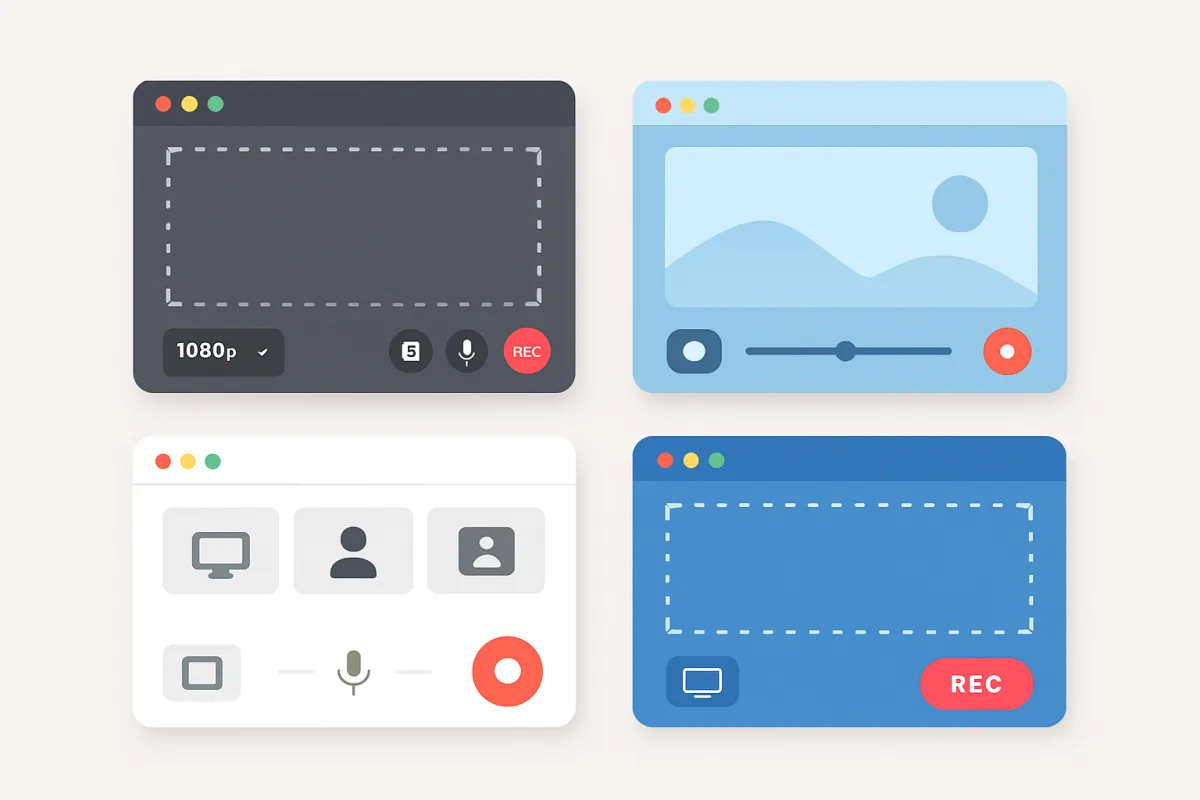
For effective screen recording, several software options stand out based on user needs and features. OBS Studio is a free, open-source tool favored for its flexibility and extensive customization, making it ideal for gamers and streamers. Camtasia offers a robust suite for professionals, combining screen recording with powerful editing tools, perfect for creating polished tutorials. For quick and easy recordings, Snagit provides a user-friendly interface with essential features, suitable for casual users and businesses alike. Each option has unique strengths, so consider your specific requirements before choosing.
Quick Summary
Selecting the right screen recording software can significantly enhance your content creation process. OBS Studio is excellent for those who need a free and customizable solution, especially gamers and streamers. Camtasia shines for professionals seeking advanced editing capabilities alongside recording. Snagit is perfect for quick captures and basic editing, making it user-friendly for casual users. Understanding the strengths of each software can help you make an informed choice that aligns with your recording needs.
Curator Notes
When it comes to screen recording software, the landscape is rich with options tailored to different user needs. OBS Studio is often the go-to for gamers and streamers. Its open-source nature allows for extensive customization, enabling users to tweak settings for optimal performance.
However, the learning curve can be steep for beginners, as it offers a plethora of features that may overwhelm those unfamiliar with video production software. Still, its zero cost and robust community support make it a strong contender for anyone serious about streaming or recording gameplay. Camtasia, on the other hand, is a premium option that combines screen recording with powerful editing capabilities.
It's particularly well-suited for professionals creating tutorials or educational content. The intuitive drag-and-drop interface simplifies the editing process, allowing users to produce high-quality videos without extensive video editing experience. However, the price point may be a barrier for casual users or those on a tight budget, making it essential to weigh the investment against the potential return in quality and time saved.
For those who need something straightforward and quick, Snagit is a fantastic choice. Its user-friendly interface allows for easy screen captures and basic editing, making it ideal for business professionals and casual users alike. While it lacks some advanced features found in OBS and Camtasia, its simplicity is its strength, allowing users to create content rapidly without a steep learning curve.
However, users looking for more advanced editing options may find it limiting. Another noteworthy option is Bandicam, which is particularly popular among gamers for its ability to record high-quality video at high frame rates. It offers a range of features, including webcam overlay and real-time drawing, which can enhance the recording experience.
However, it comes with a watermark in the free version, which may deter some users from using it for professional purposes. ScreenFlow is another strong contender for Mac users, offering a seamless experience with both recording and editing capabilities. Its robust features cater to those looking to create polished videos, but like Camtasia, it comes with a higher price tag, making it less accessible for casual users.
Ultimately, the best screen recording software for you will depend on your specific needs, budget, and level of expertise. Consider what features are most important to you—whether it’s advanced editing tools, ease of use, or cost—and choose accordingly. Each software has its strengths and weaknesses, so aligning your choice with your recording goals is crucial for achieving the best results.
Recommended Options
- OBS Studio: Best for Gamers and streamers looking for a free, customizable solution. Highly flexible with extensive features, ideal for live streaming. Signal checked: Widely used in the gaming community and praised for its functionality. Alternative to consider: Streamlabs OBS for a more user-friendly interface.
- Camtasia: Best for Professionals needing advanced editing and recording capabilities. Combines powerful editing tools with screen recording for polished videos. Signal checked: Highly rated by educators and marketers for its ease of use. Alternative to consider: Adobe Captivate for more interactive content creation.
- Snagit: Best for Casual users and businesses needing quick screen captures. User-friendly interface with essential features for fast recording. Signal checked: Popular among business professionals for its simplicity. Alternative to consider: Greenshot for a free, lightweight option.
- Bandicam: Best for Gamers wanting high-quality video recording. Signal checked: Favored by gamers for its performance. Alternative to consider: Fraps for a similar gaming-focused experience.
- ScreenFlow: Best for Mac users looking for an all-in-one recording and editing solution. Offers seamless integration with MacOS and robust editing features. Signal checked: Well-regarded in the creative community for video production. Alternative to consider: Final Cut Pro for more advanced editing needs.
Best Sources
Videos and Community Signals
The best Screen Recording apps are going to look great, be easy to use, and help you grow your channel. So let's explore some ...
These are the Top 5 Screen Recorders to Use in 2026… When looking for a free screen recorder to capture what is on your ...
Comparison
| Decision Point | Good Starting Choice | When to Go Further |
|---|---|---|
| Cost | OBS Studio (Free) | Camtasia ($249) |
| Ease of Use | Snagit (User-friendly) | Camtasia (Intuitive but feature-rich) |
| Editing Capabilities | Snagit (Basic editing) | Camtasia (Advanced editing tools) |
| Target Audience | Casual users (Snagit) | Professionals (Camtasia) |
| Platform Compatibility | OBS Studio (Windows, Mac, Linux) | ScreenFlow (Mac only) |
FAQ
OBS Studio is widely regarded as the best free option due to its extensive features and customization capabilities.
Yes, most screen recording software, including OBS Studio and Camtasia, allows you to record both screen and audio simultaneously.
If you need advanced editing features and high-quality output, Camtasia can be worth the investment for professionals.
Yes, OBS Studio is particularly popular for live streaming due to its robust features and customization options.
System requirements vary, but generally, a decent CPU, sufficient RAM, and a good graphics card are recommended for optimal performance.