Best Note Taking Apps for Students
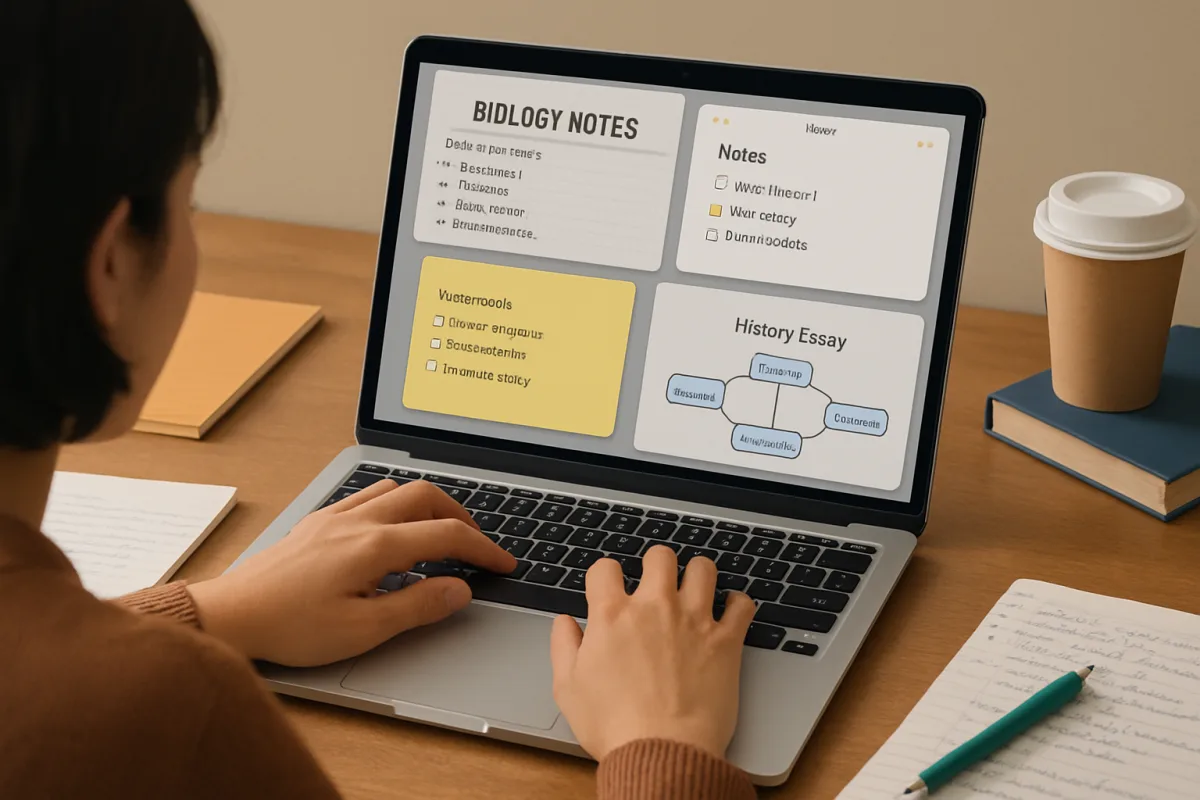
For students seeking effective note-taking solutions, several apps stand out. Notable options include Notion, which offers customizable templates and collaboration features; Evernote, known for its organizational capabilities and cross-device syncing; and Microsoft OneNote, which integrates seamlessly with other Microsoft products. Each app caters to different needs, from simple note-taking to complex project management, making them suitable for various academic requirements.
Quick Summary
Choosing the right note-taking app can significantly enhance a student's productivity. Notion, Evernote, and Microsoft OneNote are among the best options, each offering unique features tailored to different learning styles and organizational needs.
Curator Notes
Notion is a versatile tool that allows students to create notes, databases, and task lists all in one platform. Its flexibility makes it ideal for those who want to customize their study materials and collaborate with peers. The app's ability to integrate various media types, including images and links, enhances the learning experience, making it suitable for group projects and presentations.
Evernote excels in organization, providing features like tagging and notebooks to help students keep their notes structured. Its web clipping tool is particularly useful for research, allowing users to save articles and references directly into their notes. This app is best for students who prioritize organization and need to access their notes across multiple devices seamlessly.
Microsoft OneNote is perfect for those already using Microsoft Office products. Its integration with Word and Excel allows for easy data sharing and collaboration. OneNote's freeform canvas lets students jot down ideas in a non-linear fashion, making it great for brainstorming sessions.
Overall, the choice of app depends on individual study habits and preferences.
Recommended Options
- Notion: Best for Students who need a customizable and collaborative platform Offers a versatile workspace for notes, tasks, and databases Signal checked: Highly rated for its flexibility and user-friendly interface Alternative to consider: Trello for task management
- Evernote: Best for Students who require strong organizational tools Excellent for research with web clipping and tagging features Signal checked: Popular among students for its cross-device syncing Alternative to consider: Google Keep for simpler note-taking
- Microsoft OneNote: Best for Students using Microsoft Office products Seamless integration with Office suite and freeform note-taking Signal checked: Widely used in educational settings for collaboration Alternative to consider: Apple Notes for Apple ecosystem users
Best Sources
Videos and Community Signals
There are so many AI note takers out there, but which one is actually right for you? In this video, I'll help you understand the key ...
In this video, I explore my personal top 5 favorite AI notetaking apps. These are next‑generation tools that are great alternatives to ...
Comparison
| Decision Point | Good Starting Choice | When to Go Further |
|---|---|---|
| Customization | Notion for tailored notes and templates | Evernote for structured organization with tags |
| Integration | Microsoft OneNote for Office users | Notion for diverse media and collaboration |
| Research Tools | Evernote for web clipping | Notion for comprehensive project management |
FAQ
Notion is often recommended for its flexibility, but Evernote and OneNote are also excellent choices depending on your needs.
Yes, both Evernote and Microsoft OneNote offer offline capabilities, while Notion requires an internet connection for full functionality.