Best Cloud Storage Services
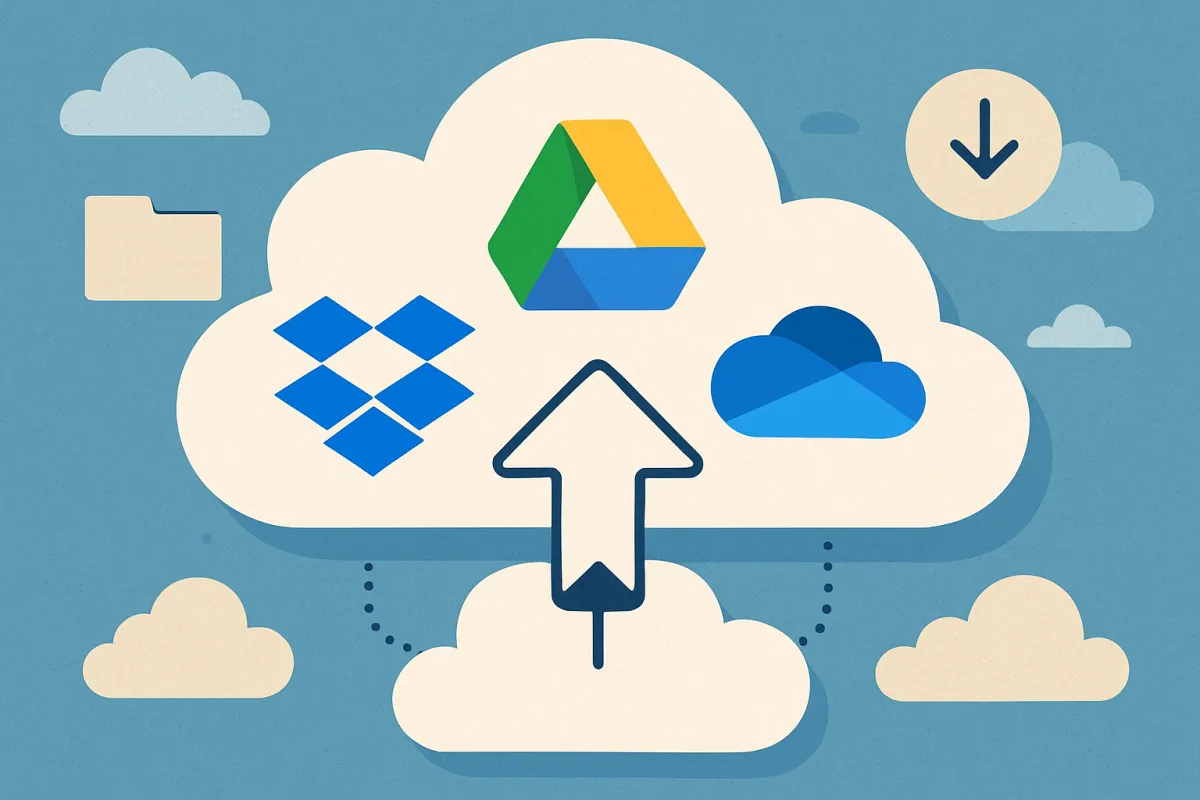
The best cloud storage services include Google Drive, Dropbox, and Microsoft OneDrive. Google Drive is ideal for users integrated into the Google ecosystem, offering seamless collaboration and storage options. Dropbox stands out for its user-friendly interface and strong team collaboration features, making it perfect for businesses. Microsoft OneDrive excels for users who rely on Microsoft Office applications, providing excellent integration and functionality. Each service has unique strengths and pricing structures, catering to different needs.
Quick Summary
Choosing the right cloud storage service can enhance productivity and collaboration. Google Drive, Dropbox, and Microsoft OneDrive are top options, each with distinct features catering to various user needs. This guide outlines their strengths, weaknesses, and pricing to help you make an informed decision.
Curator Notes
Cloud storage services have become essential for both personal and professional use, allowing users to store, access, and share files from anywhere. Google Drive offers robust integration with Google Workspace, making it an excellent choice for users who frequently use Google Docs, Sheets, and other tools. Its collaborative features allow multiple users to work on documents simultaneously, which is a significant advantage for teams.
Dropbox is well-known for its intuitive interface and strong focus on collaboration. It provides features like file requests and shared folders, making it easy for teams to work together. Additionally, Dropbox's Smart Sync feature allows users to manage storage space effectively by keeping files in the cloud until needed.
Microsoft OneDrive is particularly beneficial for users who rely on Microsoft Office applications. Its seamless integration with Office 365 allows users to save and access files directly from applications like Word and Excel. OneDrive also offers strong security features, making it a reliable choice for businesses concerned about data protection.
Each of these services has unique pricing structures and features, making it essential to evaluate your specific needs before choosing the right one.
Recommended Options
- Google Drive: Best for Users integrated into the Google ecosystem Seamless collaboration with Google Workspace tools Signal checked: High user satisfaction and extensive feature set Alternative to consider: Microsoft OneDrive for Office users
- Dropbox: Best for Teams needing strong collaboration features User-friendly interface and effective team tools Signal checked: Widely praised for its ease of use and functionality Alternative to consider: Box for enterprise-level needs
- Microsoft OneDrive: Best for Users reliant on Microsoft Office applications Excellent integration with Office 365 Signal checked: Strong security features and user trust Alternative to consider: Google Drive for Google users
Best Sources
Videos and Community Signals
The cloud is what allows you to access everything remotely on the Internet. This is everything you need to know about the cloud ...
What is cloud computing? Cloud computing refers to data and applications being stored and run on the cloud rather than being on ...
Comparison
| Decision Point | Good Starting Choice | When to Go Further |
|---|---|---|
| Integration with productivity tools | Google Drive for Google Workspace | Microsoft OneDrive for Office 365 |
| User interface and ease of use | Dropbox for intuitive design | Google Drive for advanced collaboration features |
| Security features | OneDrive for strong security | Dropbox for additional team controls |
FAQ
Google Drive is often considered the best for personal use due to its integration with Google services and generous free storage.
Consider factors like integration with tools you use, storage capacity, security features, and collaboration capabilities.