Automate PDF Tasks With AI
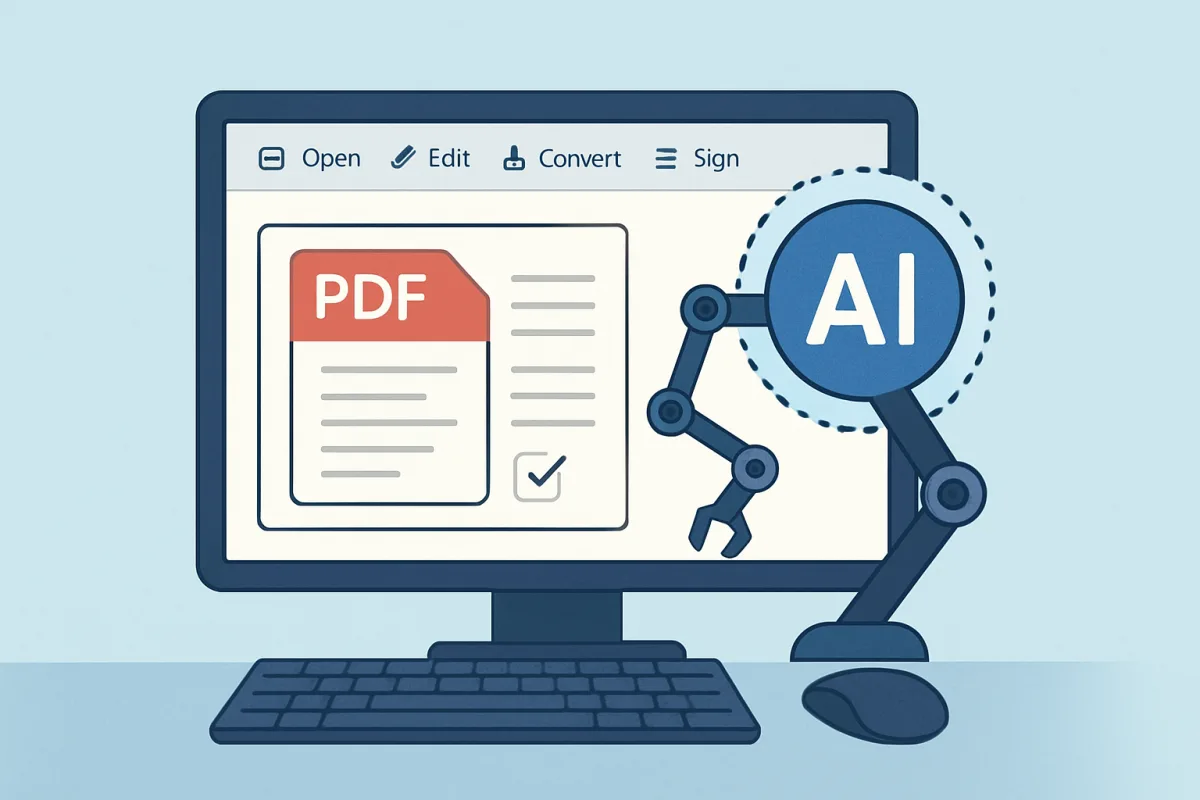
Automating PDF tasks with AI can significantly enhance productivity and streamline workflows. Tools like Adobe Acrobat Pro DC, Smallpdf, and PDFTron are leading options. Adobe Acrobat Pro DC is ideal for comprehensive editing and OCR capabilities, making it suitable for professionals needing robust features. Smallpdf offers a user-friendly interface for quick tasks, perfect for occasional users. PDFTron stands out for its extensive API capabilities, making it suitable for developers looking to integrate PDF functionalities into their applications. Each tool has unique strengths that cater to different user needs, ensuring there's a suitable option for everyone.
Quick Summary
Automating PDF tasks using AI tools can save time and reduce manual effort. Options like Adobe Acrobat Pro DC, Smallpdf, and PDFTron cater to various user needs. Adobe excels in comprehensive features, making it ideal for professionals. Smallpdf is user-friendly for quick tasks, while PDFTron offers extensive API capabilities for developers. Understanding the strengths of each tool helps users select the best fit for their PDF automation needs.
Curator Notes
The rise of AI has transformed how we handle PDFs, making automation a game-changer for efficiency. Tools like Adobe Acrobat Pro DC are not just about editing; they offer advanced features such as Optical Character Recognition (OCR) and form creation, which are invaluable for businesses that deal with large volumes of documents. This makes it a top choice for professionals who require a comprehensive solution.
Smallpdf, on the other hand, is perfect for those who need quick and straightforward PDF tasks without the complexity. Its intuitive interface allows users to compress, convert, and edit PDFs easily, making it ideal for occasional users or small businesses that don’t require extensive features. For developers, PDFTron is a standout option.
Its robust API allows for seamless integration of PDF functionalities into existing applications. This flexibility is crucial for businesses looking to customize their PDF solutions without starting from scratch. However, it may require a steeper learning curve, which could be a consideration for smaller teams.
When choosing a tool, consider the specific tasks you need to automate. If your work involves heavy editing and document management, Adobe Acrobat Pro DC is likely the best fit. For lighter, more casual use, Smallpdf offers a no-fuss approach.
If you’re developing software that requires PDF manipulation, PDFTron’s API capabilities will serve you well. Another factor to consider is pricing. Adobe Acrobat Pro DC operates on a subscription model, which can be a barrier for some users.
Smallpdf offers a freemium model, allowing users to access basic features for free, which is appealing for those on a budget. PDFTron’s pricing is more tailored to enterprise solutions, which may not be necessary for smaller operations. User support and community feedback also play a significant role in the decision-making process.
Adobe has a long-standing reputation and extensive resources for troubleshooting. Smallpdf, while newer, has garnered positive reviews for its customer service. PDFTron, being more technical, may have a steeper support requirement, which could be a consideration for teams without dedicated IT resources.
Ultimately, the best choice depends on your specific needs, budget, and the complexity of tasks you plan to automate. Understanding these factors will guide you to the right tool for automating your PDF tasks effectively.
Recommended Options
- Adobe Acrobat Pro DC: Best for Professionals needing comprehensive PDF editing and management. Offers advanced features like OCR, form creation, and extensive editing tools. Signal checked: Widely used in industries, strong user reviews for feature richness. Alternative to consider: Foxit PhantomPDF for a more budget-friendly option with similar features.
- Smallpdf: Best for Casual users needing quick and easy PDF tasks. User-friendly interface with essential features available for free. Signal checked: Positive user feedback for ease of use and accessibility. Alternative to consider: ILovePDF for similar functionality with a different interface.
- PDFTron: Best for Developers looking to integrate PDF functionalities into applications. Robust API capabilities for extensive customization. Signal checked: Recommended for enterprise solutions and integration projects. Alternative to consider: DocuSign for document signing and management features.
Best Sources
Videos and Community Signals
HubSpot's Free Guide: https://clickhubspot.com/5c4cca Every AI tool excels at one thing. #ChatGPT follows complex instructions ...
Looking for the best AI tools to boost productivity, automate tasks, and create content effortlessly? This video showcases 7 must-try ...
Comparison
| Decision Point | Good Starting Choice | When to Go Further |
|---|---|---|
| Ease of Use | Smallpdf is ideal for quick tasks with a simple interface. | Adobe Acrobat Pro DC offers advanced features but has a steeper learning curve. |
| Feature Set | Smallpdf covers essential tasks like conversion and compression. | Adobe Acrobat Pro DC provides comprehensive editing, OCR, and form creation. |
| Integration Capabilities | Smallpdf works well for standalone tasks. | PDFTron excels with its API for custom integrations. |
| Pricing Model | Smallpdf offers a freemium model for basic tasks. | Adobe Acrobat Pro DC requires a subscription, which may be a barrier. |
FAQ
You can automate tasks like editing, converting formats, compressing files, and extracting data from PDFs.
Yes, tools like Smallpdf offer free features for basic PDF tasks, while others may have trial versions.
PDFTron is highly recommended for developers due to its robust API and customization capabilities.
For professionals needing extensive features, Adobe Acrobat Pro DC is worth the investment due to its comprehensive capabilities.