AI Tools for Background Removal
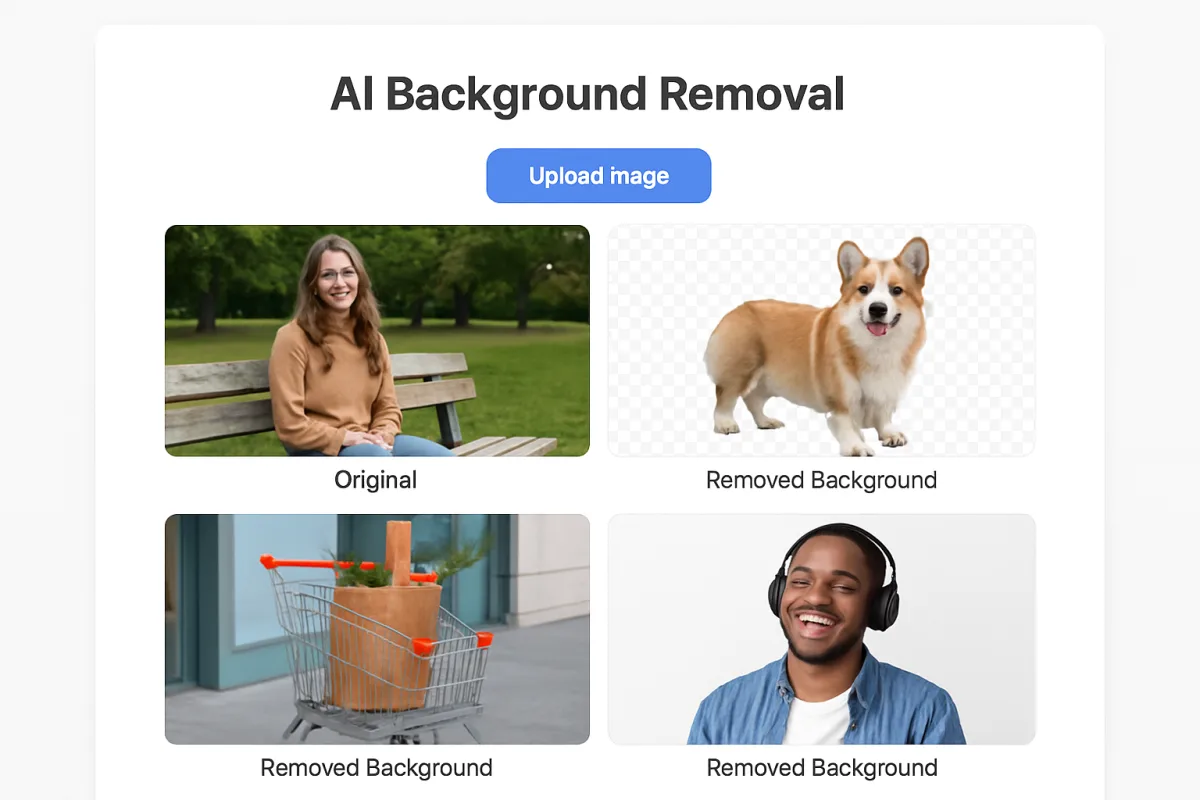
AI tools for background removal have become essential for graphic designers, marketers, and content creators. Popular options include Adobe Photoshop's AI features, remove.bg, and Canva's background remover. Each tool offers unique strengths: Photoshop is best for professionals needing advanced editing, remove.bg excels in speed and simplicity, while Canva is ideal for users seeking an all-in-one design platform. These tools streamline the editing process, saving time and enhancing productivity.
Quick Summary
This guide explores top AI tools for background removal, detailing their strengths and ideal users. Key options include Adobe Photoshop, remove.bg, and Canva. Each tool caters to different needs, from professional editing to quick online solutions, making it easier to choose the right one for your projects.
Curator Notes
AI tools for background removal have transformed how we edit images, making the process faster and more efficient. Adobe Photoshop remains a leading choice, particularly for professionals who require comprehensive editing capabilities. Its AI features allow for precise selections and complex edits, making it suitable for high-quality projects.
However, it comes with a steeper learning curve and subscription costs that may not suit casual users. On the other hand, remove.bg offers a straightforward and user-friendly solution. This tool is designed specifically for background removal, allowing users to upload images and receive instant results.
It's perfect for those who need quick edits without the complexity of more advanced software. Canva, while primarily a design platform, includes a background remover that is accessible and integrates seamlessly with its other design features, making it a great choice for marketers and social media managers. When selecting a tool, consider your specific needs: if you require advanced editing, Photoshop is the way to go; for quick, no-fuss background removal, opt for remove.bg; and for an all-in-one design solution, Canva is ideal.
Each tool has its trade-offs in terms of complexity, cost, and functionality, so choose based on your workflow and project requirements.
Recommended Options
- Adobe Photoshop: Best for Professional graphic designers and photographers Comprehensive editing capabilities with advanced AI features. Signal checked: Widely regarded as the industry standard for image editing. Alternative to consider: GIMP for a free alternative with similar capabilities.
- remove.bg: Best for Users needing quick and easy background removal Instant results with a simple upload process. Signal checked: High user satisfaction ratings for speed and ease of use. Alternative to consider: Clipping Magic for more control over the editing process.
- Canva: Best for Marketers and social media managers Integrates background removal with a full design suite. Signal checked: Popular among non-designers for its user-friendly interface. Alternative to consider: Visme for additional design features.
Best Sources
Videos and Community Signals
How To Remove Video Background - Top 3 AI Tools! In this tutorial, I show you how to remove background from video using AI ...
Learn how to remove image backgrounds for free using powerful online tools. No Photoshop needed—quick, easy, and perfect for ...
Comparison
| Decision Point | Good Starting Choice | When to Go Further |
|---|---|---|
| Ease of Use | remove.bg for quick edits | Adobe Photoshop for detailed control |
| Cost | remove.bg offers free basic services | Adobe Photoshop requires a subscription |
| Design Integration | Canva for all-in-one design needs | Photoshop for professional-grade editing |
FAQ
The best tool depends on your needs: Adobe Photoshop for advanced editing, remove.bg for quick results, and Canva for integrated design.
Yes, remove.bg offers a free version, and GIMP is a free alternative to Photoshop.
Yes, but check the licensing agreements for each tool to ensure compliance.